Flare — the fast gear
An image every five to ten seconds at the same resolution-based credit price as Sunburst. It is the default for drafts, variations, and anything you will iterate on — including every free-credit render.


 Example
It is the speed-focused variant of ChatGPT Images 2.5. The model generates and edits images from text prompts and reference photos in about five to ten seconds per render — fast enough that iteration stops being a budget decision and becomes a workflow. At 1K, both variants feel quick; Sunburst's additional precision matters most on detailed 2K and 4K work.
It shares the ZingPix studio with everything else here — sketches, annotations, up to 16 reference images, and full version history. Both models draw from the same credit balance; switching between Flare and Sunburst does not itself submit a generation, but every new generation or edit uses the exact cost shown before you run it. Drafts, finals, and references live side by side.
It is built for creators who think in iterations: social teams testing ten thumbnails before lunch, designers sketching directions on a client call, writers prototyping covers mid-draft, and anyone whose best idea shows up at version seven. If volume drives quality, this is the model.
Same studio, two gears — Flare is the fast one.
An image every five to ten seconds at the same resolution-based credit price as Sunburst. It is the default for drafts, variations, and anything you will iterate on — including every free-credit render.
It takes twenty-five to forty-five seconds per image and adds what final deliverables need: fine typography, layered graphics, reference-accurate portraits. Explore here, finish there.
Same prompt, both models — drag the handle to compare. Choose the output resolution before generating; the selected model and resolution affect how long the result takes.
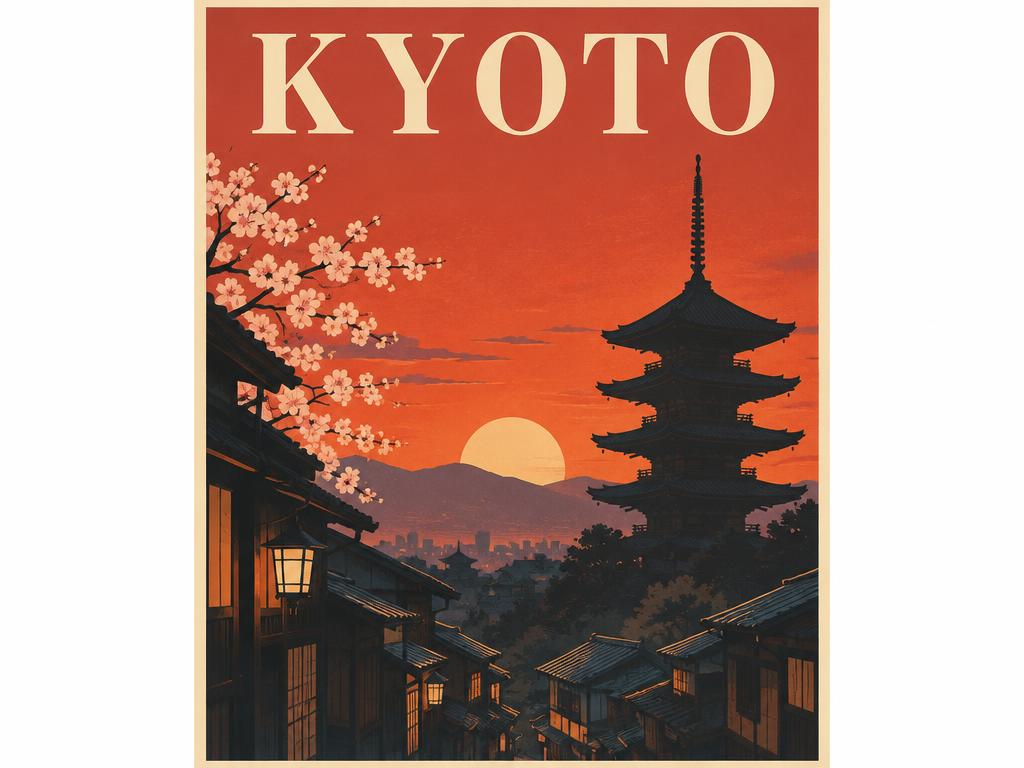
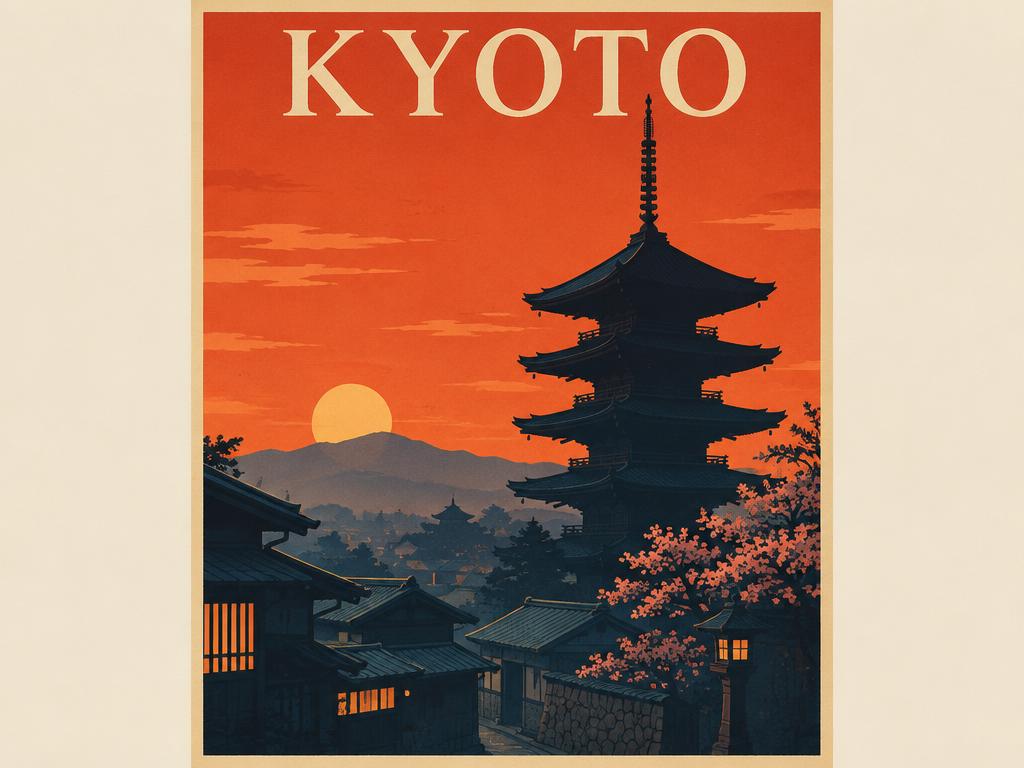
Rule of thumb: explore in Flare, finish in Sunburst — both live in the same form above.
The model selector is already set — Flare is the default on this page.
Write a prompt, draw a composition sketch, or drop up to 16 reference images — the form on this page is the full studio. The model selector is the one thing removed: it is locked to the fast model. Nothing else about the studio is locked.
Choose 1K for quick drafts, 2K for larger assets, or 4K for high-resolution delivery. Each generation costs 1, 4, or 6 credits respectively. Queue position and a live timer show while each render runs.
Review the result, pin annotated edits, or feed it back as a reference. Iterations are the point; every version stays in your assets.
Change one thing per render. Prompt A/B tests read cleanly when a single variable moves — swap the lighting word, not the whole sentence, and compare the pair. The version strip keeps both attempts side by side for the verdict.
Draft at 1K to use the lowest credit cost. Move to 2K or 4K when the approved direction needs a larger output.
Promote the winner. When a draft is right, regenerate the same prompt in Sunburst for crisp text and fine detail — the handoff keeps every reference and annotation, and nothing about it is manual.
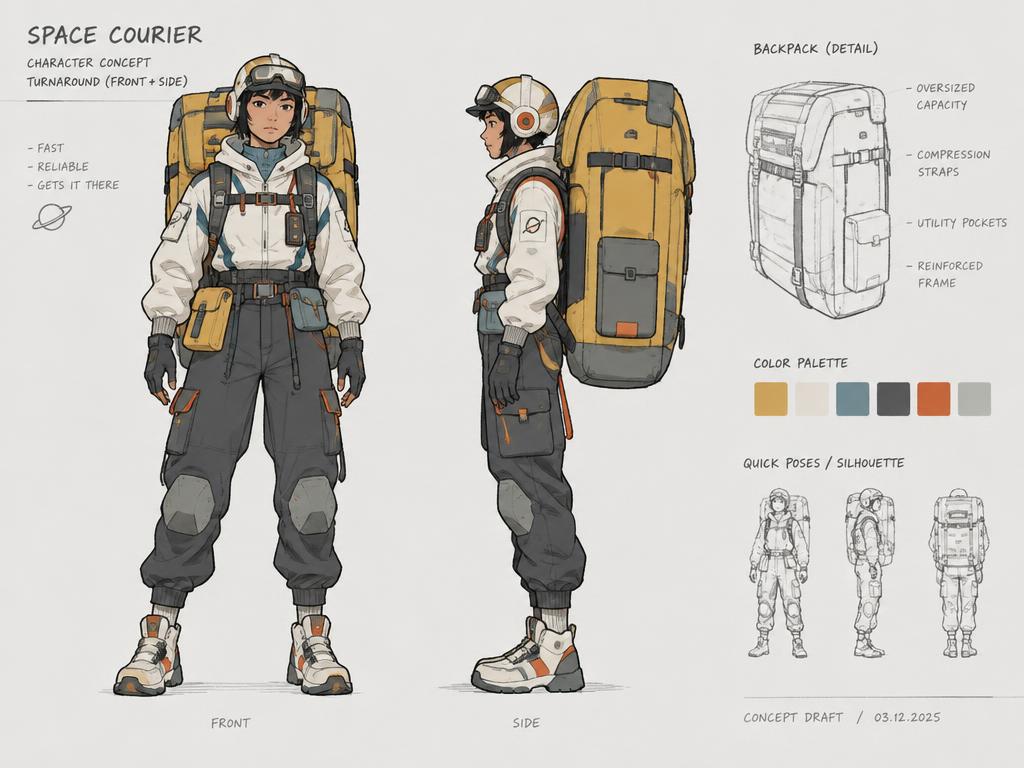
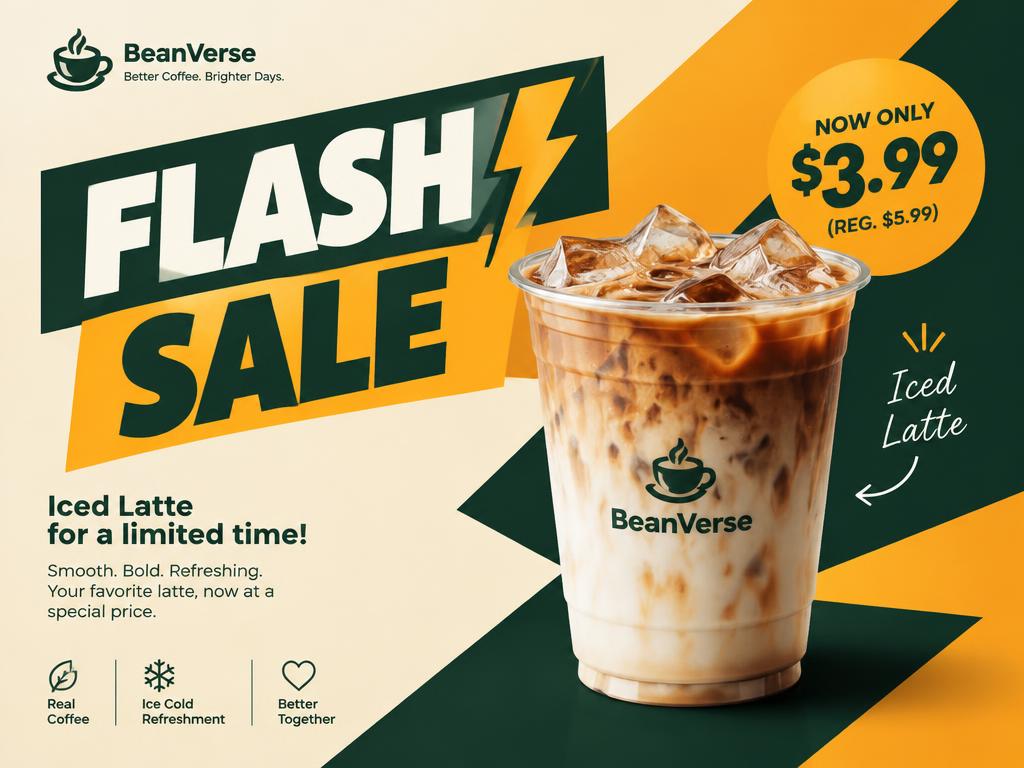
Every image below was generated with Flare on this site — 1K output, real prompts, no retouching. Each caption names the speed advantage the picture demonstrates.
Ten directions before the call ends — punchy, readable frames that A/B testing actually has time for.
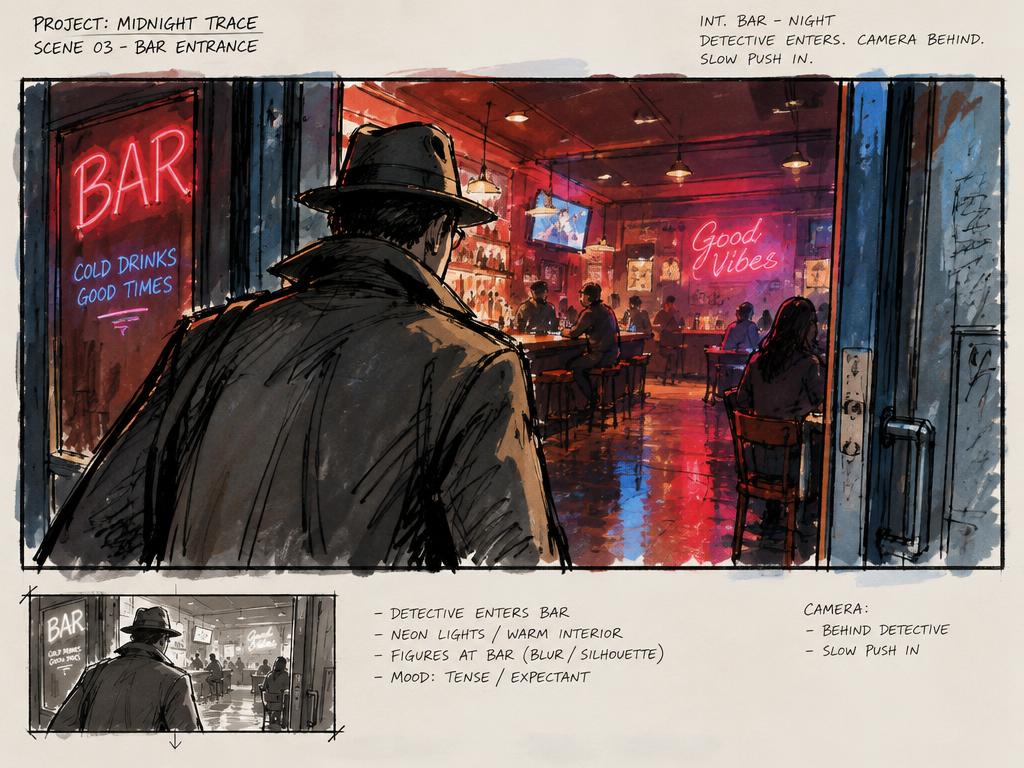
Loose frames for pitches and pre-production, fast enough to redraw the shot while the room discusses it.
Character drafts with bold outlines for sticker packs, emotes, and merch sketches — perfect for testing which characters earn a full render.
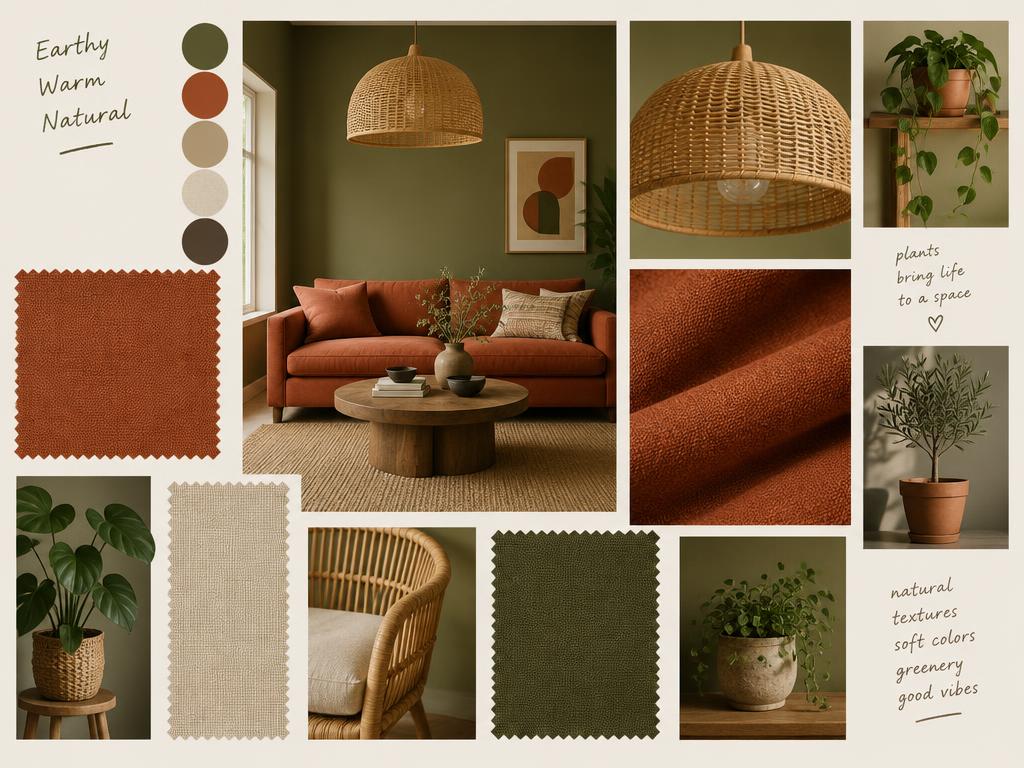
Direction boards for interiors, events, and brand worlds — assembled while the brief is still warm, and rebuilt just as fast when the client changes their mind.
Pose and costume variations at conversation pace — silhouette first, polish later.
Flash-sale cards and announcement graphics drafted, compared, and picked in one sitting. The fastest model is the one you can afford to re-run.
Both are GPT Image 2.5 models with the same input — prompts, sketches, and up to 16 references — and they use the same fixed credit price by resolution. Flare is faster for everyday iterations; Sunburst takes longer and adds precision for fine text and layered graphics. Both share the same balance, the same history, and the same form.
Yes — new accounts get free credits. A 1K image costs 1 credit, 2K costs 4 credits, and 4K costs 6 credits. If a render does not complete, the reserved credits are refunded automatically; successful renders and edits consume the displayed cost. No credit card required.
It is the same model family tuned for speed. Drafts and everyday images are indistinguishable; where Sunburst pulls ahead is fine typography, intricate materials, and multi-layer layouts — the final-deliverable tier. If you cannot tell them apart at arm’s length, you needed Flare.
Five to ten seconds for a typical 1K render in our tests — about four times faster than the precision tier. Queue position and a live timer are shown while you wait, and multiple renders run concurrently.
When the draft is approved. Client deliverables, print, packaging, and anything with headline text earn the slower render; everything before that moment belongs at Flare speed. The swap keeps your prompt, references, and annotations intact.
Choose 1K, 2K, or 4K output. Free accounts render up to 1K; Basic supports up to 2K; Standard and Ultimate support up to 4K. The credit cost is fixed by resolution: 1, 4, or 6 credits per image. Aspect-ratio options depend on the selected resolution.
Yes. Every plan, including free credits, allows commercial use of your generations — campaigns, merchandise, client work. You own what you generate. Commercial use remains subject to applicable law and upstream provider terms; you need the rights and consent for your inputs.
Free credits on sign-up. No credit card required. Finish the winner in Sunburst. Cancel anytime.