
BeforeAfter
Tourists in the frame
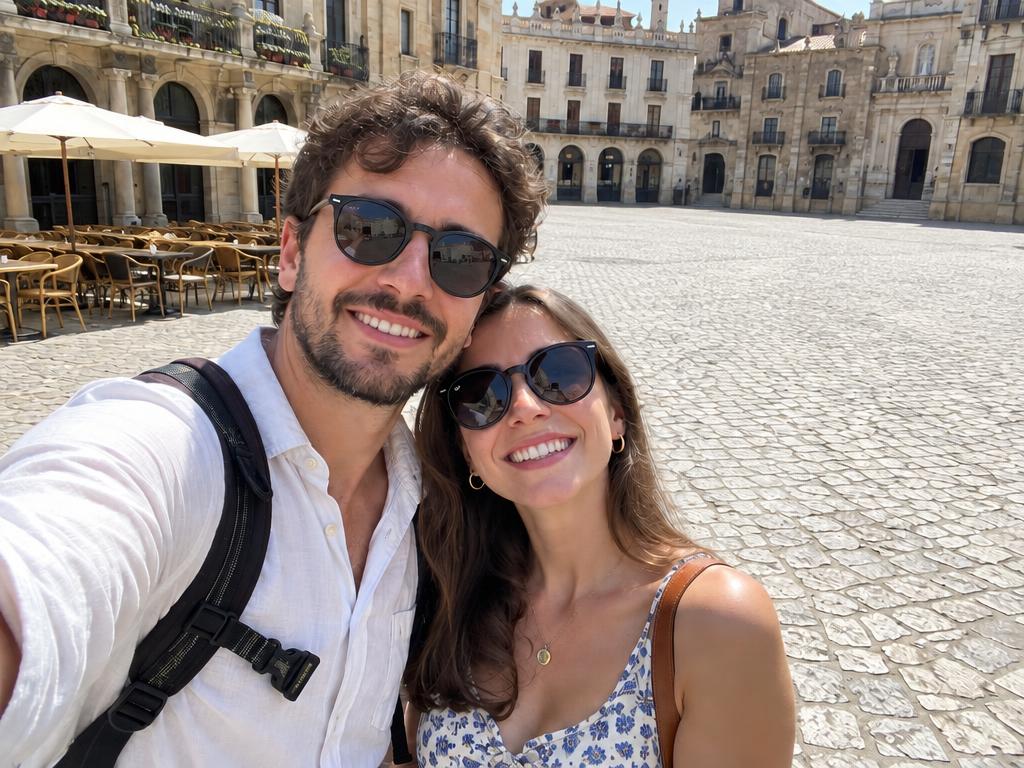
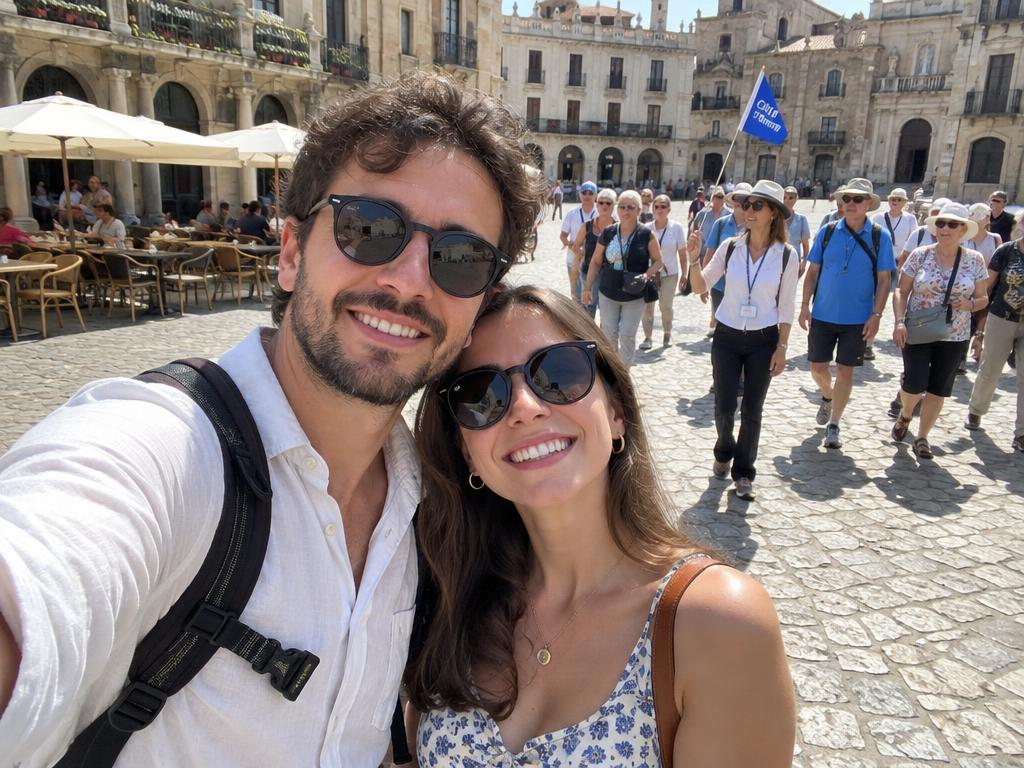
The tour group behind the couple vanishes from the plaza — cobblestones and café chairs continue right through. The classic remove people from photos rescue.
Your next image starts here
Browse promptsEvery pair ran through this page's own remove people from photos pipeline — original left, cleared right. Drag any slider: texture, light and perspective carry on.
The tour group behind the couple vanishes from the plaza — cobblestones and café chairs continue right through. The classic remove people from photos rescue.


One grinning stranger leaves the aisle shot; the floral arch and guests stay untouched.
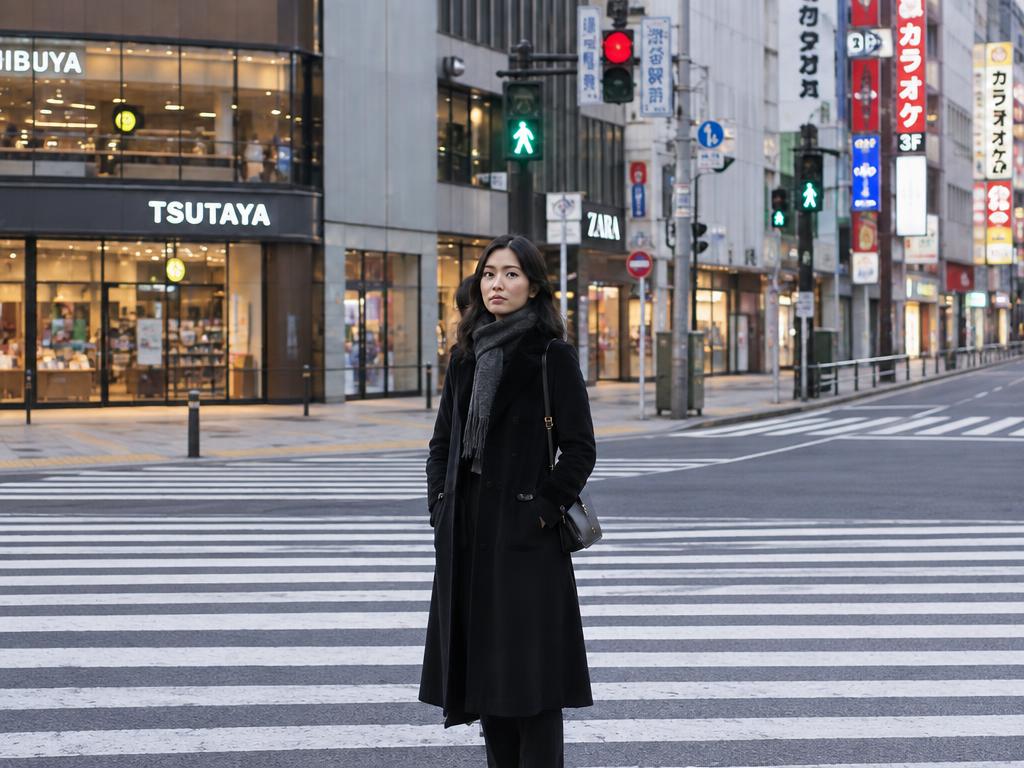
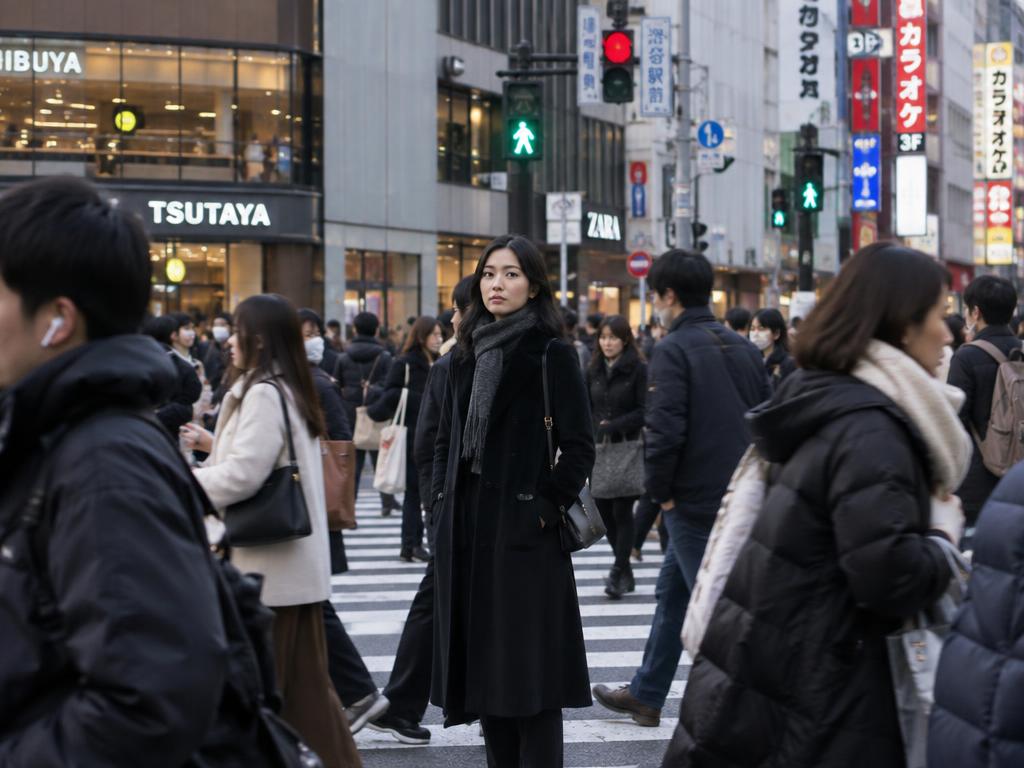
A packed crossing clears to one subject — storefronts and crosswalk lines rebuild behind them.
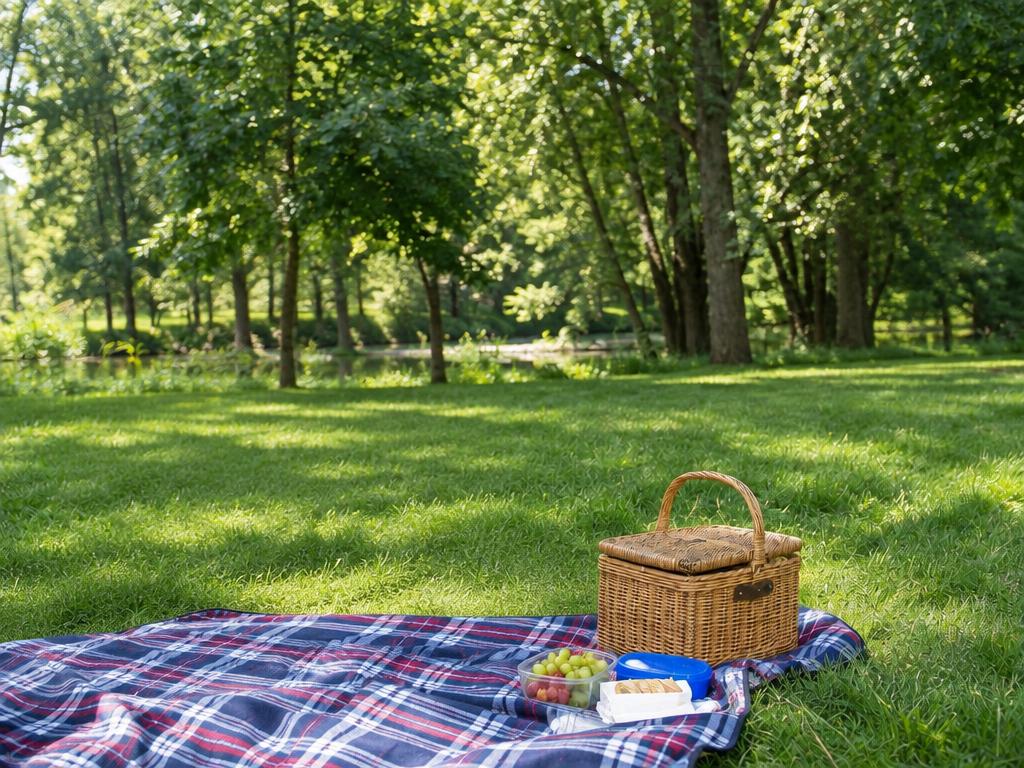
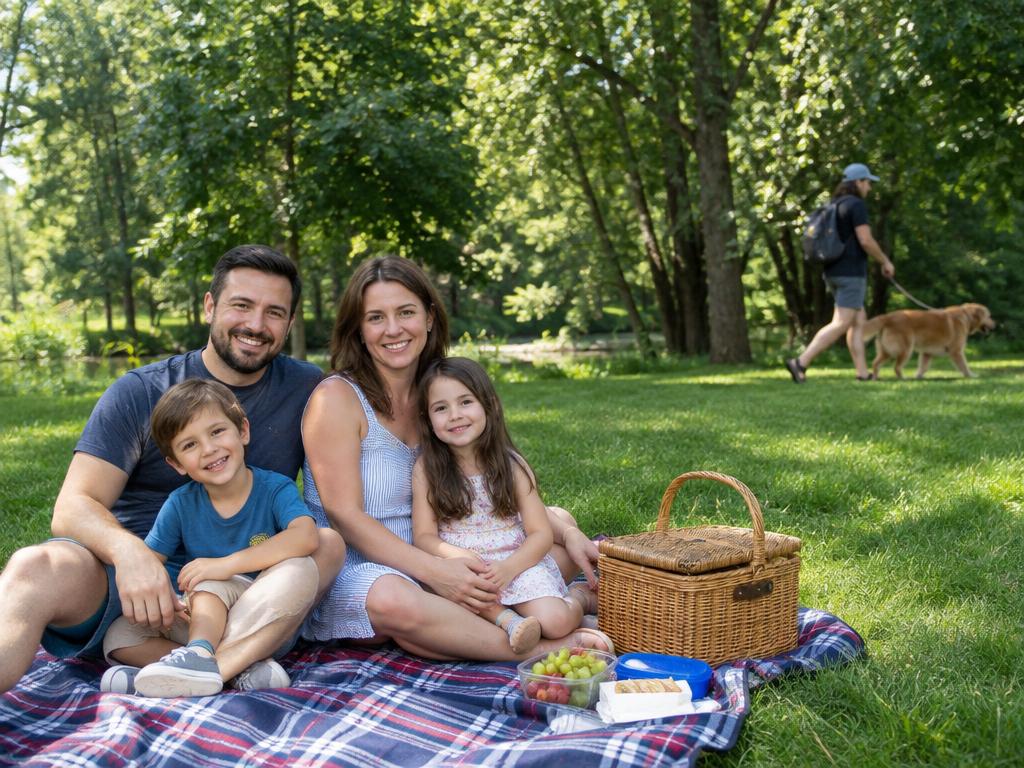
The passerby at the edge of the family photo is gone; blanket and lawn look uninterrupted.
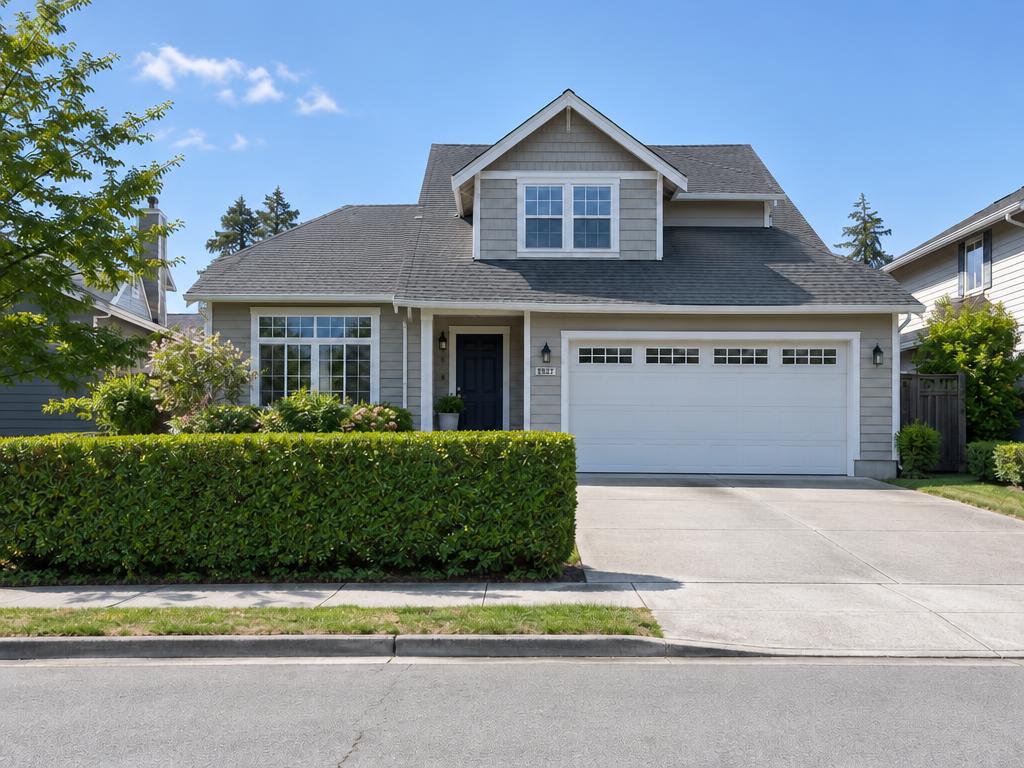
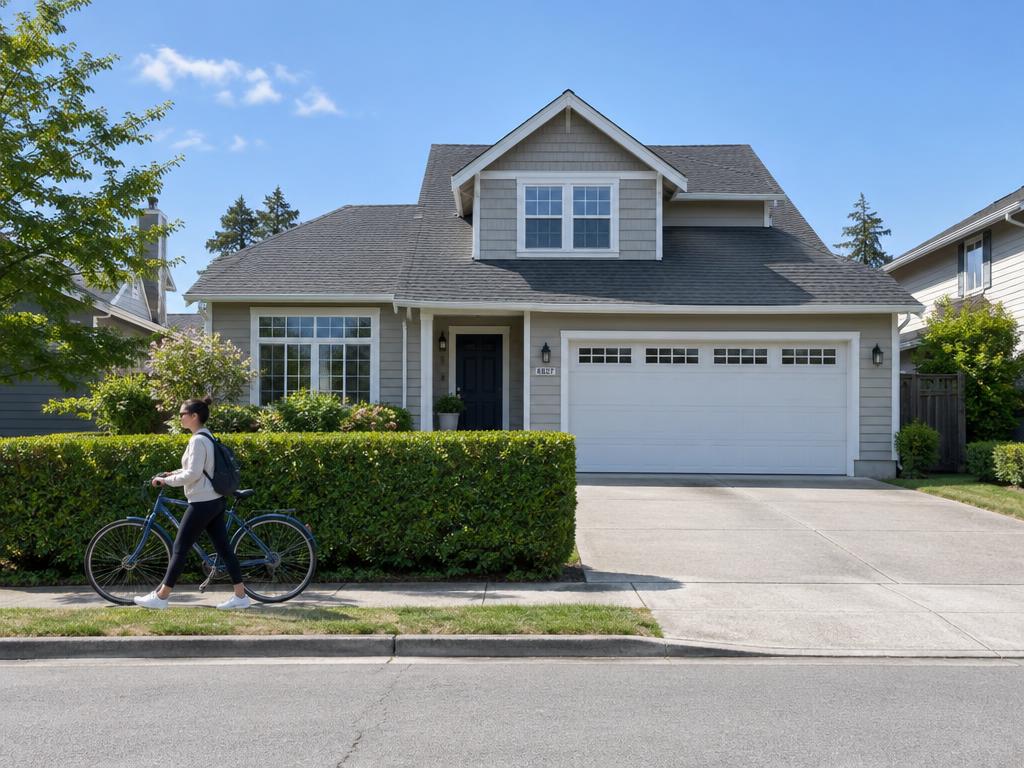
The walking figure leaves the driveway shot — hedges and brickwork line back up for a clean listing.
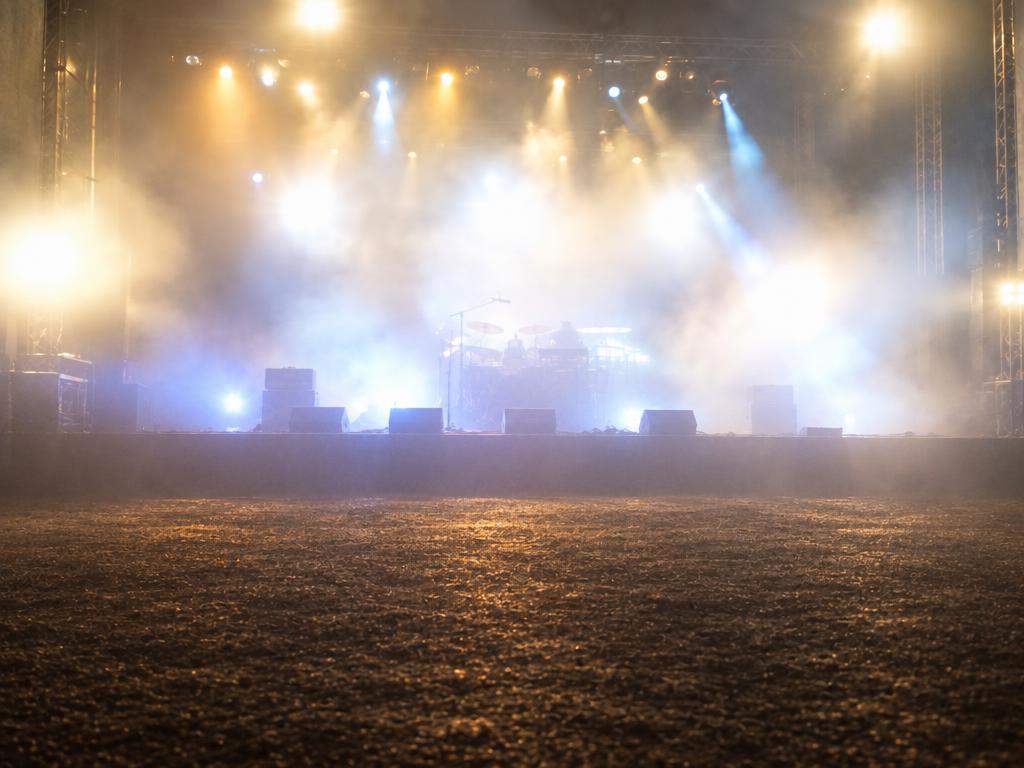
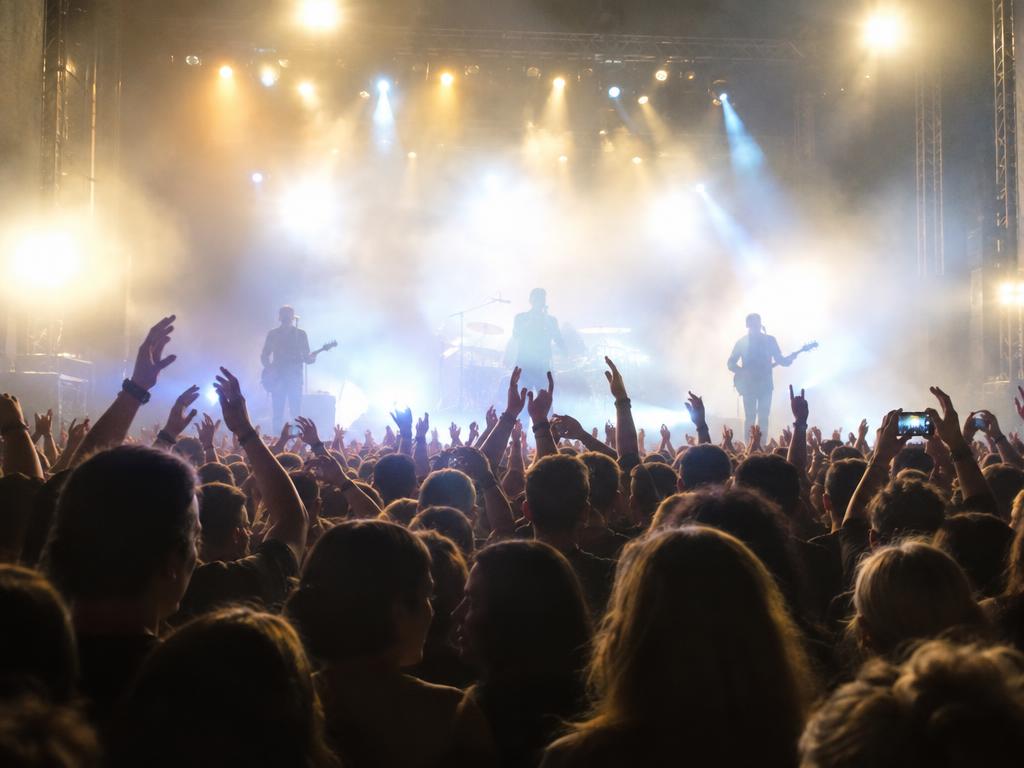
The crowd between the camera and the stage thins to nothing, lights and haze still glowing.
Three steps, and the second is optional — precision when you remove people from photos one at a time, autopilot when you clear them all.
Any picture with people in it — travel, group, street. JPG, PNG and WebP from any phone or computer. Drag it in, tap to browse, or paste from the clipboard. Every remove people from photos edit starts with one upload.
Pin one person to keep the rest, or name them in the guidance box — or leave both empty: every person disappears at once. The empty form is this remove people from photos tool's default.
About ten seconds later the scene is rebuilt where the people stood — matching ground, walls and sky. Download the remove people from photos result at up to 4K, watermark-free.
Crowds come cleanest in two passes — half the group, then the rest.
Pin a margin around hair and clothing edges; tight crops can leave a halo.
Overlapping people are the hard case: clear the front figure first, then whoever was behind.
Keep edits to photos you own or are allowed to change — likenesses deserve the same care as copyright.
If it's a person in the frame, they can leave the frame — one face or a whole crowd, remove people from photos handles both.
Strangers wandering through your landmark shot vanish — the plaza, the fountain and the light stay yours.
The uninvited face at the edge disappears — the classic remove person from photo moment, and the day is yours again.
A packed background clears in one pass — crosswalks, concerts, busy beaches. Crowd clearing is where a remove people from photos tool earns its keep.
Removing one person from a photo doesn't have to mean deleting the memory — keep everyone else, change the company.
Figures in windows, mirrors and water can be marked too — glass and ripples rebuild naturally.
The stranger at the wedding or the plus-one at the party leaves the shot without touching the celebration.
One person or every person — when you remove people from photos here, the scene takes care of itself.
No marking, no typing: upload and generate — every person in the frame clears in one pass. The fastest way to remove people from photos when only the place matters.
Keep the bride, drop the photobomber: removing one person from a photo takes a pin or a short note — the precise half of a remove people from photos tool, and everyone else stays pixel-for-pixel.
The space where people stood is regenerated with matching ground, walls and sky — no smudge, no streaks. Where simpler tools blur, this remove people from photos pipeline rebuilds.
Results come back sharp enough for print, listings and albums — choose 2K or 4K when the photo is headed for a frame or a marketplace. Never watermarked.
Six everyday rescues — the jobs this remove people from photos tool quietly finishes, from vacation albums to shop listings.
Landmarks back to postcard condition — tourists and passersby cleared from plazas and bridges. Travel is the classic remove people from photos job.
The aisle, the first dance, the group shot — without the waiter crossing or the stranger at table nine.
Keep the blanket, the cake and the kids — drop the stranger at the park edge. Family albums are where most remove people from photos edits happen.
Crossings and sidewalks clear to your subject — pedestrians rebuild into storefronts and asphalt.
Agents remove people from photos of driveways, yards and facades for clean listings.
Share the moment without sharing the bystanders — sometimes you remove a person from a photo for their privacy, not yours.
Busy, patterned backgrounds (brick walls, fences, branches) can come back slightly soft where a large figure stood — a second pass usually finishes even tricky remove people from photos scenes.
When two people overlap, the one behind may need their own mark — remove the front figure first.
Very small, distant faces (a few pixels tall) are sometimes missed — mark them explicitly if the first pass leaves them.
Only clean up photos you own or are allowed to edit — never to mislead or misuse someone's likeness.
Upload the photo; the AI erases the people you mark — or everyone when nothing is marked — then rebuilds the scene behind them. The rest of the photo stays untouched.
Yes — that is the default. Upload, change nothing, generate: every person clears in one pass. Mark the exceptions when some people should stay.
Yes — pin that one person (or name them) and everyone else stays untouched — the usual way to remove a person from photo groups while keeping friends in the shot.
One pass clears a full crossing or a packed beach — crowd-sized scenes are the other half of what a remove people from photos tool is for. Very dense crowds take two passes.
No. When you remove people from photos here, only the areas they occupied are regenerated; every other pixel keeps its original quality. Pick 2K or 4K output for print.
Yes — mark them and generate. Removing one person from a photo keeps everyone else anchored: the scene fills the gap behind them. Overlapping poses may take a second pass.
Usually yes — mark the reflection like any other figure and the glass, mirror or water rebuilds behind it. Reflections count as people when you remove people from photos.
Yes — sign-up comes with free credits, and a 1K result costs 1 credit. Paid plans unlock 2K and 4K output. Failed generations refund automatically.
Upload JPG, PNG or WebP from any device; downloads are high-quality images any print shop or marketplace accepts. Most remove people from photos edits finish in under a minute.
Yes. Photos are used only to produce your result, never to train AI models. Delete uploads and generations anytime.
For photos you own or are allowed to edit — travel shots, listings, your own events — yes. Don't use removal to mislead, and respect likeness rights when you publish.
Upload a photo and watch the strangers disappear — mark one or clear them all. The fastest free way to remove people from photos, with free credits waiting on sign-up.