Flare — the fast gear
Flare is the everyday model for drafts, explorations and iterative work. Both models use the same resolution-based credit cost: 1K costs 1 credit, 2K costs 4 and 4K costs 6. Free accounts and every paid plan can use both.
The precision half of ChatGPT Images 2.5
The heavier of the two GPT Image 2.5 models — it trades a few extra seconds for sharper text, cleaner layouts, and edits that stay on brief. Upload a reference, draw a layout, or just describe the shot.
Free credits on sign-up · No credit card required

 Example
It is the precision-focused variant of ChatGPT Images 2.5. The model generates and edits images from text prompts and reference photos, producing output from 1024px up to 4K — trading longer generation time for extra fidelity: more natural lighting, richer textures, cleaner complex layouts, and tighter edit control. It handles the same sixteen-image reference input and transparent backgrounds as its faster sibling.
It shares the ZingPix studio with every other tool here — sketches, annotations, up to 16 reference images, and a version history that never loses a pass — so precision work stays in one place. Both models share one balance and one history, so switching between speed and precision does not itself submit a task; every new generation or edit still uses the credit cost shown before you run it. Drafts, finals, and every reference you upload live side by side, so nothing about the workflow changes when you switch models — only the output does.
It is built for brand and marketing teams whose campaign typography must be legible, e-commerce sellers whose product shots get zoomed, illustrators running reference-faithful character and environment passes, content teams producing thumbnails for A/B tests, and print designers whose headlines must be spelled right. If the output is the product, this is the model.
Same studio, two gears.
Flare is the everyday model for drafts, explorations and iterative work. Both models use the same resolution-based credit cost: 1K costs 1 credit, 2K costs 4 and 4K costs 6. Free accounts and every paid plan can use both.
It takes longer per image and adds exactly what detailed work needs: fine text, layered graphics, reference-accurate portraits. When the draft is approved, switch gears. Free accounts and every paid plan include it.
Same prompt, both models — drag the handle to compare.
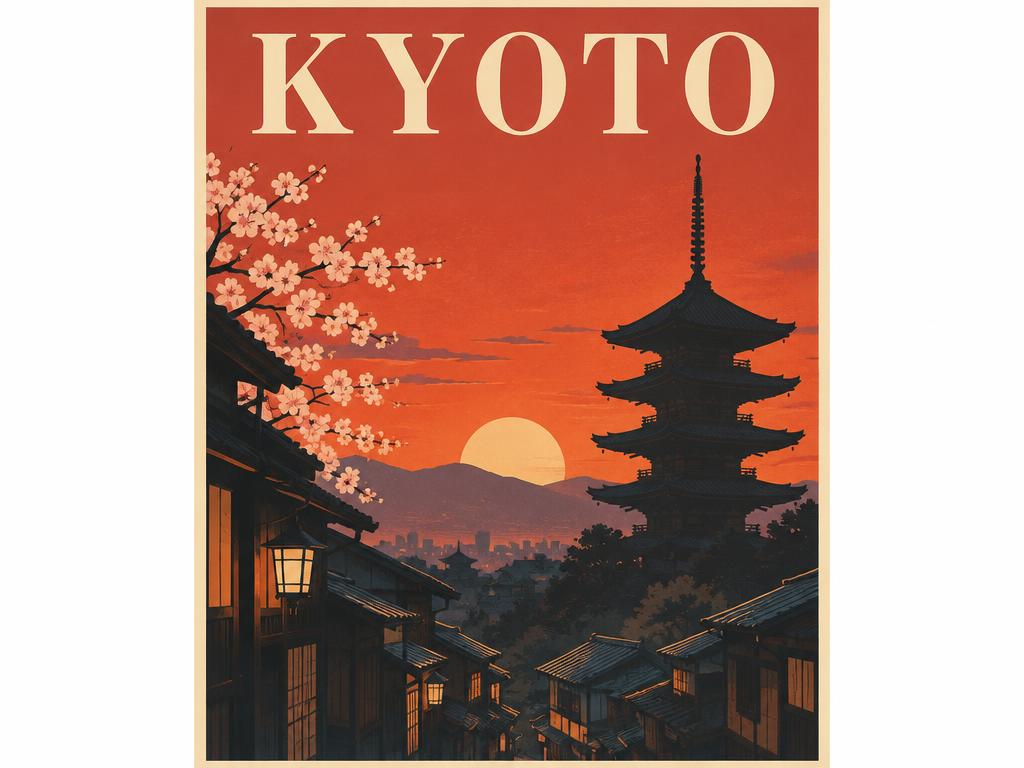
Rule of thumb: explore in Flare, finish in Sunburst — both live in the same form above.
The model selector is already set — Sunburst is the default on this page.
Write a prompt, draw a composition sketch, or drop up to 16 reference images — the form on this page is the full studio. The model selector is the one thing removed: it is set to the precision model and stays there.
Pick an aspect ratio and resolution. Use 2K or 4K for print and storefronts, or 1K for a quick draft. Reference images count toward the same sixteen slots as sketches and uploads.
Review the result, pin annotated edits on it, or feed it back as a reference. Every version stays in your assets.
Draft in Flare, finish here. Explore composition and wording at Flare speed and price; when the direction is set, regenerate the approved prompt in the precision model for the final asset. The two models read the same references and annotations, so nothing is lost in the handoff.
Name the details you care about. “Crisp serif headline”, “visible fabric weave”, “sharp reflections” — pointed instructions get followed; vague ones get average treatment. One precise sentence beats a paragraph of vibes.
Use references for identity. A portrait or product photo plus “keep the face identical” anchors the subject; multi-reference consistency does the rest.
Every image below was generated with GPT Image 2.5 Sunburst on this site — each caption names the strength the picture proves.
Rembrandt lighting, skin texture, and fabric weave stay sharp at full size — the fidelity tier showing in the details.
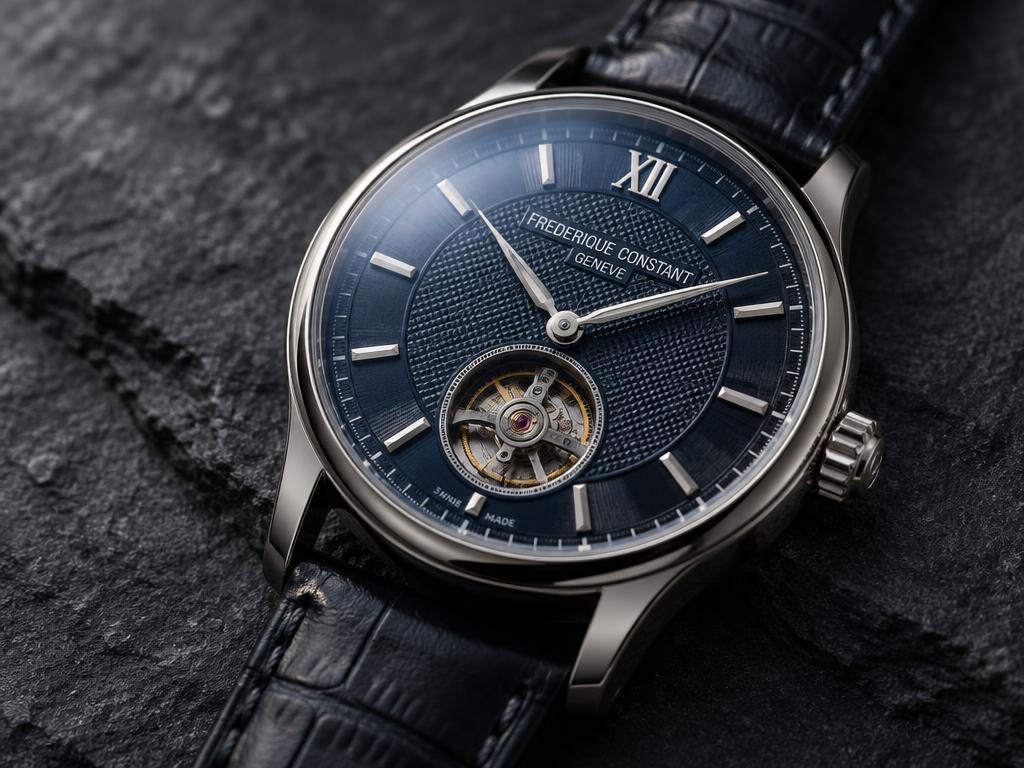
Guilloche engraving and sapphire reflections render cleanly instead of smearing — proof for product pages customers zoom into.
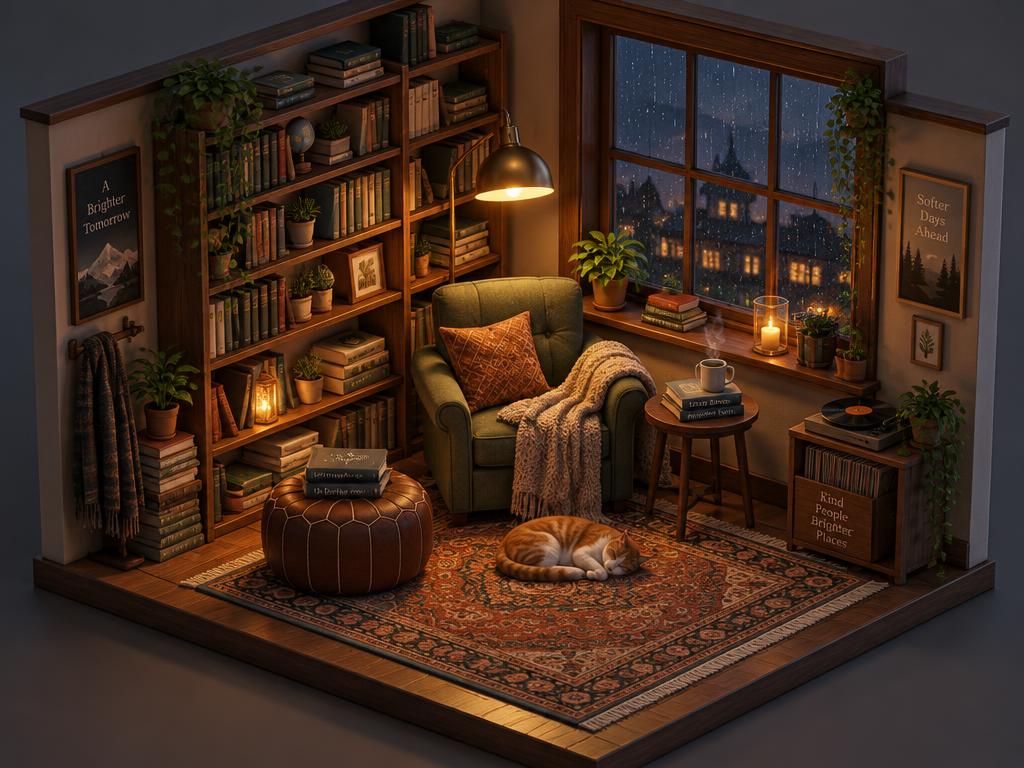
Every prop in this cutaway keeps its place — the layout discipline that infographics and collages stress-test for.
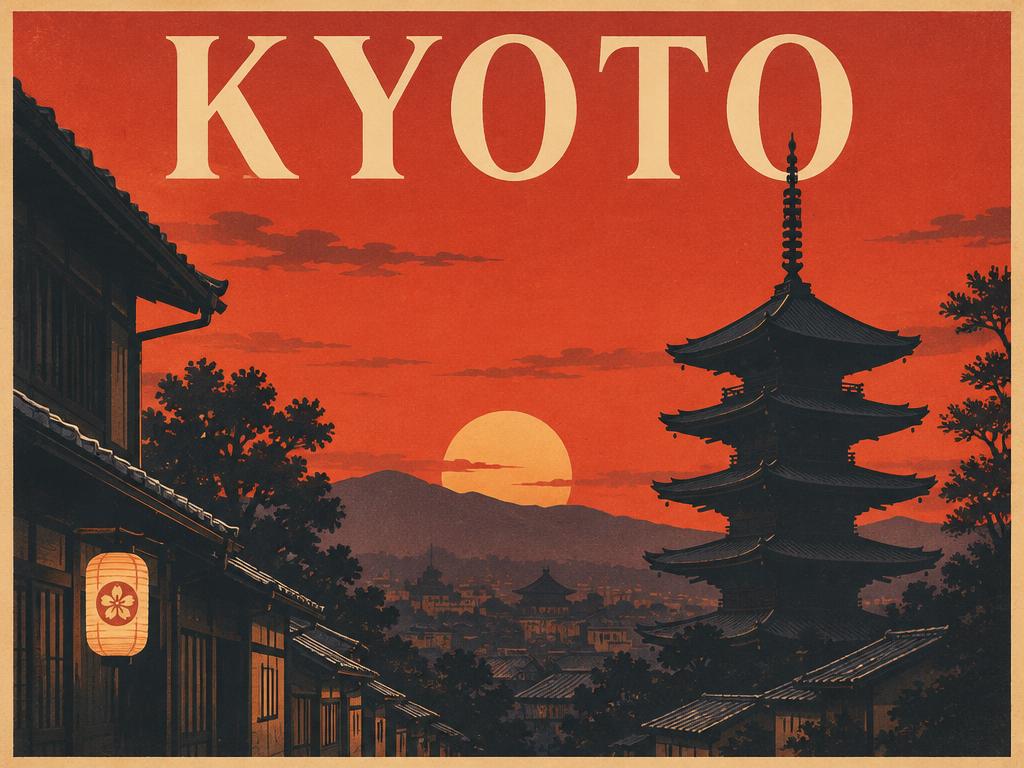
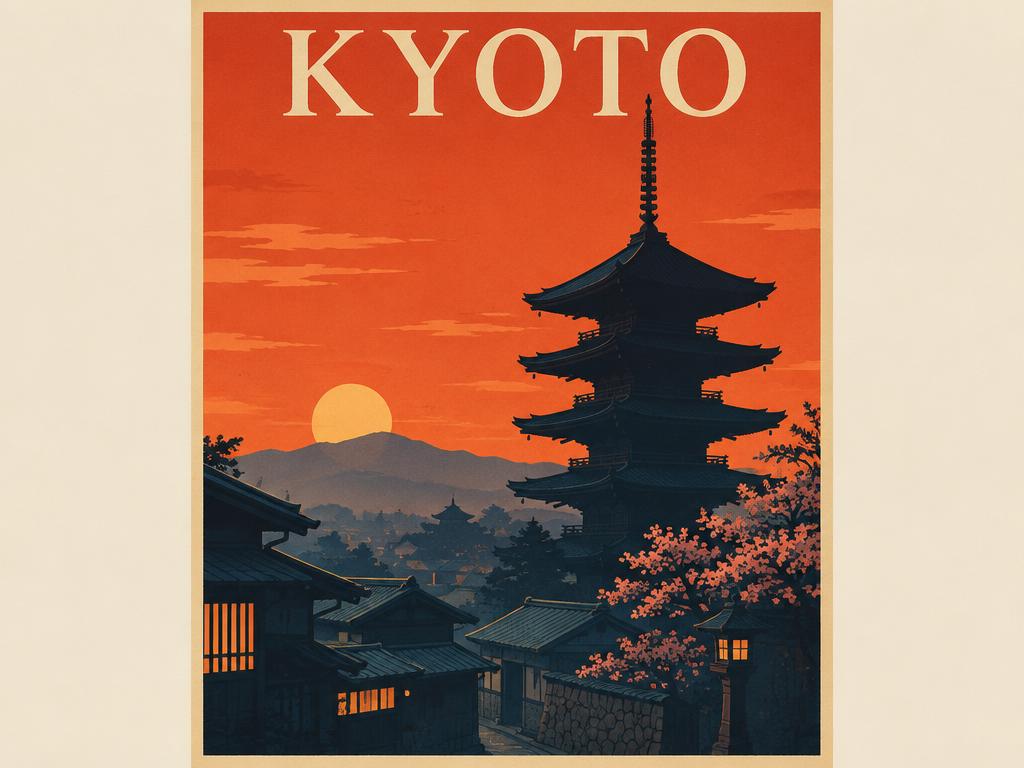
The headline reads KYOTO, spelled right on the first render — no correction loop, no inpainting fix.
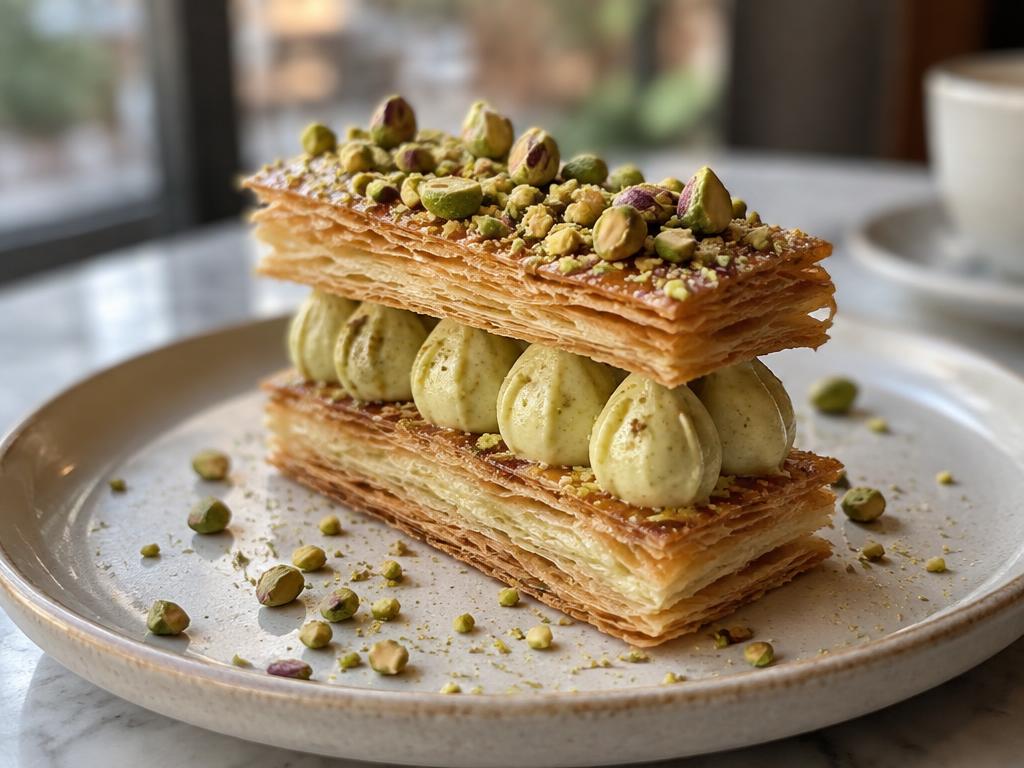
Layered pastry texture and appetizing light, ready for menus and packaging without a reshoot. Texture is what sells appetite — this is the tier that renders it.
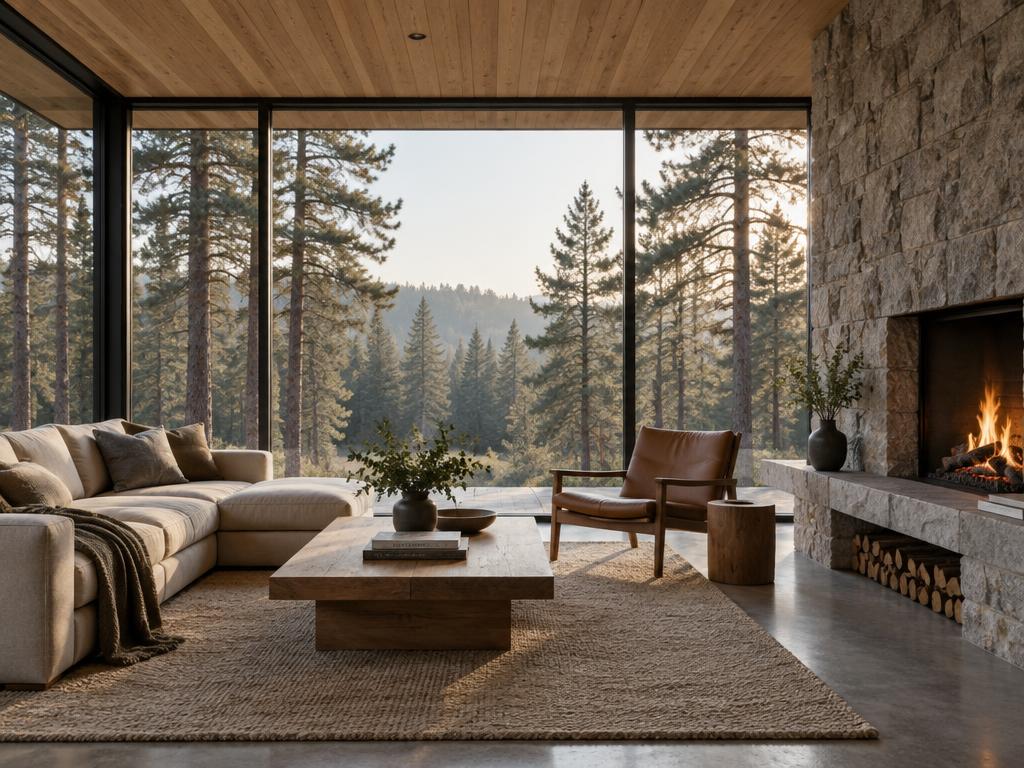
Wood, stone, glass, and morning sun rendered as separate materials — mixed-material scenes hold together.
Both are GPT Image 2.5 models and use the same fixed credit price for each resolution. Flare is the faster everyday option; Sunburst takes longer and focuses on precision: sharper text, cleaner complex layouts, and edits that stay on brief. Draft in Flare, finish in Sunburst.
Yes — new accounts get free credits, and every model draws from the same balance. A 1K image costs 1 credit, 2K costs 4 credits, and 4K costs 6 credits. Successful generations and edits consume credits, while failed tasks refund automatically. No credit card required.
Choose 1K, 2K, or 4K output. Free accounts render up to 1K; Basic supports up to 2K; Standard and Ultimate support up to 4K. Transparent-background output is available through the supported image formats. Aspect-ratio options depend on the selected resolution.
Yes — choose transparent background with PNG or WebP output and subjects come out as clean cutouts, ready for storefronts, design tools, and compositing pipelines.
Yes. Upload up to 16 reference images and annotate the regions to change. The model aims to focus the edit on those regions and preserve the surrounding image; review the result. Sketches also count as references.
Every plan, including free credits, permits commercial use, subject to applicable law and upstream provider terms. You must have the rights and consent needed for your inputs and review outputs before publishing. See our Terms of Service.
Generation time varies with the model and resolution. The queue position and live timer are shown while you wait, and multiple renders can run concurrently according to your plan.
Free credits on sign-up. No credit card required. Draft in Flare, finish here.