
BeforeAfter
Signs and chalkboards
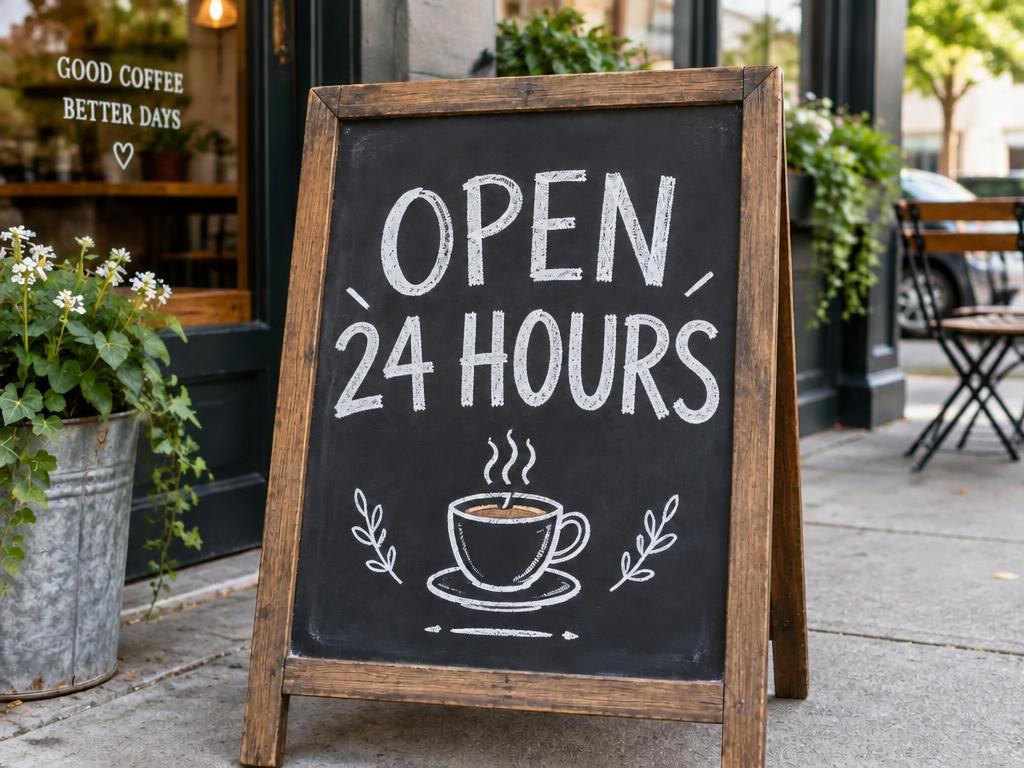
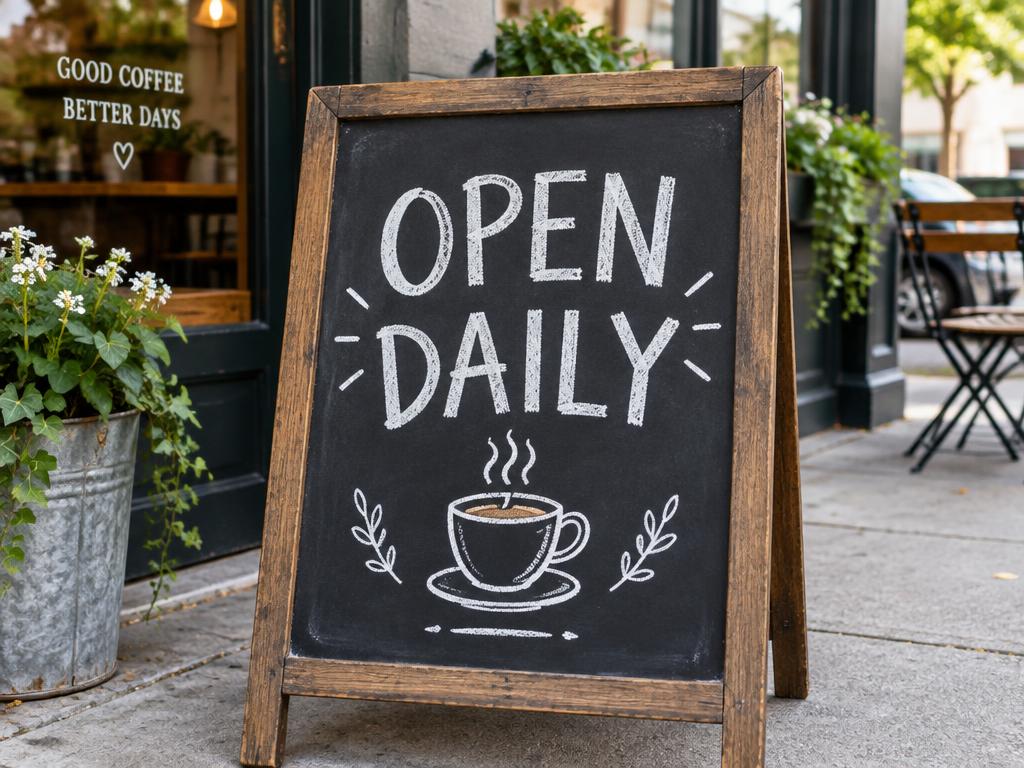
“OPEN DAILY” becomes “OPEN 24 HOURS”, chalk texture intact.
A sign, a menu price, a poster date, a screenshot — mark the words and tell our edit text in image tool what they should say. The new text is redrawn in the original font, color and perspective, as if it was always there.
Free credits on sign-up · JPG, PNG, WebP · No watermark
Every pair below ran through this page's own pipeline — the original on the left, the edited result on the right. Drag any slider and look closely at the font: the new words keep the original style. Nothing here is a stock mockup.
“OPEN DAILY” becomes “OPEN 24 HOURS”, chalk texture intact.
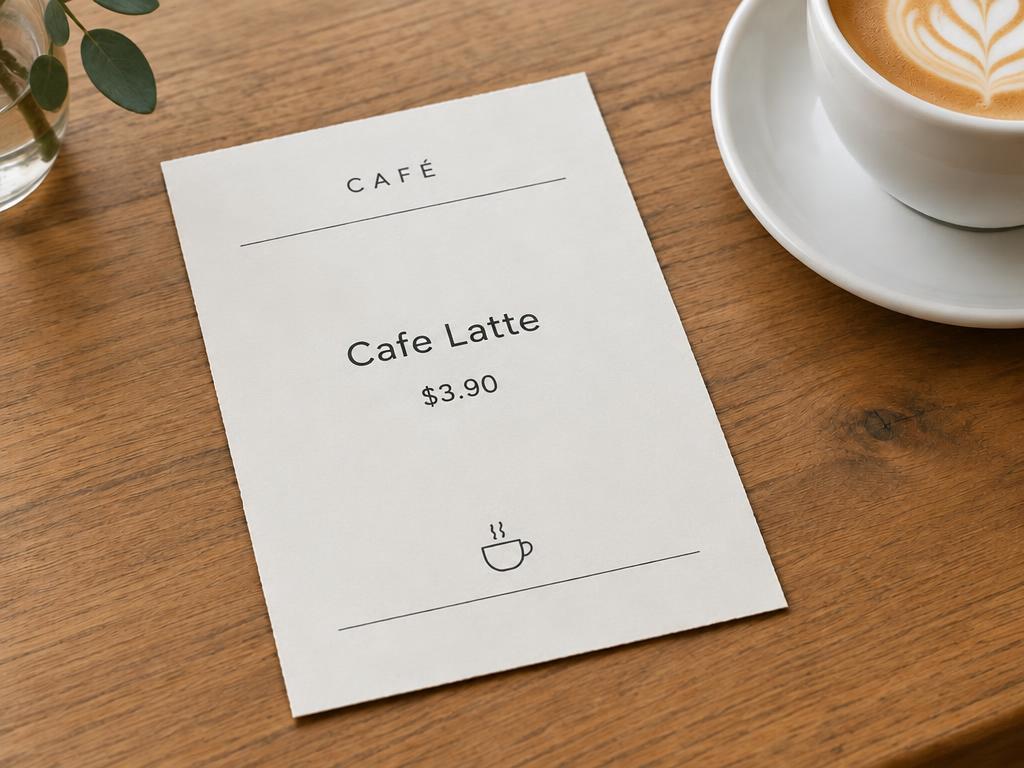
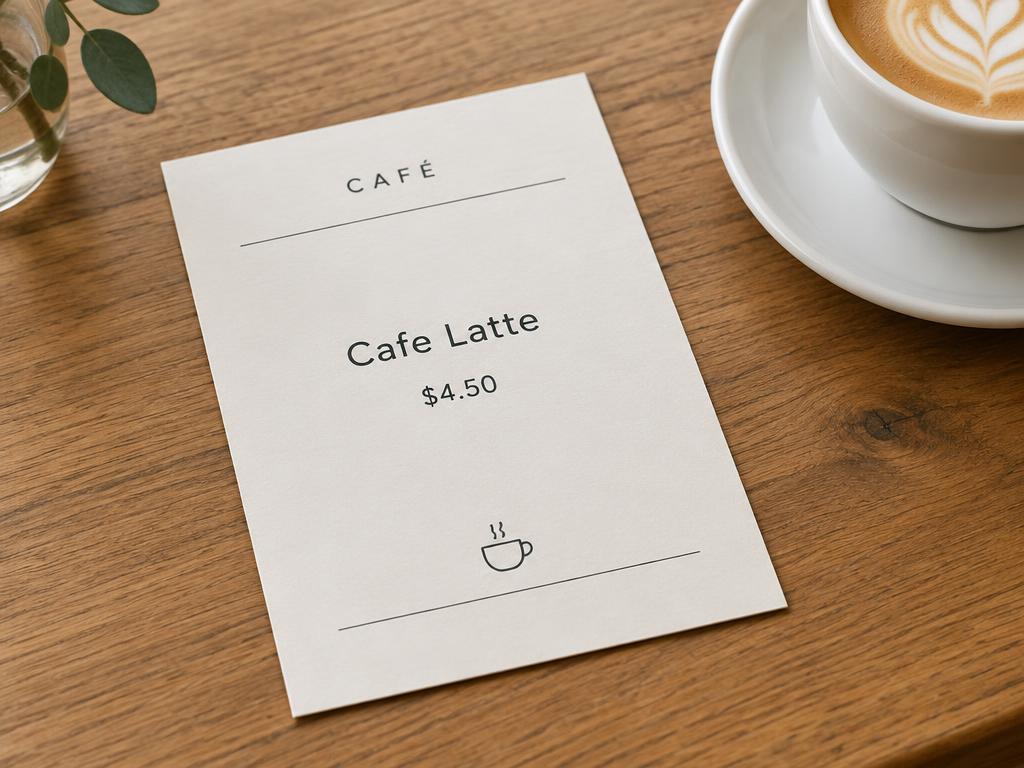
The latte drops from $4.50 to $3.90 — no reprinting needed.
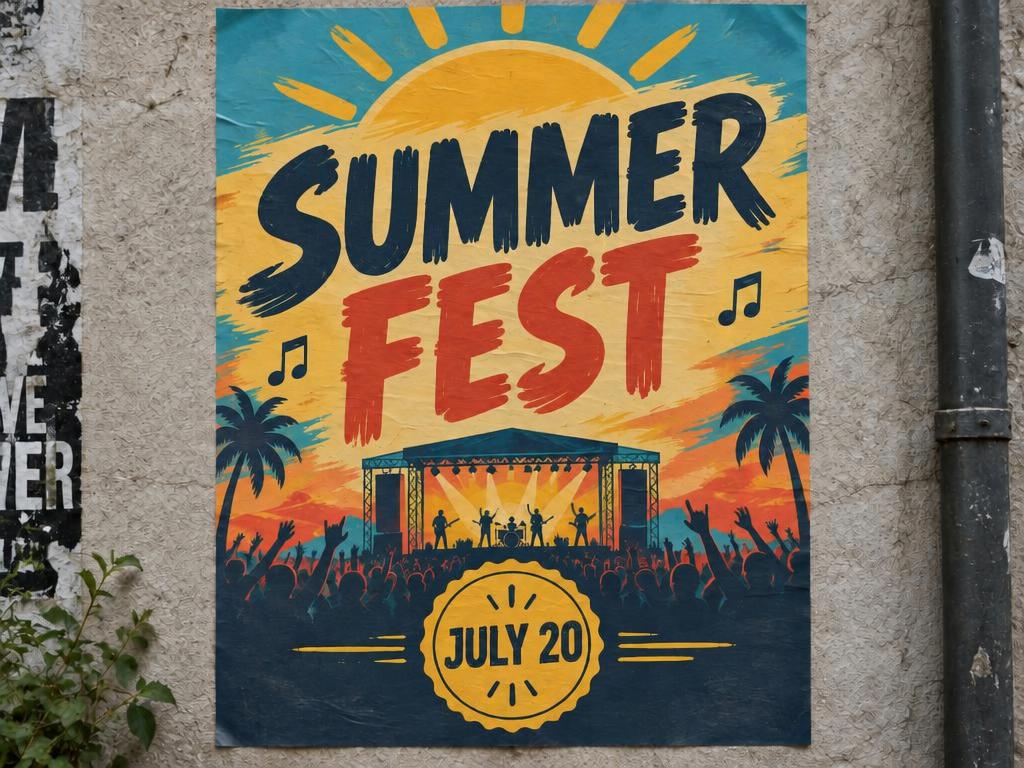
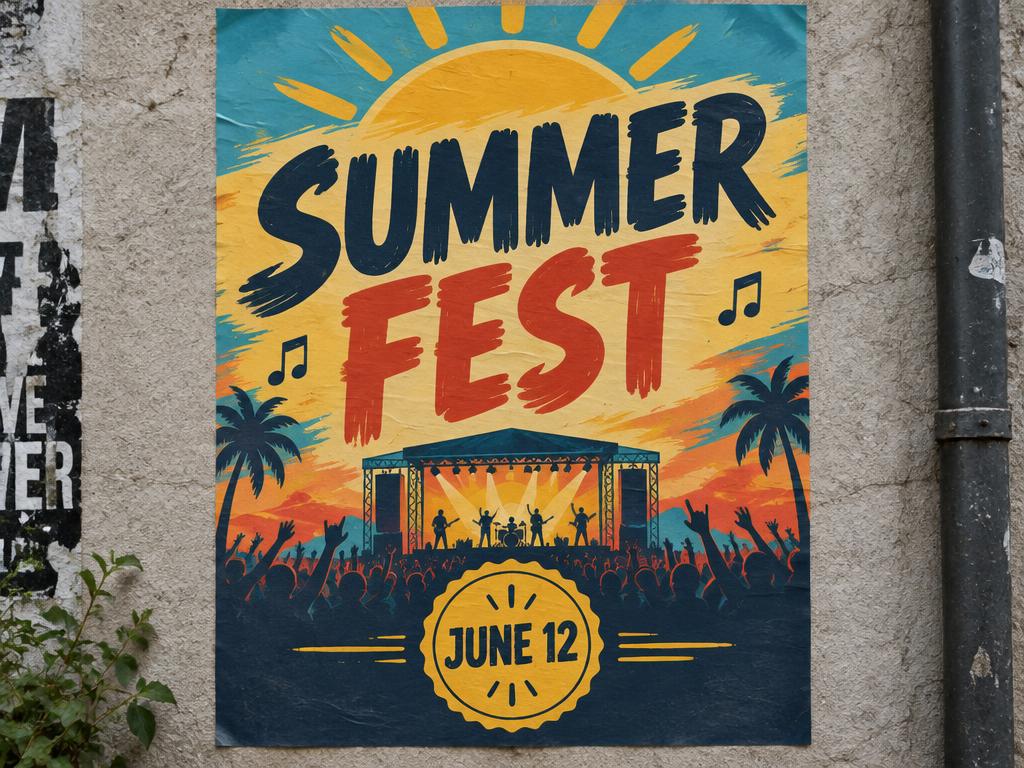
The festival moves from June 12 to July 20 in one pass.
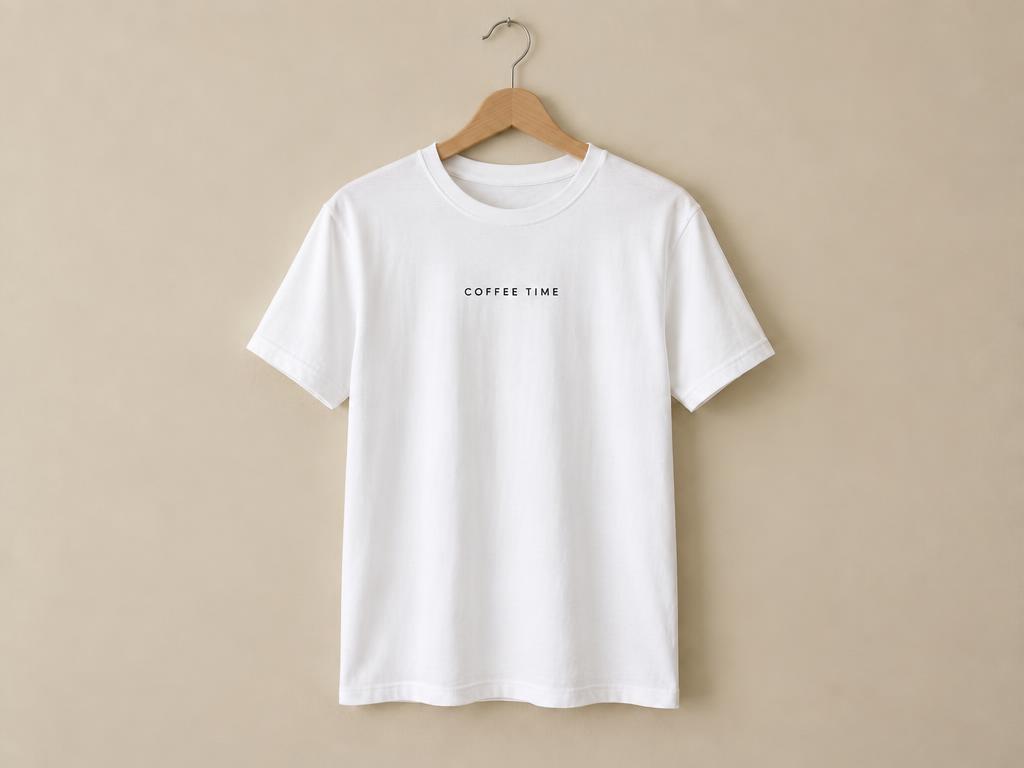
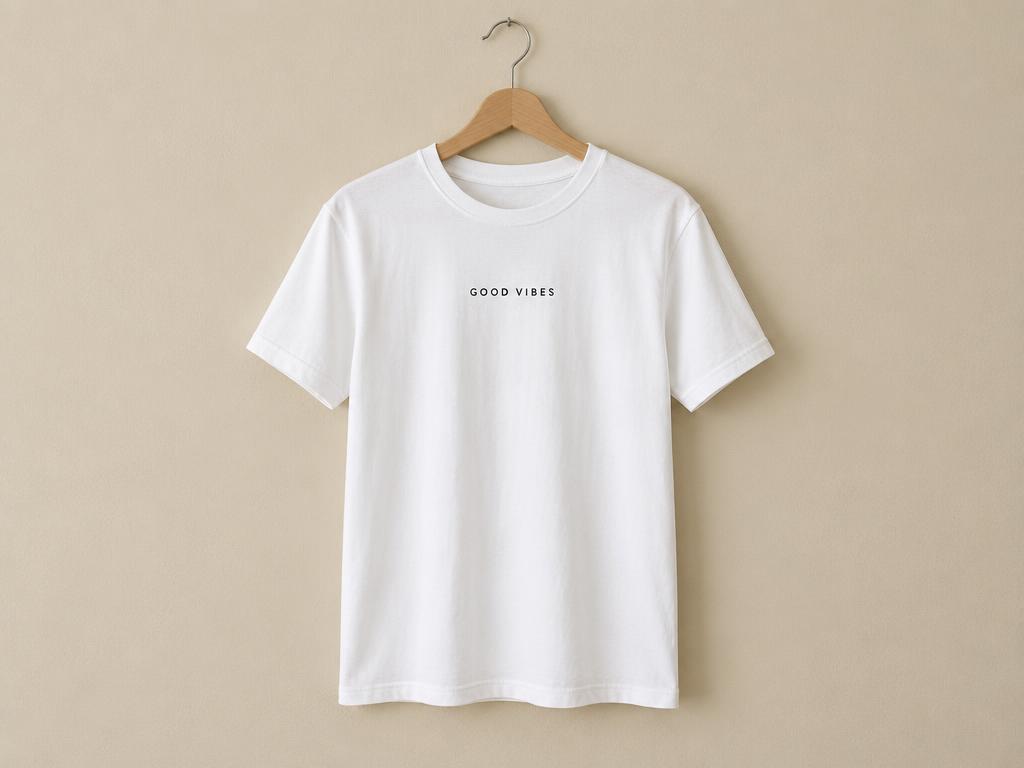
“GOOD VIBES” reads “COFFEE TIME” before the print run starts.
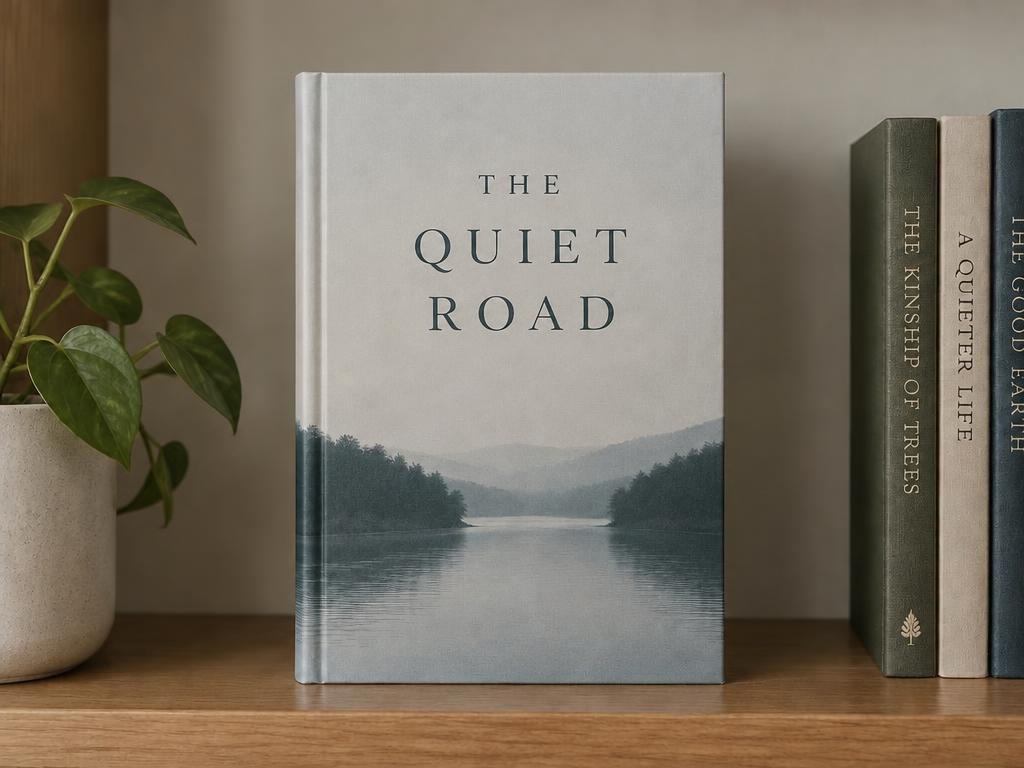
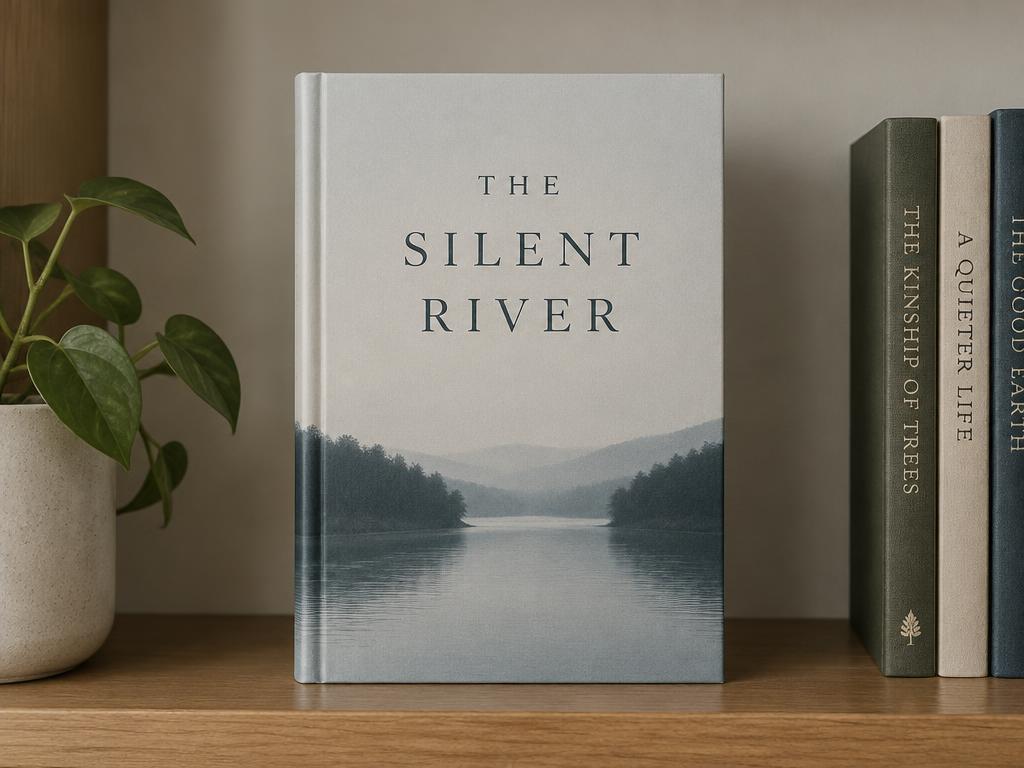
A book cover tries a new title in the same elegant serif.
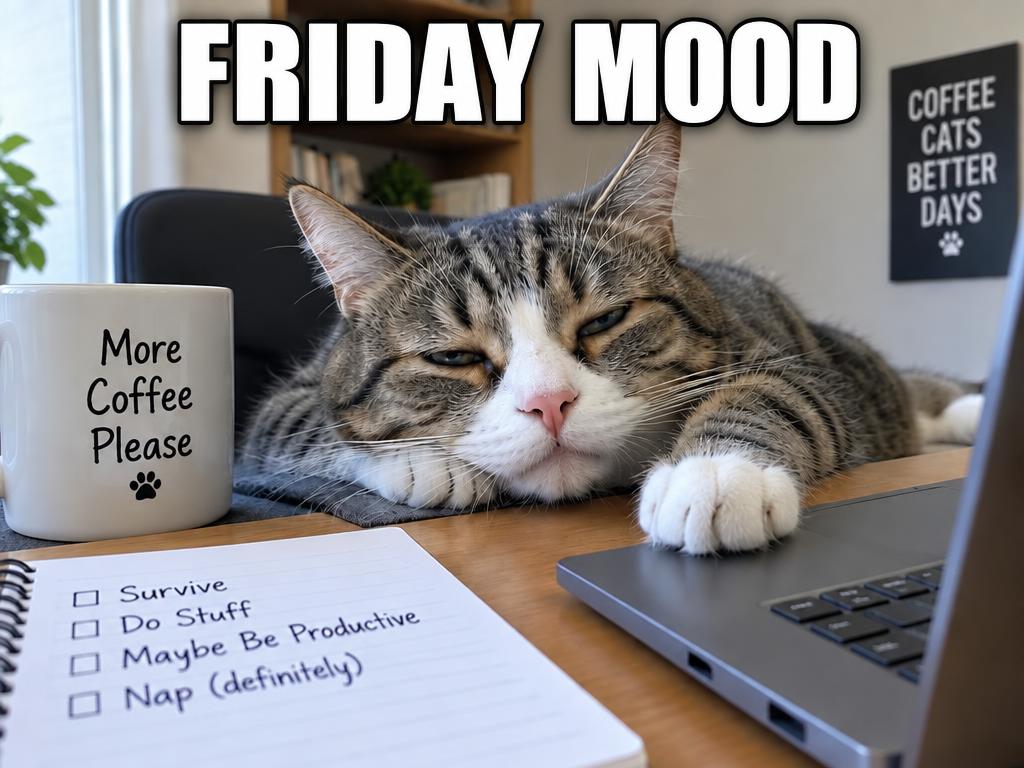
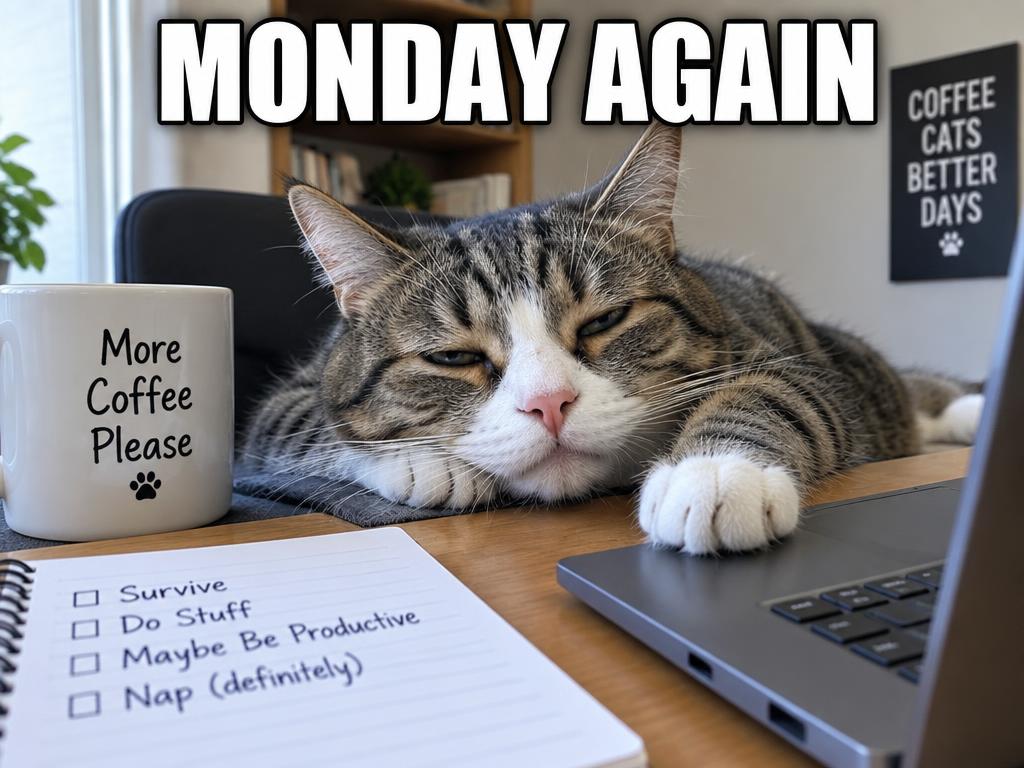
“MONDAY AGAIN” flips to “FRIDAY MOOD” in proper impact font.
Three steps — no Photoshop, no source file, and no retyping the whole design from scratch.
Any picture with words in it — a sign, a menu, a poster, a screenshot, a meme. JPG, PNG and WebP from any phone or computer. Drag it in or paste it from the clipboard.
Drop a marker on the text and note what it should become — “JUNE 12” → “JULY 20” — or simply write the change in the guidance box. One mark per region is plenty.
About ten seconds later the new text sits in the original font, color and perspective, with the background behind it rebuilt. Up to 4K, watermark-free.
Keep the replacement short — similar-length wording to the original gives the most convincing fit.
Flat, straight-on text (signs, menus, screenshots) edits cleanest; curved or heavily stylized lettering may take a second pass.
Quote both sides of the change — “SALE” → “SOLD” — so nothing about the wording is left to chance.
One mark and a short note cover every wording chore on a finished design.
Swap names, dates, prices and slogans for new ones — in place.
Fix typos and wrong numbers on finished graphics without the source file.
Turn a label or sign into another language while keeping the design.
Update last season's visual with this season's offer in seconds.
New words, old font — the picture never notices.
The replacement text is redrawn to sit in the original lettering — style, weight, color, size and the tilt of the sign all carry over. It reads as the same sign, the same menu, the same shirt — just with the right words.
Where the old text used to be, the surface is regenerated — chalkboard grain, paper texture, fabric folds — before the new words land.
A marker plus a short note carries both the where and the what, so there is no mask painting and no font hunting through menus.
If the words are in the picture, they are editable — storefronts, price lists, chat screenshots, birthday posters and more.
Six places this tool saves a redesign.
Price changes land on the photo of the menu before the printer even wakes up. Do it for one location or fifty.
New date, new venue, new headline — same design, no source file required.
Fix a figure or a name in a screenshot without rebuilding the slide.
Re-caption a meme for your audience in the proper impact font.
Last season's ad creative updated with this season's offer, in minutes.
Names and dates on mugs, shirts and cards made personal before printing.
You mark the words and tell us the new wording — the AI erases the original text, rebuilds the surface behind it, and redraws the replacement in the original font style, color and perspective. The rest of the picture stays exactly as it was.
Yes — new accounts receive free credits on sign-up, and a 1K result costs 1 credit. You can fix several images before deciding on a paid plan for 2K or 4K output. Failed generations are refunded automatically.
That is the point of generative redrawing: the model matches the original lettering's style, weight, color and perspective instead of pasting a generic font on top. Simple sans-serif and print styles match best; extremely decorative lettering may come close rather than exact.
No. Only the marked text region is regenerated; every other pixel keeps its original quality. Choose 2K or 4K output when the image is headed for print or a marketplace listing. Textures like chalk dust and paper grain are rebuilt along the way.
Yes. Mark only that word and note the correction — “recieve” → “receive”. The rest of the line is left untouched, which keeps the result clean and the cost low.
Yes — mark the text and note the translation (“change to French: …”). The layout and lettering style carry over, so a sign or label reads naturally in the new language.
Short text on flat, straight-on surfaces gives the cleanest results: signs, menus, posters, labels, screenshots. Curved, glossy or highly stylized lettering can still work, but may need a second pass. Zoom in before you mark very small labels.
Yes. Your images are used only to produce your result and are never used to train AI models. You can delete your uploads and generations from your account at any time.
Upload an image, mark the words, type the new ones — the new wording lands in seconds, and free credits are waiting on sign-up.