


BeforeAfter
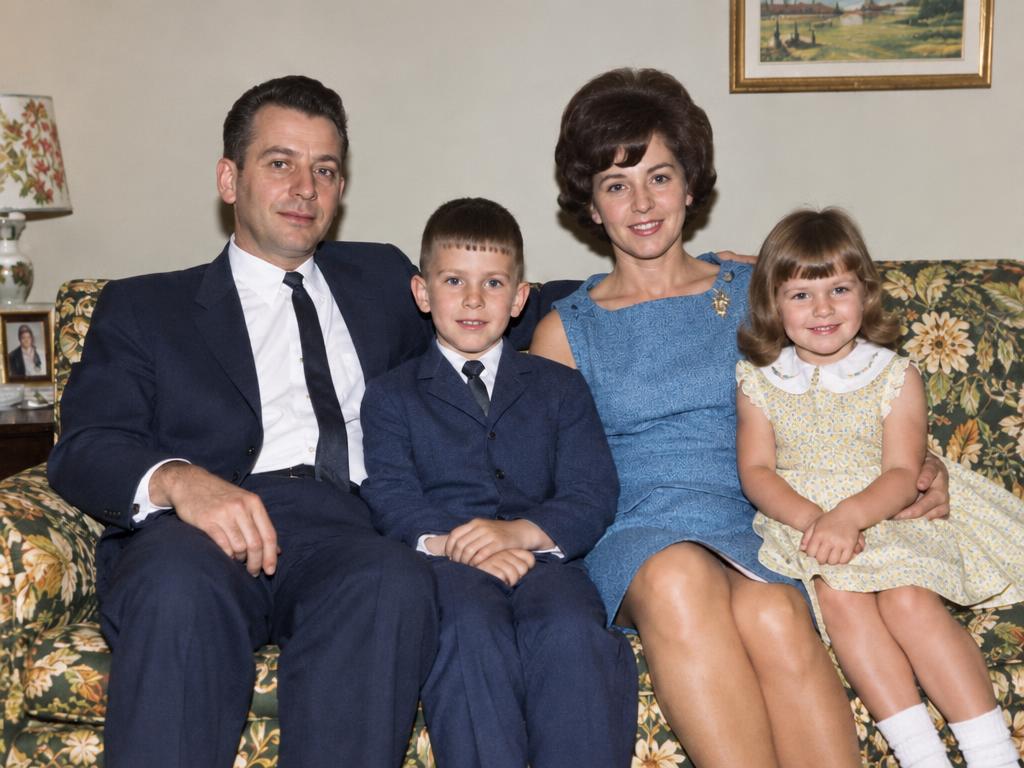
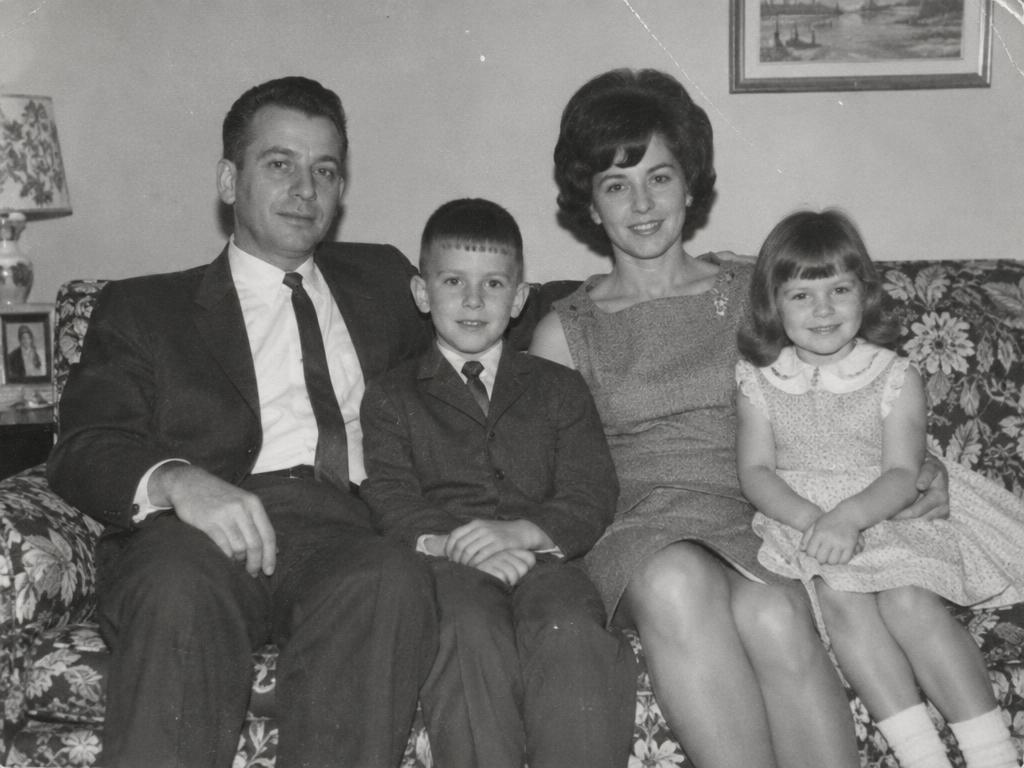
A family portrait, 1968
Base Palette brings back the sofa pattern and everyone's Sunday best — faces still look like family.
Your next image starts here
Browse promptsEvery pair ran through this pipeline to colorize black and white photos — grayscale left, colorized right. Drag a slider: light and grain stay.
Base Palette brings back the sofa pattern and everyone's Sunday best — faces still look like family.
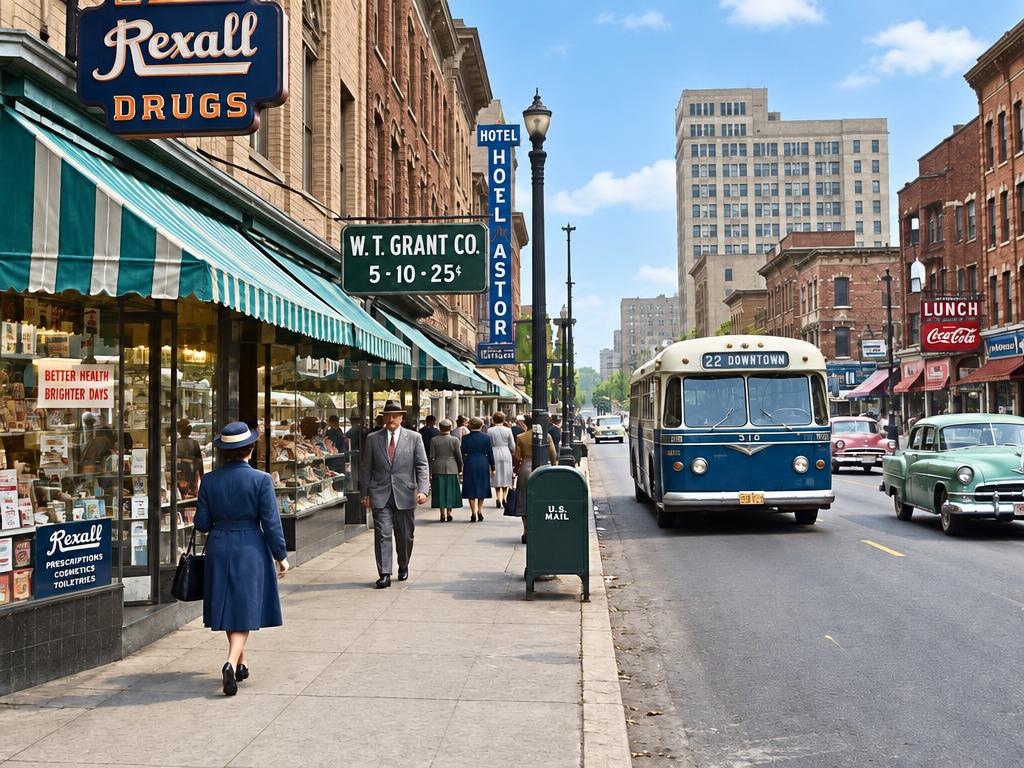
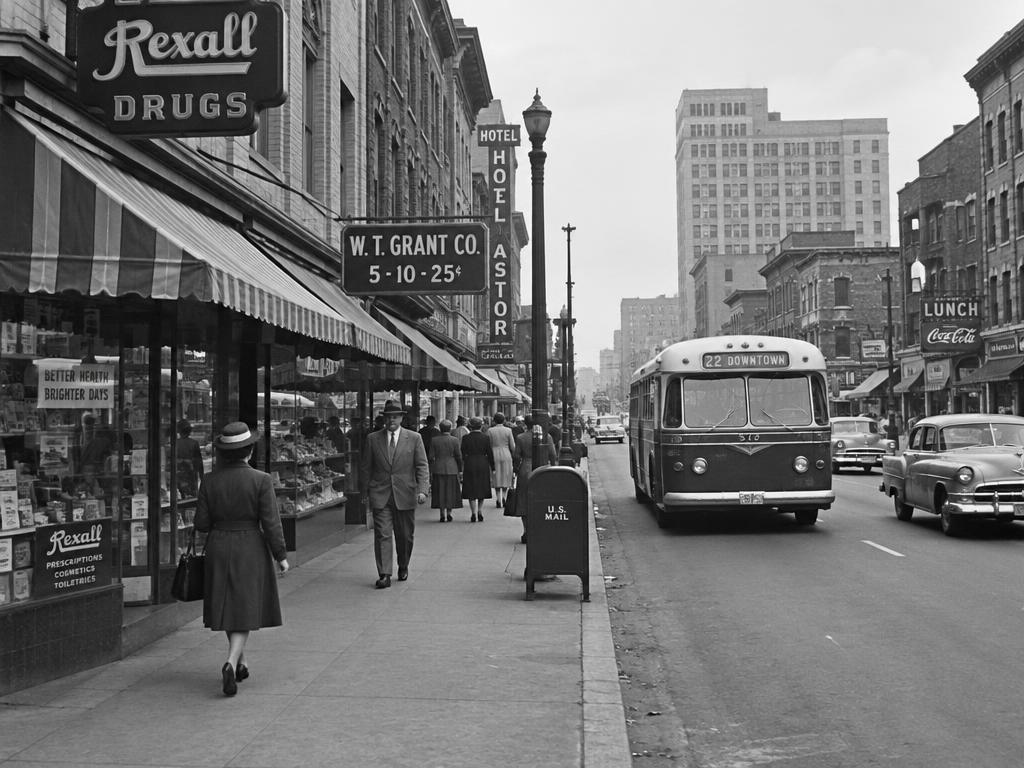
Storefronts, awnings and a bus regain their colors — Vivid Natural keeps the asphalt believable.
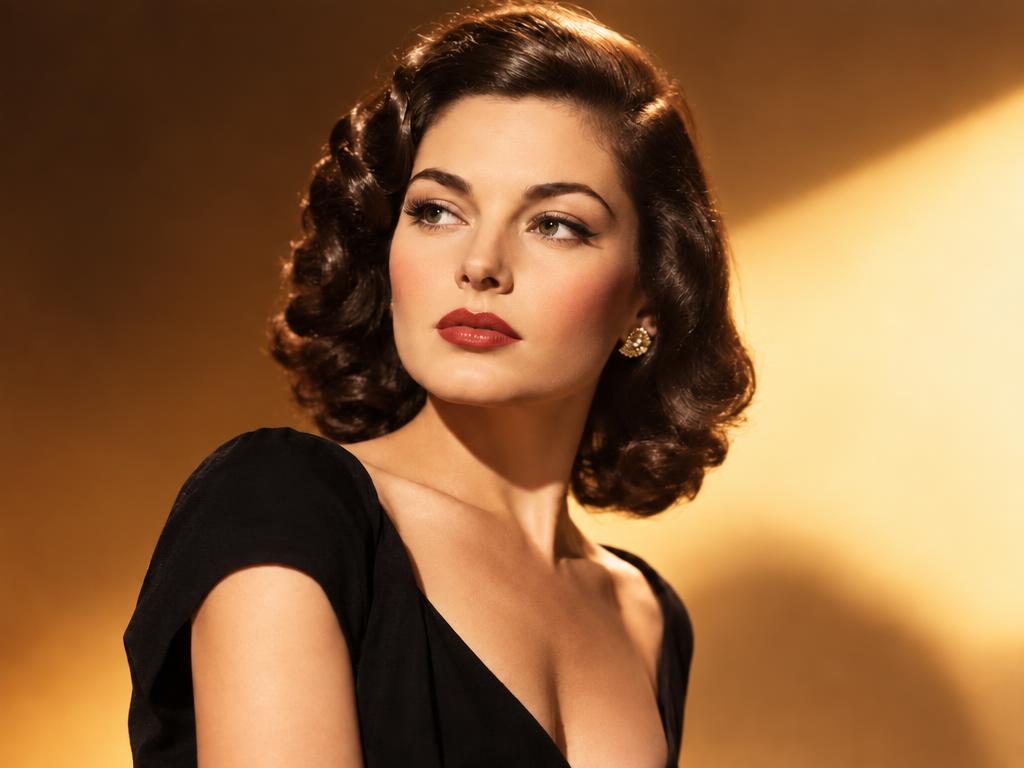
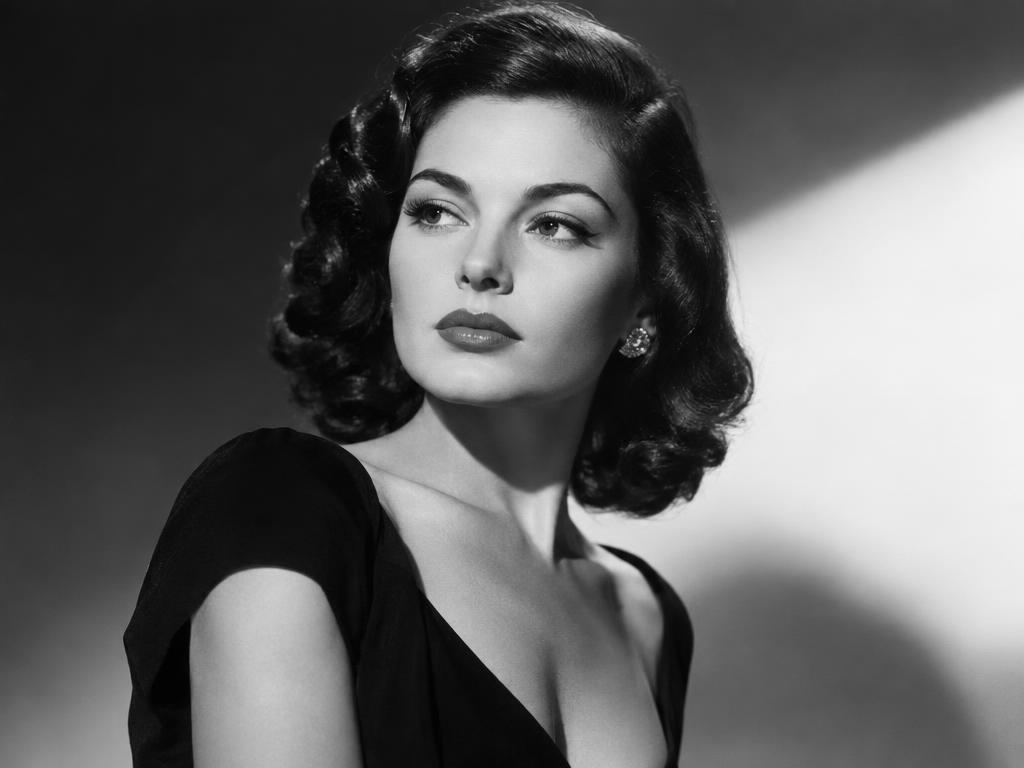
Warm Glow relights the portrait like late-afternoon sun — skin tones warm, never orange.
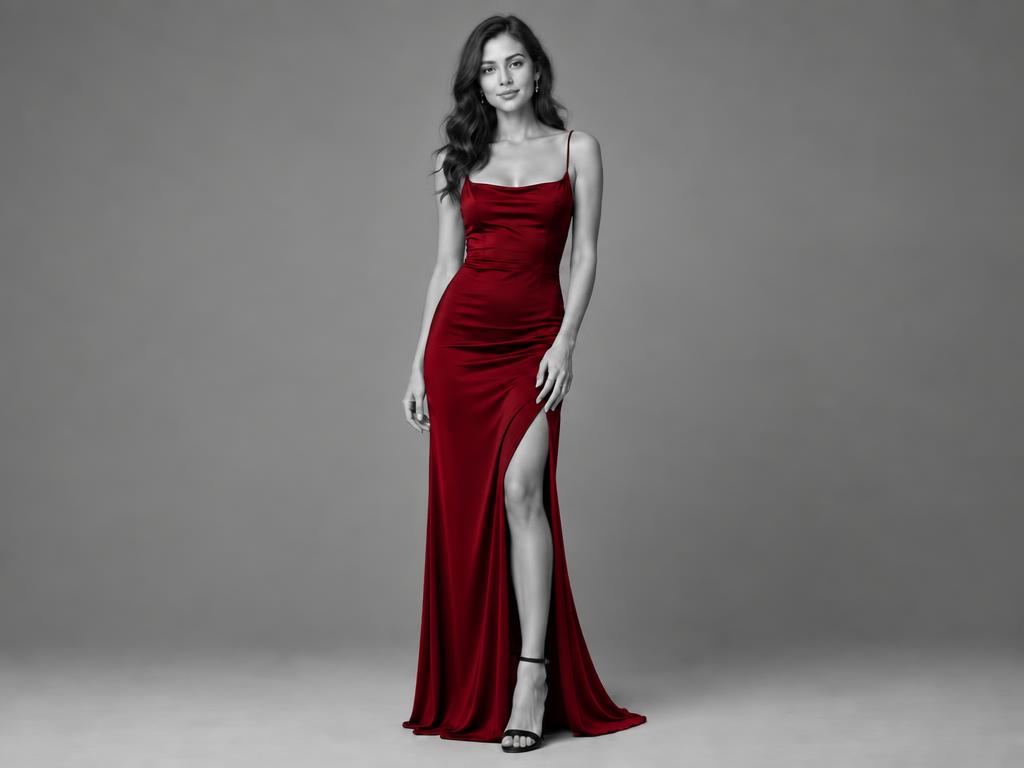
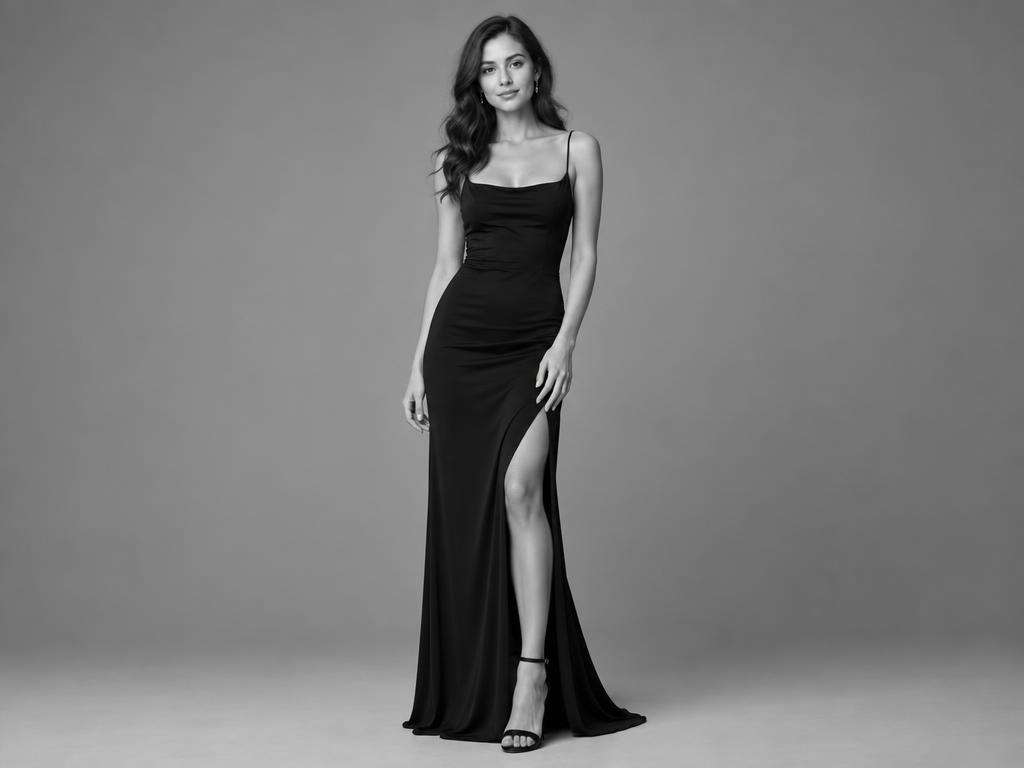
Only the marked dress turns ruby — the rest of the photo stays beautifully black-and-white.
Every filter on the same photo — compare before you colorize black and white photos.
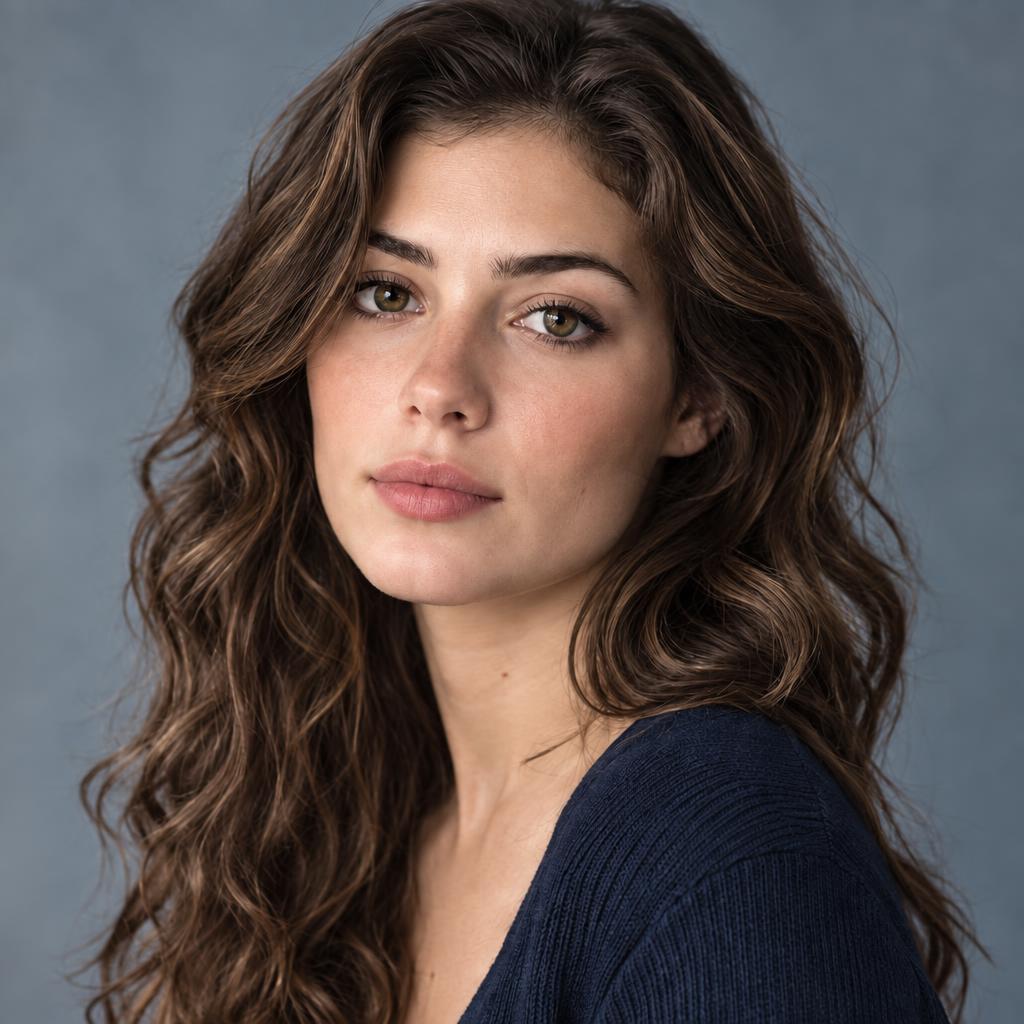
haircolor.colors.base_palette_desc
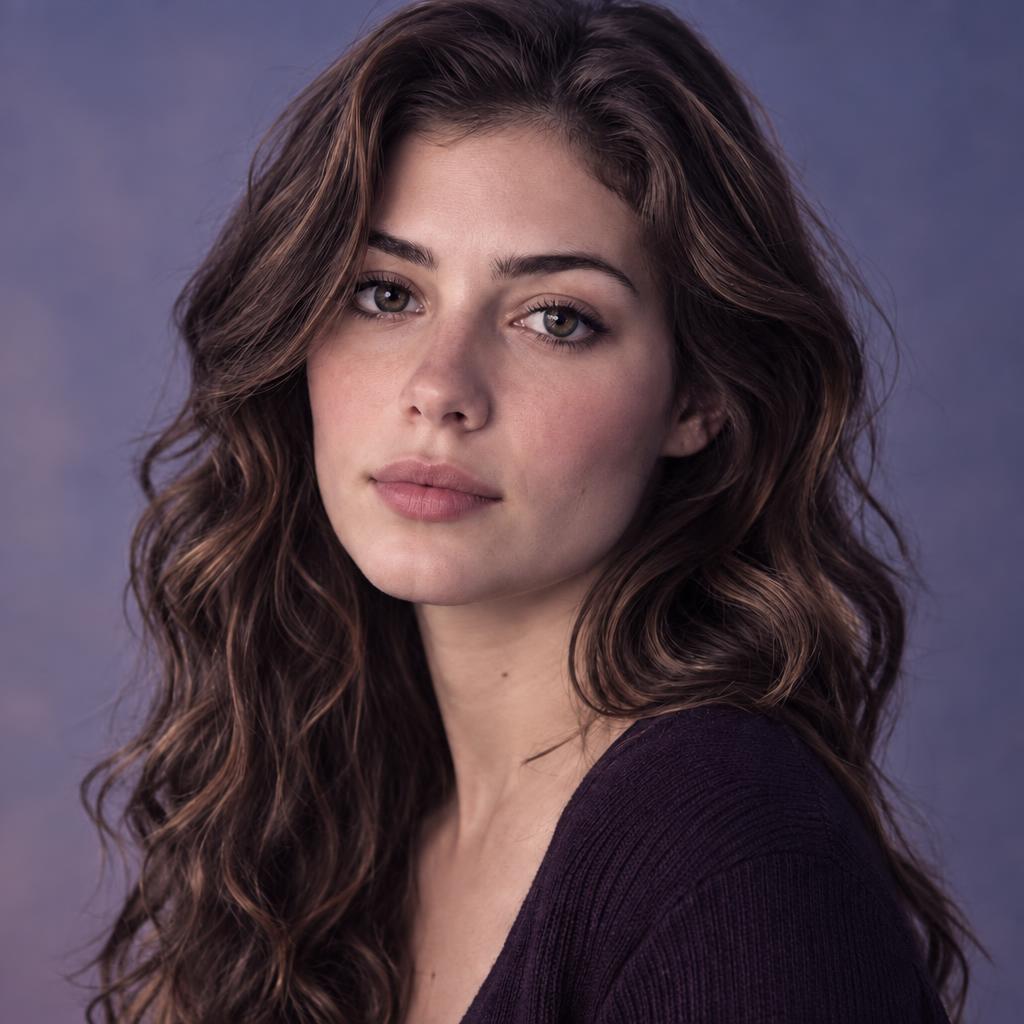
haircolor.colors.lavender_dusk_desc
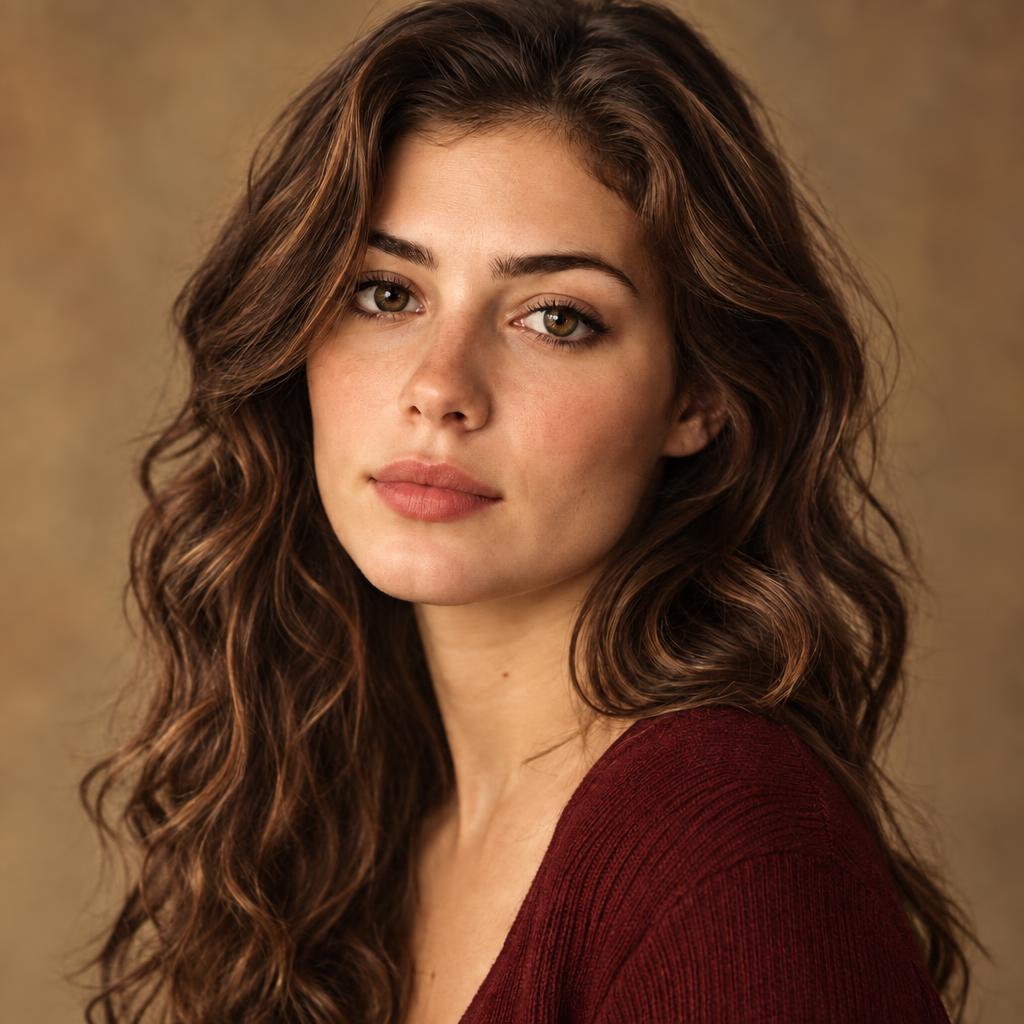
haircolor.colors.colorful_memories_desc
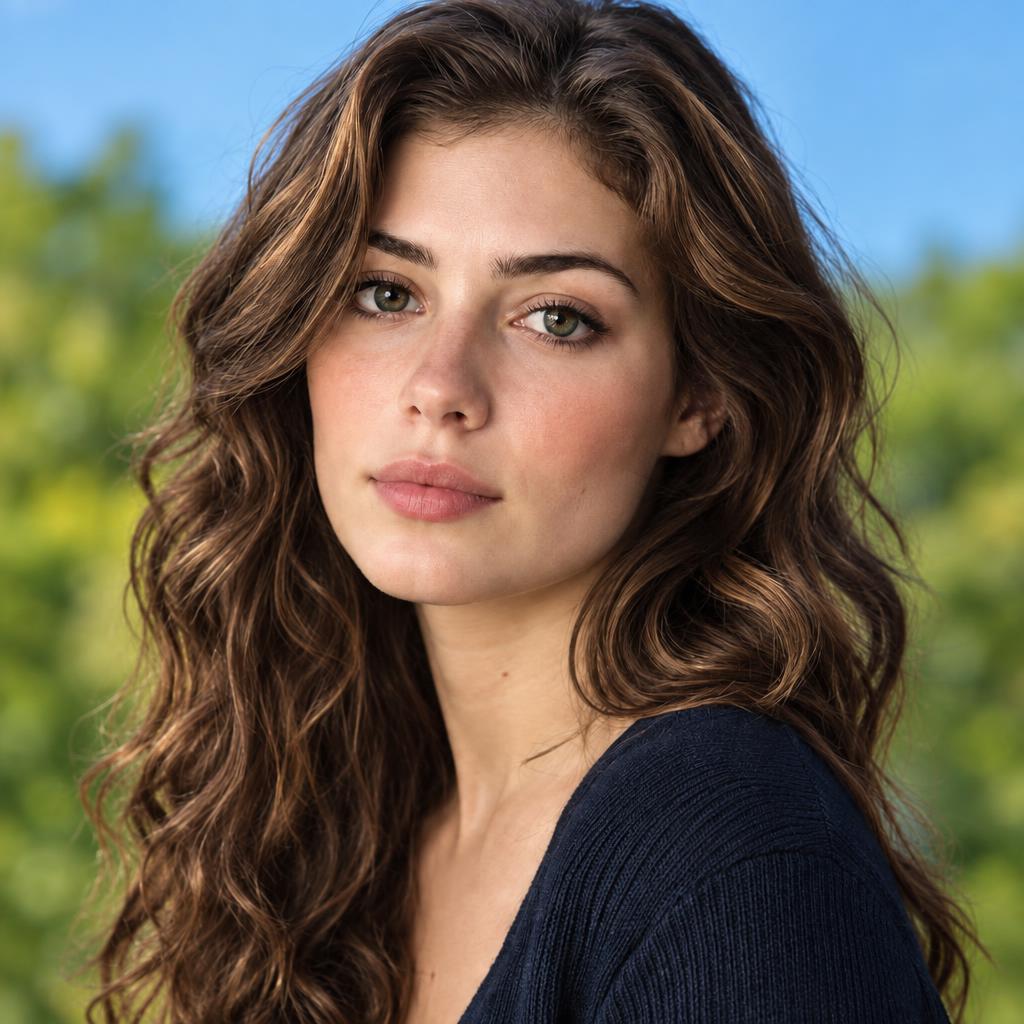
haircolor.colors.vivid_natural_desc
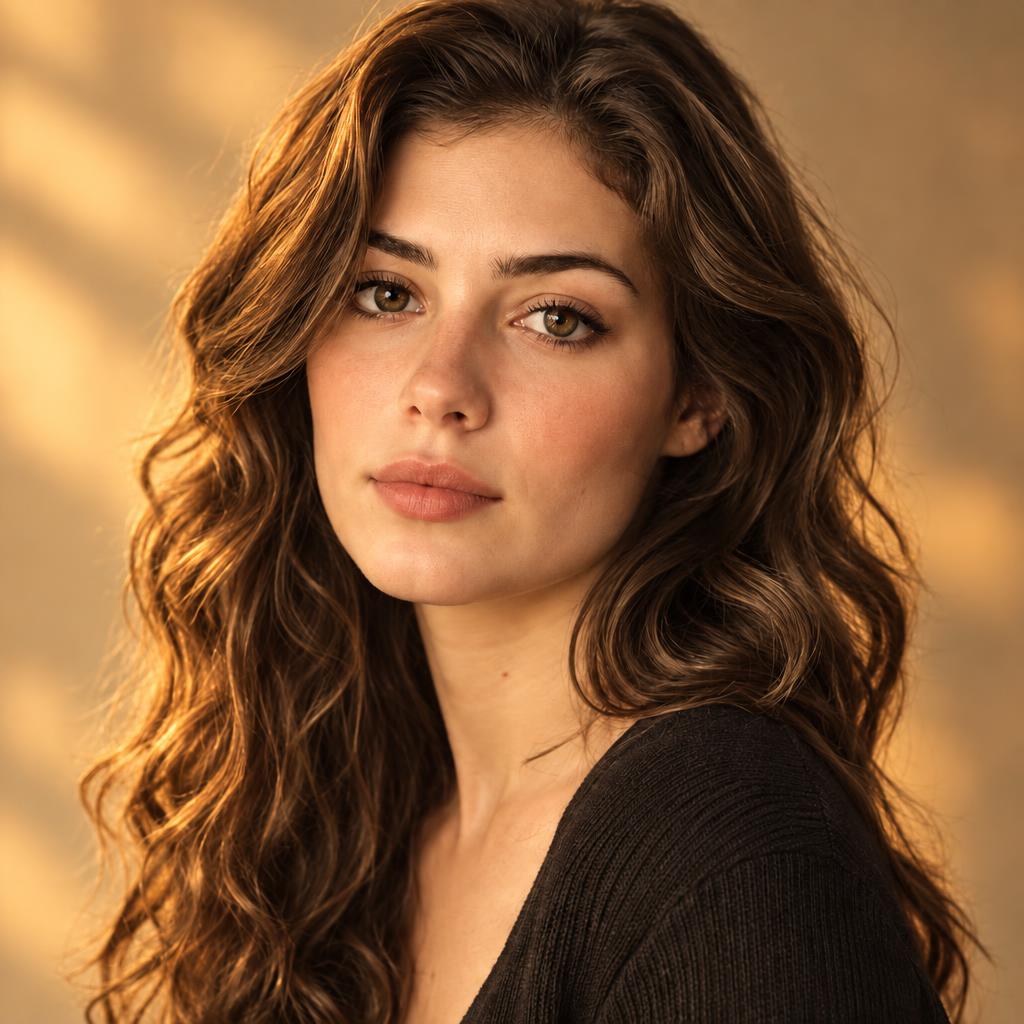
haircolor.colors.warm_glow_desc
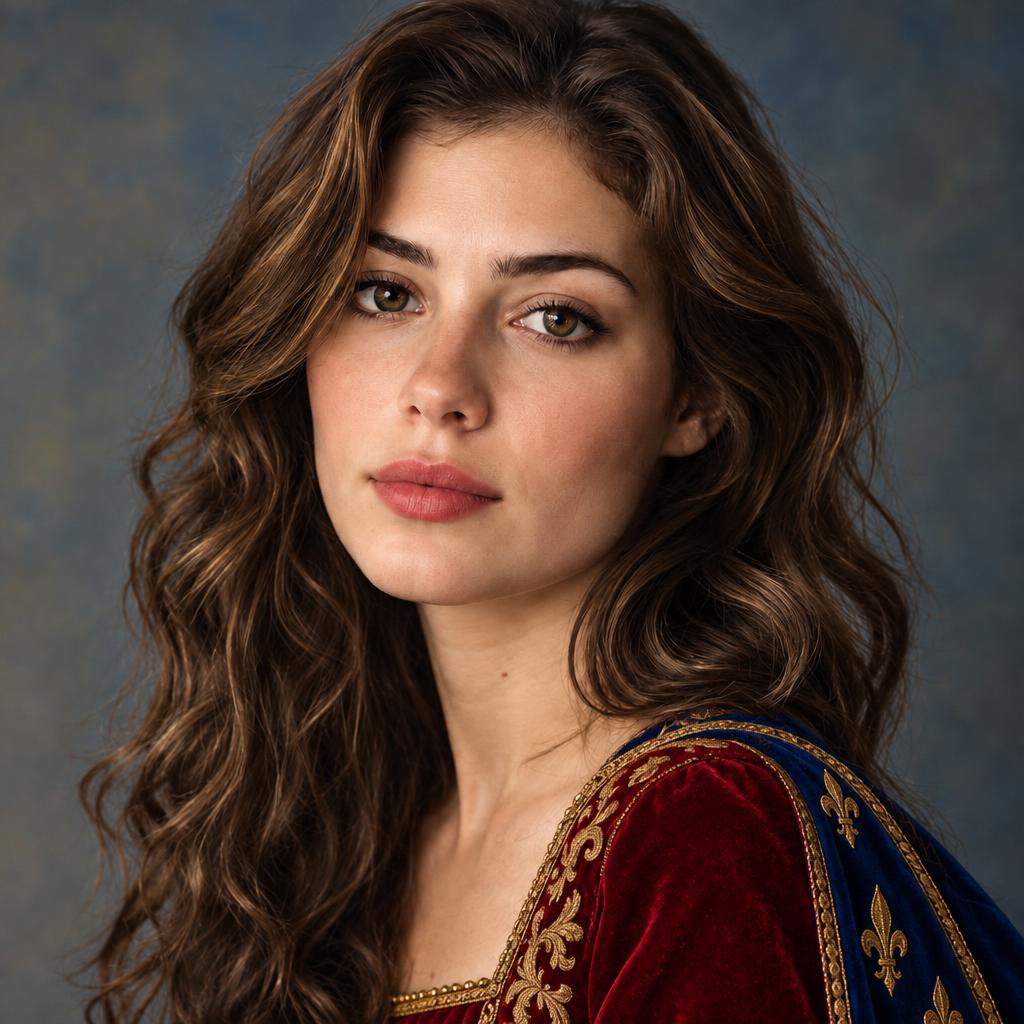
haircolor.colors.royal_vibes_desc
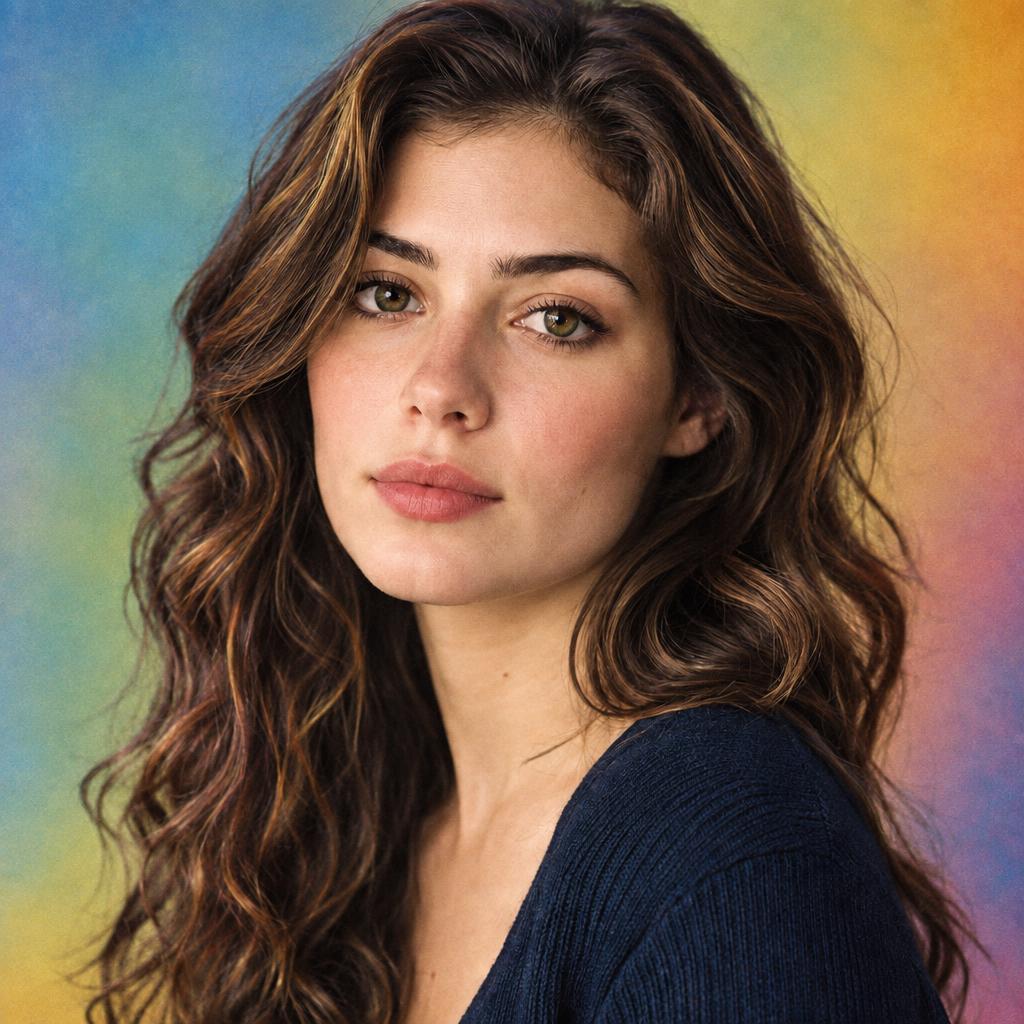
haircolor.colors.analog_rainbow_desc
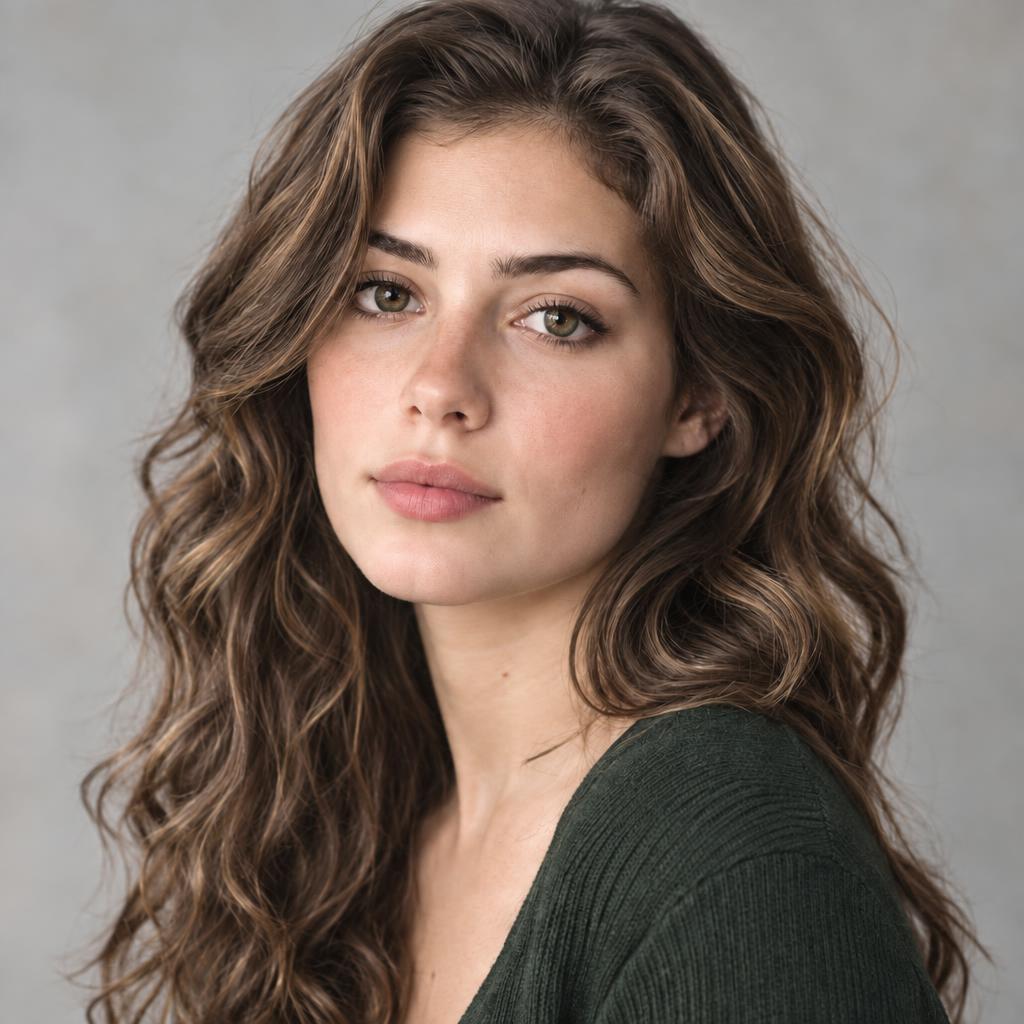
haircolor.colors.pastel_note_desc
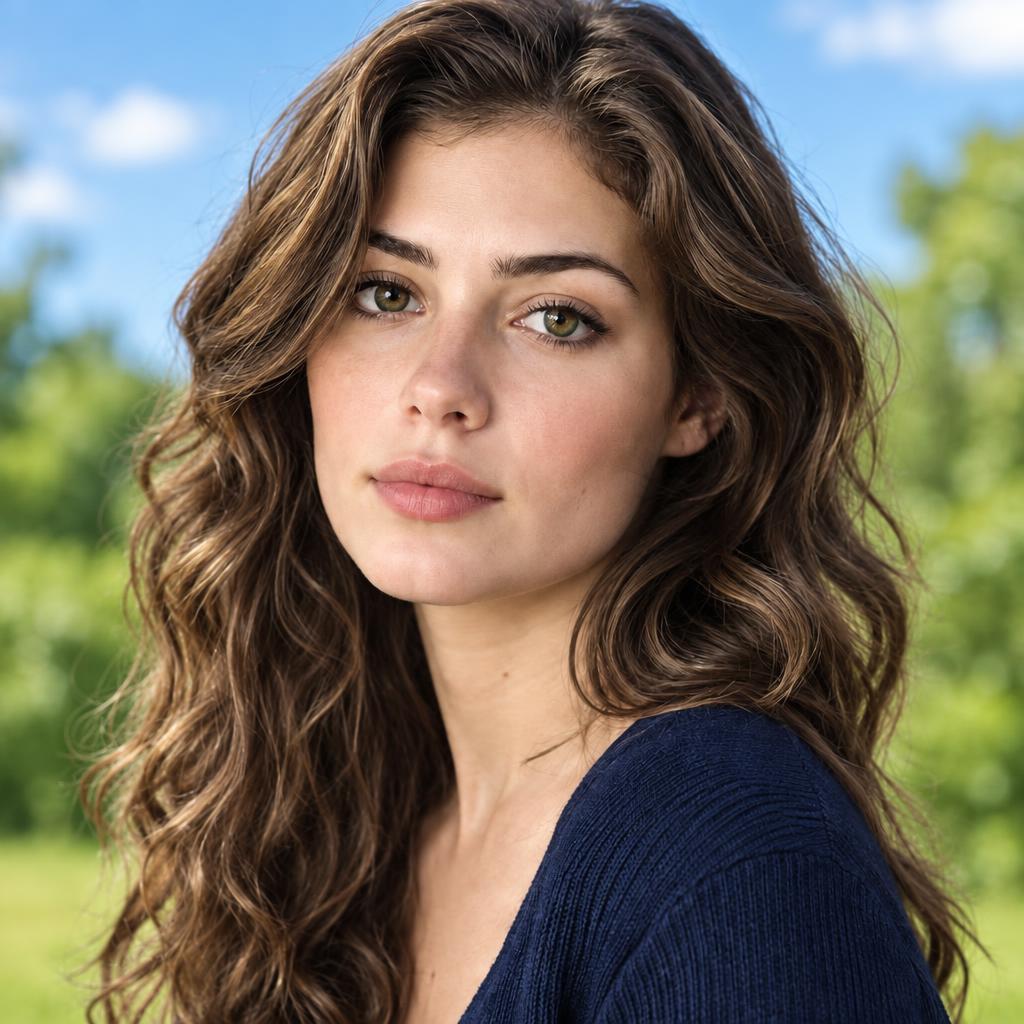
haircolor.colors.outdoor_vibes_desc
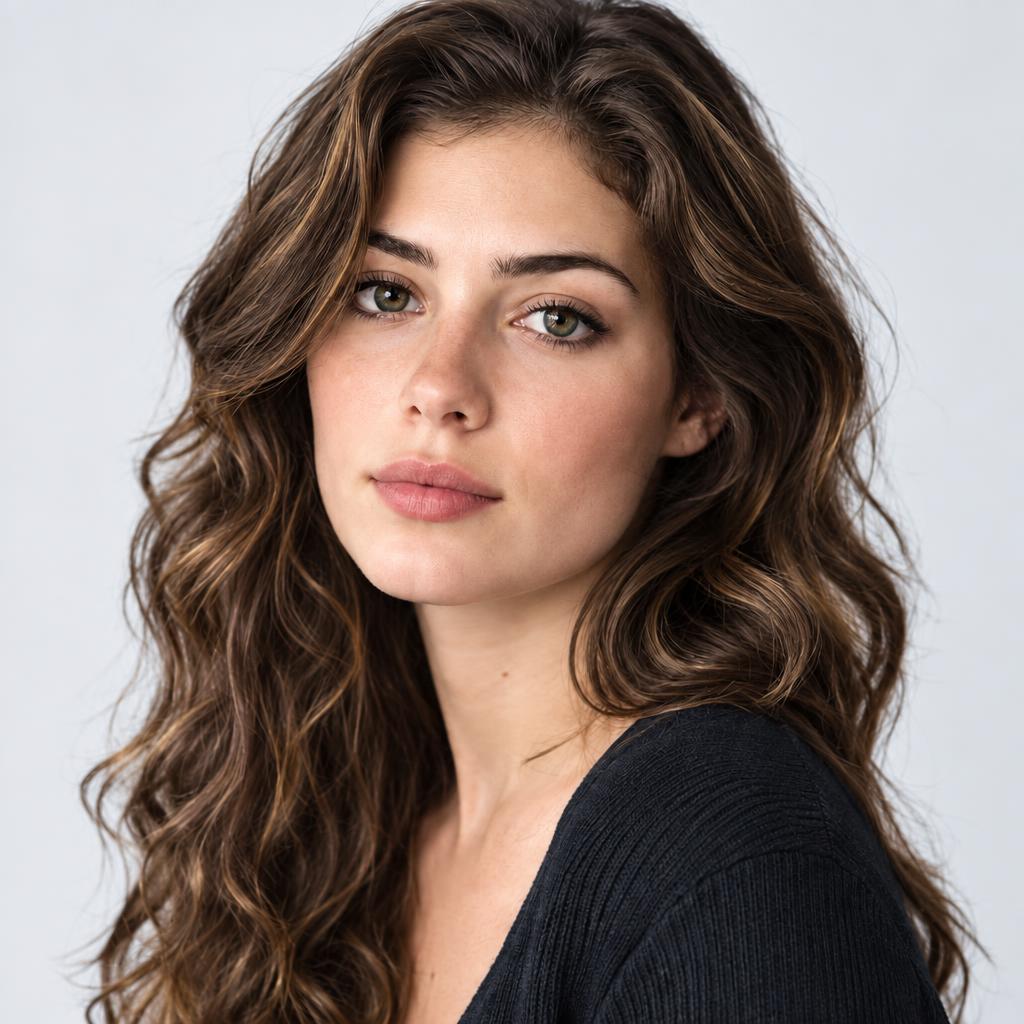
haircolor.colors.bright_studio_desc
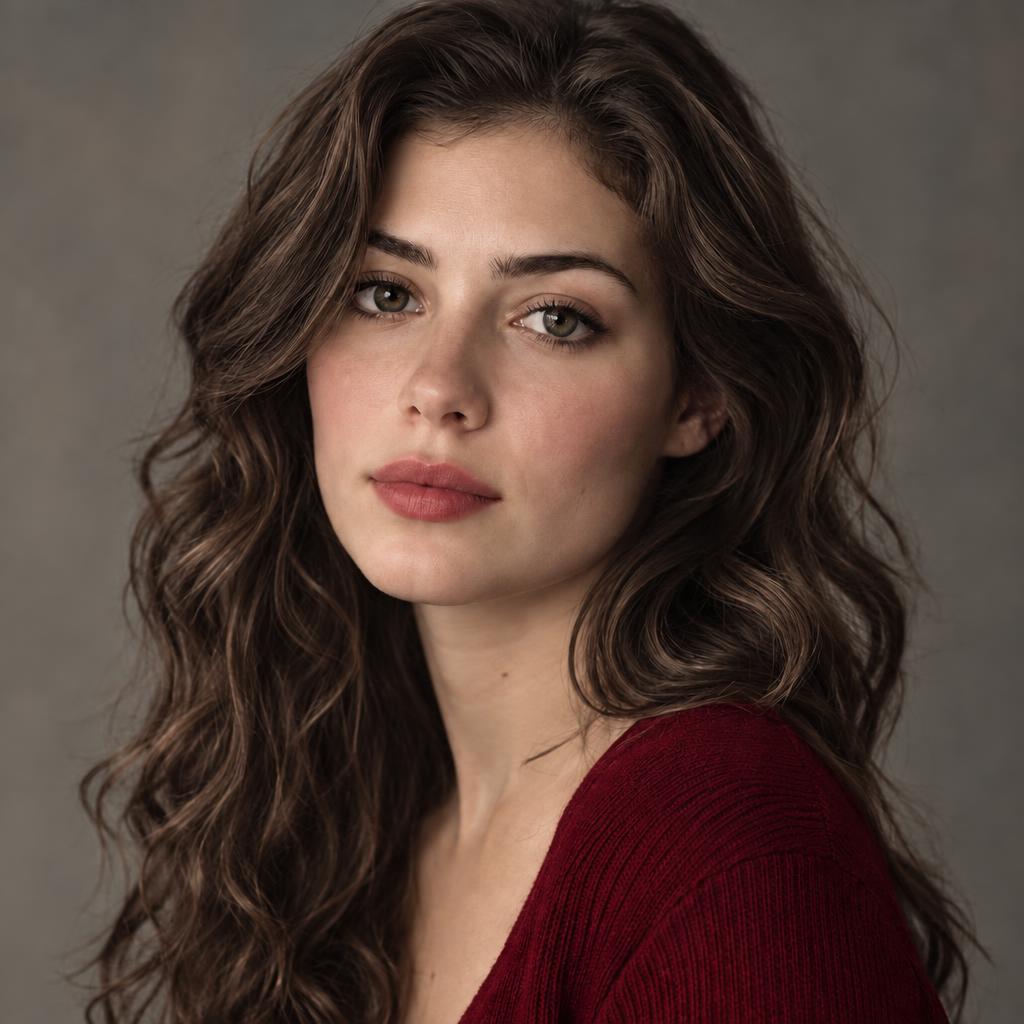
haircolor.colors.matte_ruby_desc
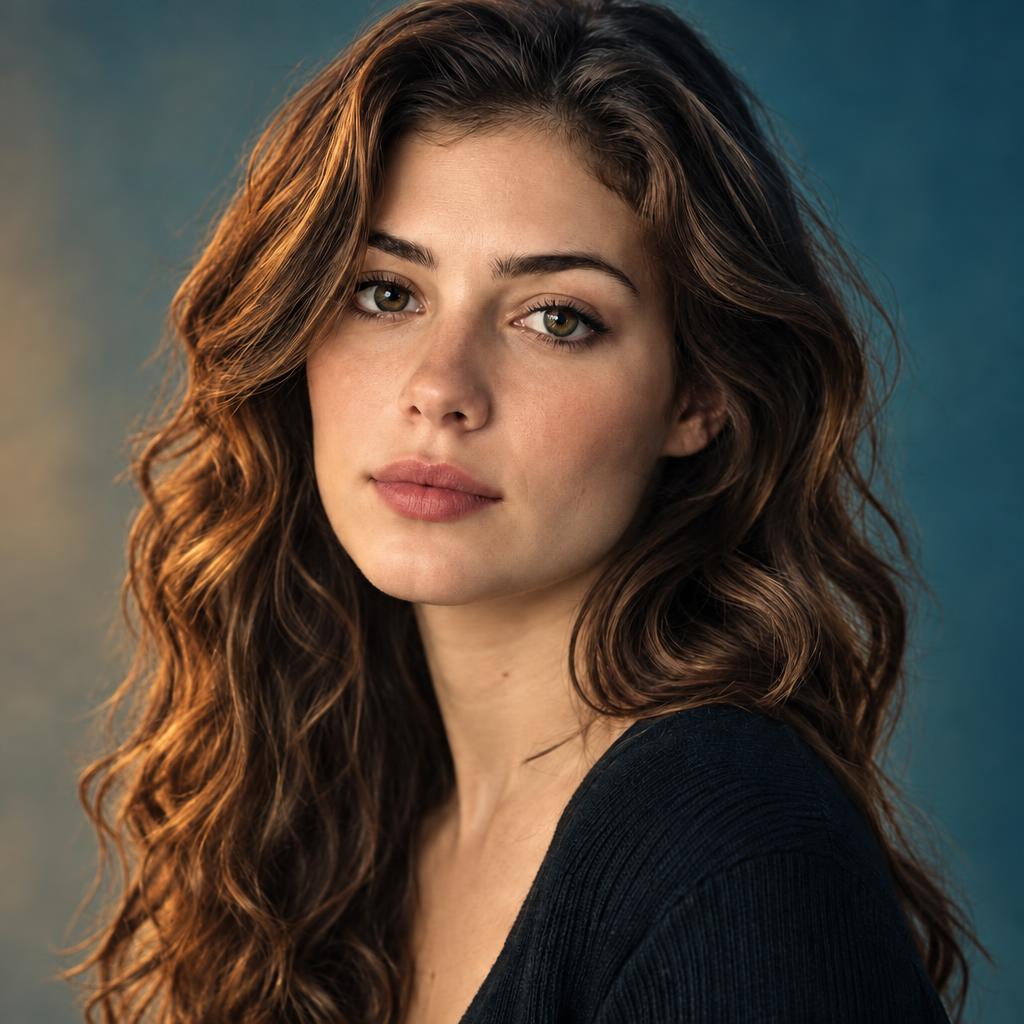
haircolor.colors.cinematic_shades_desc
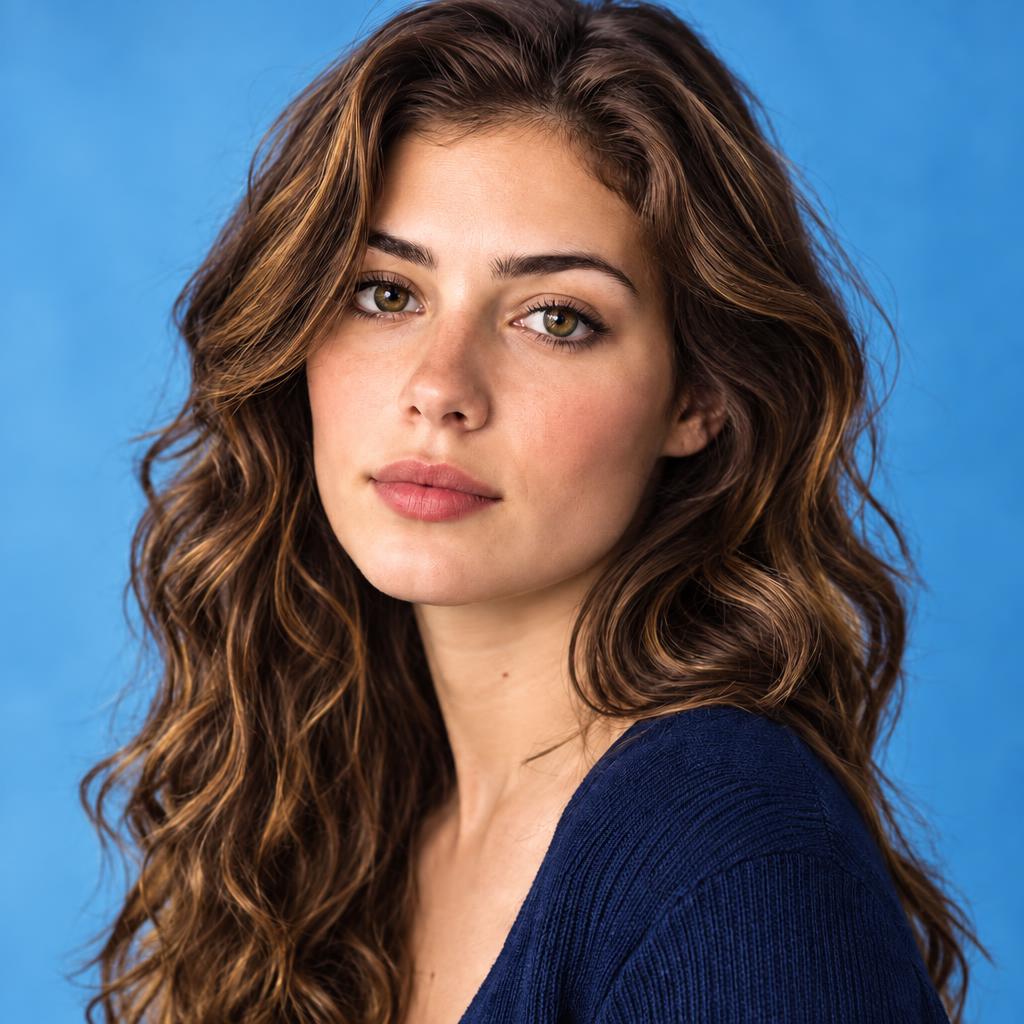
haircolor.colors.radiant_rainbow_desc
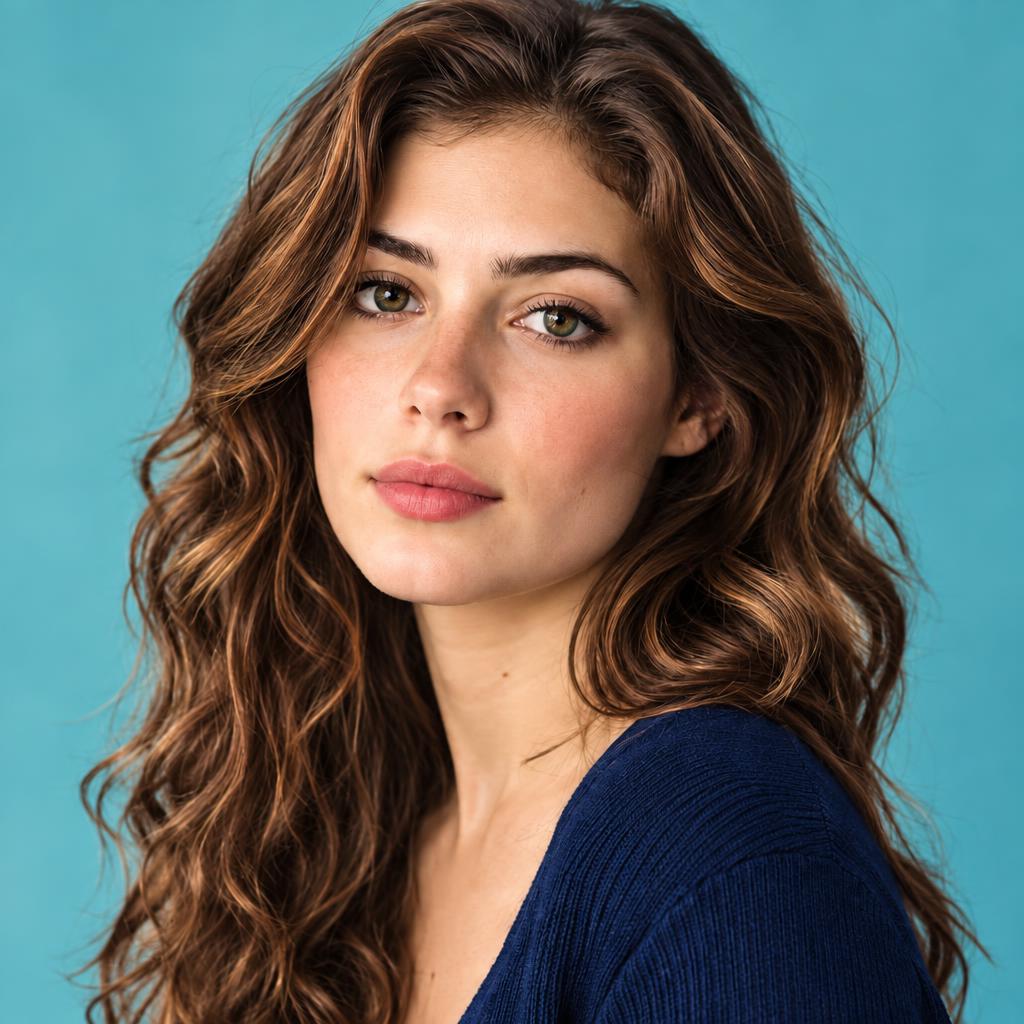
haircolor.colors.playful_pop_desc
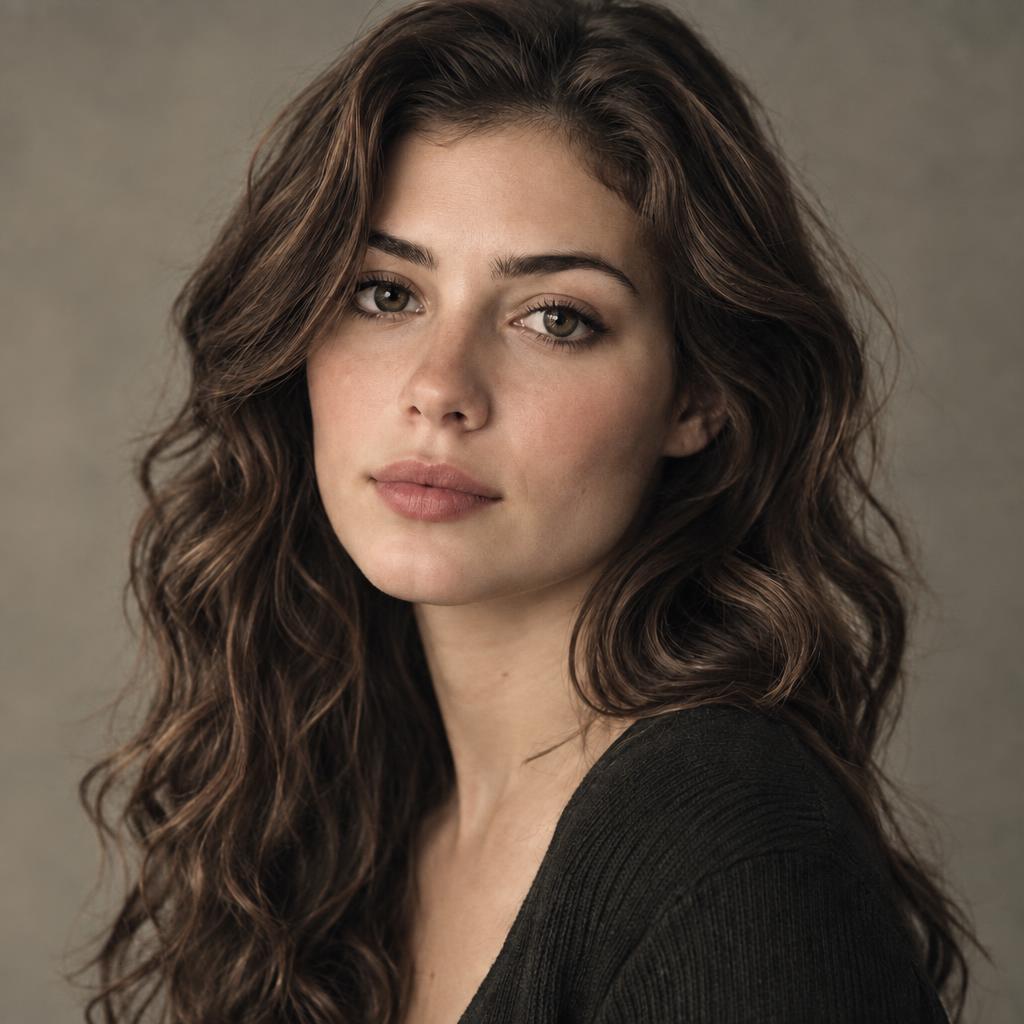
haircolor.colors.faded_elegance_desc
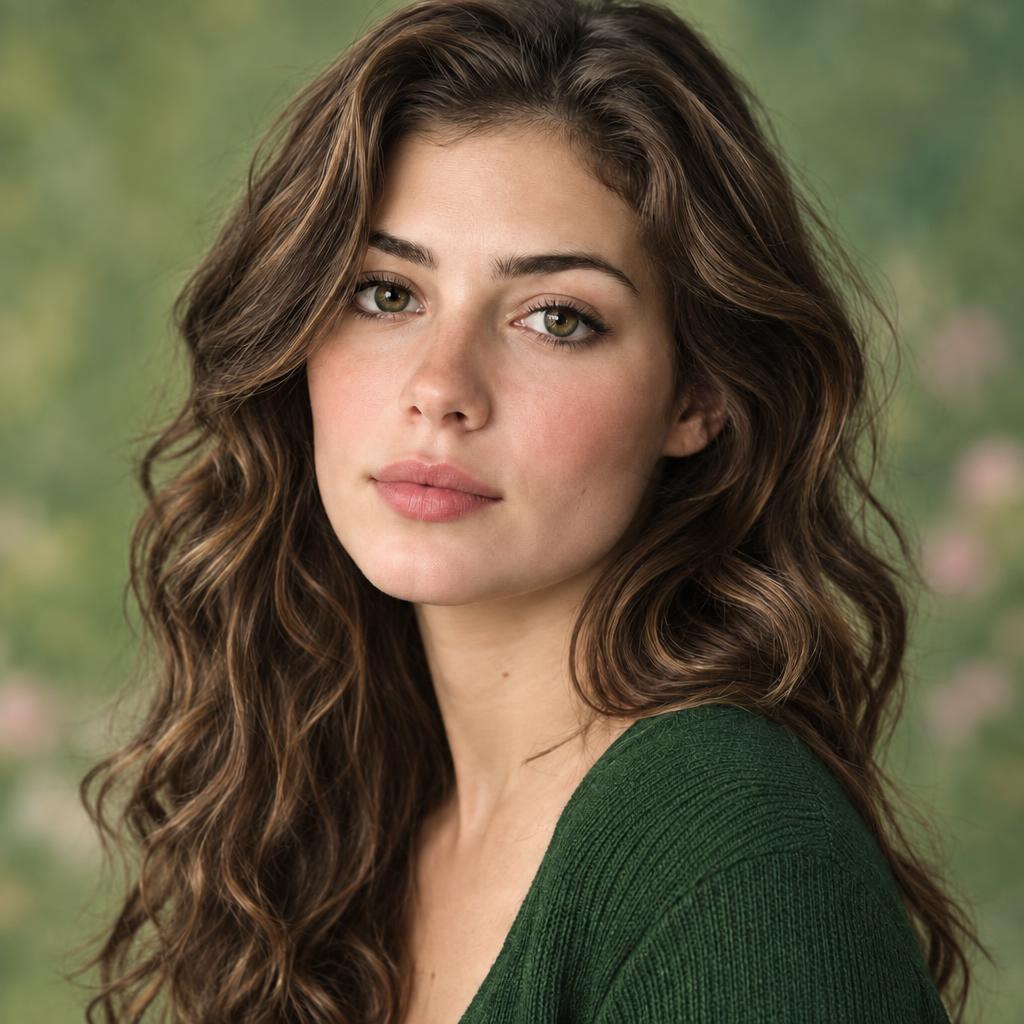
haircolor.colors.garden_delights_desc
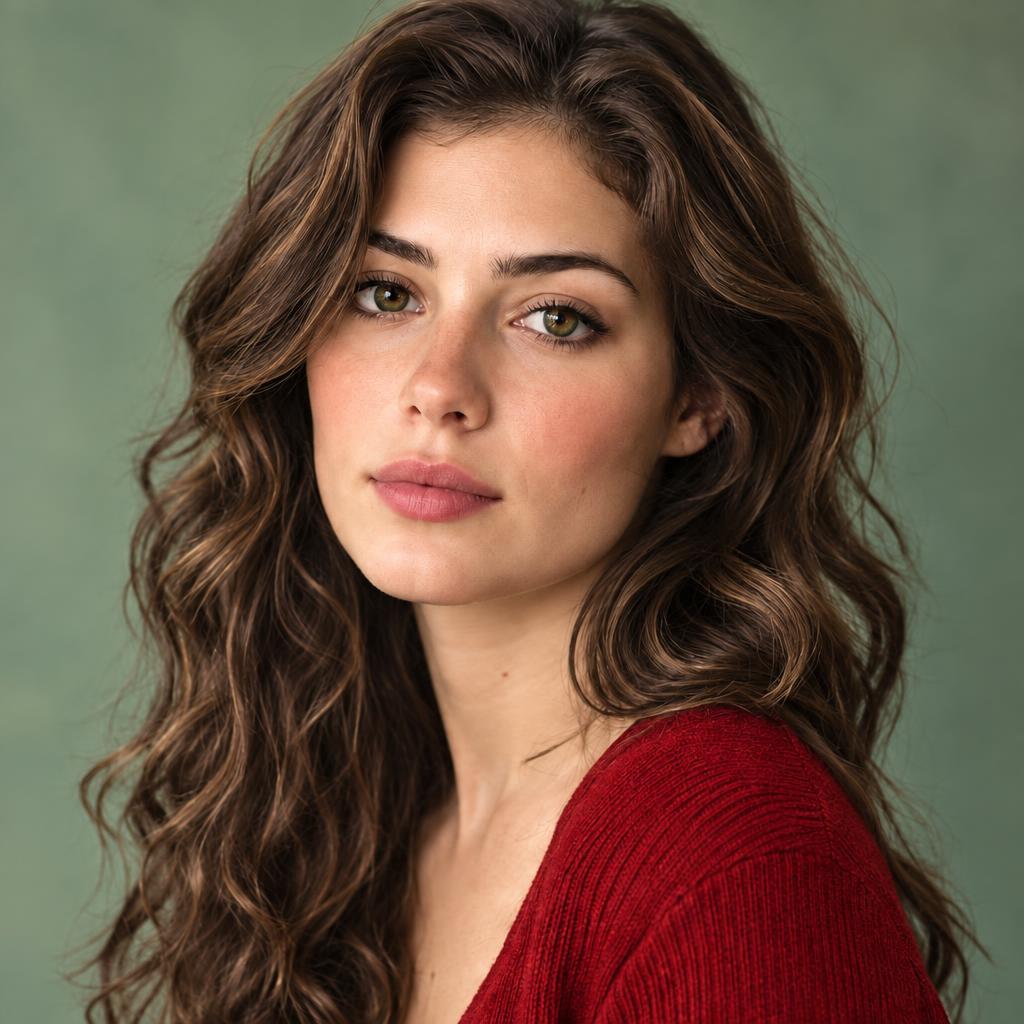
haircolor.colors.lively_floral_desc
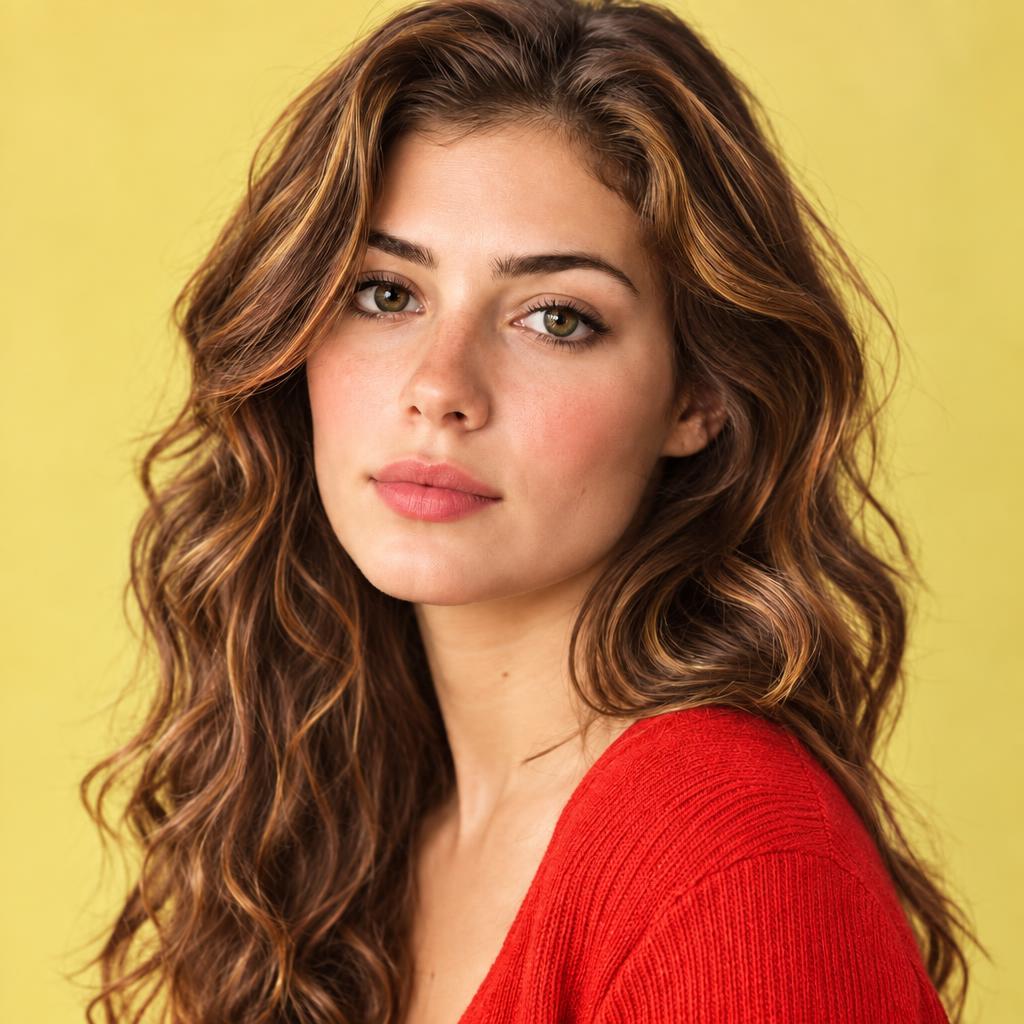
haircolor.colors.tutti_frutti_desc
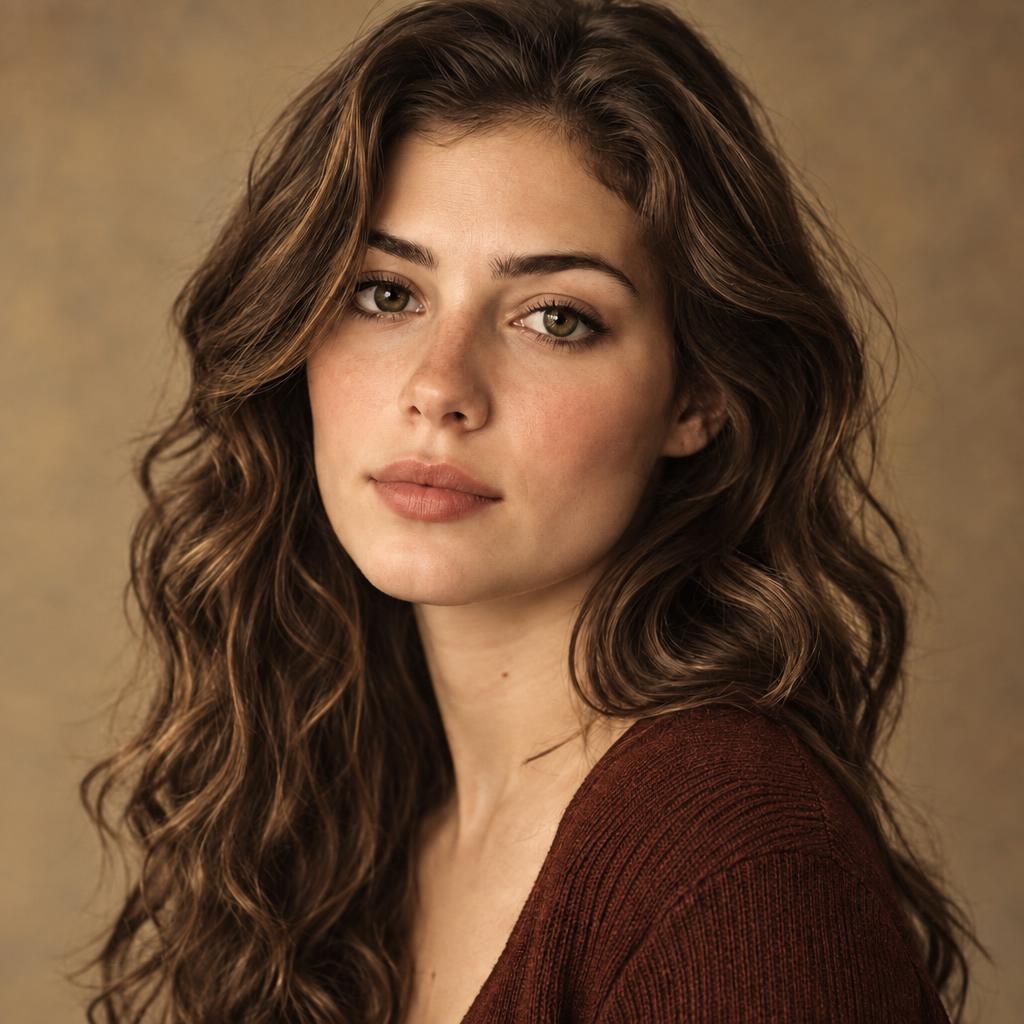
haircolor.colors.vintage_charm_desc
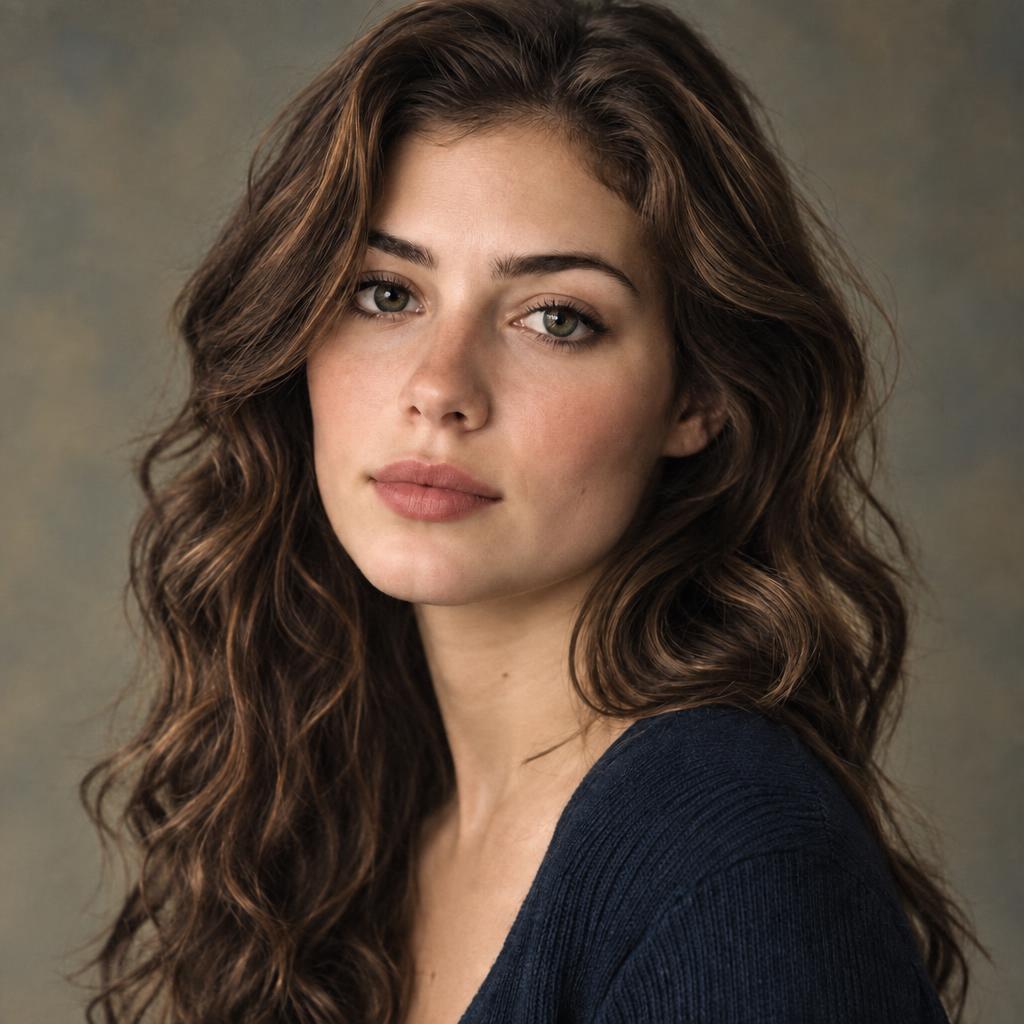
haircolor.colors.ambient_historic_desc
Three steps — step two optional: colorize black and white photos entirely or in parts.
A clear, front-facing photo with hair visible and evenly lit — selfies work great. JPG, PNG and WebP from any device. Mark hair to choose exactly whose color changes.
Tap a preset shade, upload a color reference to copy its exact color, or write it — "ash blonde with caramel highlights". Reference wins over swatch; a prompt color wins over both.
Fifteen seconds later the new color is on — strands, shine and hairstyle untouched. Download the AI hair color changer result at up to 4K for your colorist.
Scans beat re-photographs: 600 dpi, no glare — cleaner grayscale, truer color.
For selective color, mark a small margin past the edge — tight crops leave a rim.
Damaged original? Run restoration first — creases repair better before you colorize black and white photos.
Skin tones read most naturally in Base Palette, Vivid Natural and Warm Glow.
Six kinds of grayscale, one upload — jobs to colorize black and white photos, whole or in parts.
Faces come back warm and human — never orange, never plastic.
Storefronts and city scenes regain their palette — blue skies, warm bricks.
Mark just a dress, a car or a flower — color lands there; the rest stays black-and-white.
Twenty filters from faithful to cinematic to pastel — the reason to colorize black and white photos here.
Sepia and faded prints colorize too — common when you colorize black and white photos from old albums.
Classic film frames and old posters — the most fun you can have when you colorize black and white photos.
Twenty filters, selective color, and control over how you colorize black and white photos.
colorize.feat.colorref.desc
colorize.feat.mark.desc
colorize.feat.texture.desc
Results come back sharp for albums and frames — choose 2K or 4K output.
Six rescues this page performs — from the family shoebox to the cutting-room floor.
Grandparents' wedding, the childhood living room — the personal reason people colorize black and white photos.
Streets, shops and gatherings from another century — history reads closer in color.
The dress, the hat, the fabric — colorize black and white photos of style that deserved color all along.
A colorized throwback outperforms the gray original.
Classic cinema frames in Cinematic Shades — made for users who colorize black and white photos of film history.
A colorized ancestor portrait at 4K — the gift people colorize black and white photos for.
Color is plausible, not recovered — the model picks believable hues from context; it cannot know a 1962 dress's real color. The honest frame for every tool that colorize black and white photos.
Dark, blurry or tiny inputs give the model little to read — cleaner grayscale colorizes truer.
Selective color follows your marks — mark a small margin for the cleanest border.
Colorize photos you own or are allowed to edit. A colorized photo is an interpretation, not a historical record — keep the original alongside it.
Upload a grayscale photo, pick a filter, generate. The model assigns plausible color to every region — or only the regions you mark — composition, texture and lighting preserved.
Yes to start — sign-up comes with free credits, and a 1K result costs 1 credit. Paid plans unlock 2K and 4K output. Failed generations refund automatically.
colorize.faq.texture.answer
colorize.faq.dark.answer
colorize.faq.multiperson.answer
colorize.faq.techniques.answer
colorize.faq.colorref.answer
colorize.faq.custom.answer
colorize.faq.quality.answer
Yes. Photos are used only to produce your result — never for training or sharing. Delete anything anytime.
Clean, well-scanned grayscale — 600 dpi if you can. Dark, blurry or tiny photos give the model little context.
Upload a black-and-white photo and watch it turn — one filter or twenty, whole photo or the dress. The friendly way to colorize black and white photos, free credits on sign-up.