


BeforeAfter
Caption bars
The caption strip lifts off and the sunset gradient stays smooth.
Captions, date stamps, watermarks, logos, price tags — mark what goes, or leave everything blank and our remove text from image tool clears every word on the picture, rebuilding the background behind it.
Free credits on sign-up · JPG, PNG, WebP · No watermark
Every pair below ran through this page's own pipeline — the original on the left, the cleared result on the right. Drag any slider and look where the words used to sit: texture, light and perspective all carry on. Nothing staged, nothing stock.
The caption strip lifts off and the sunset gradient stays smooth.

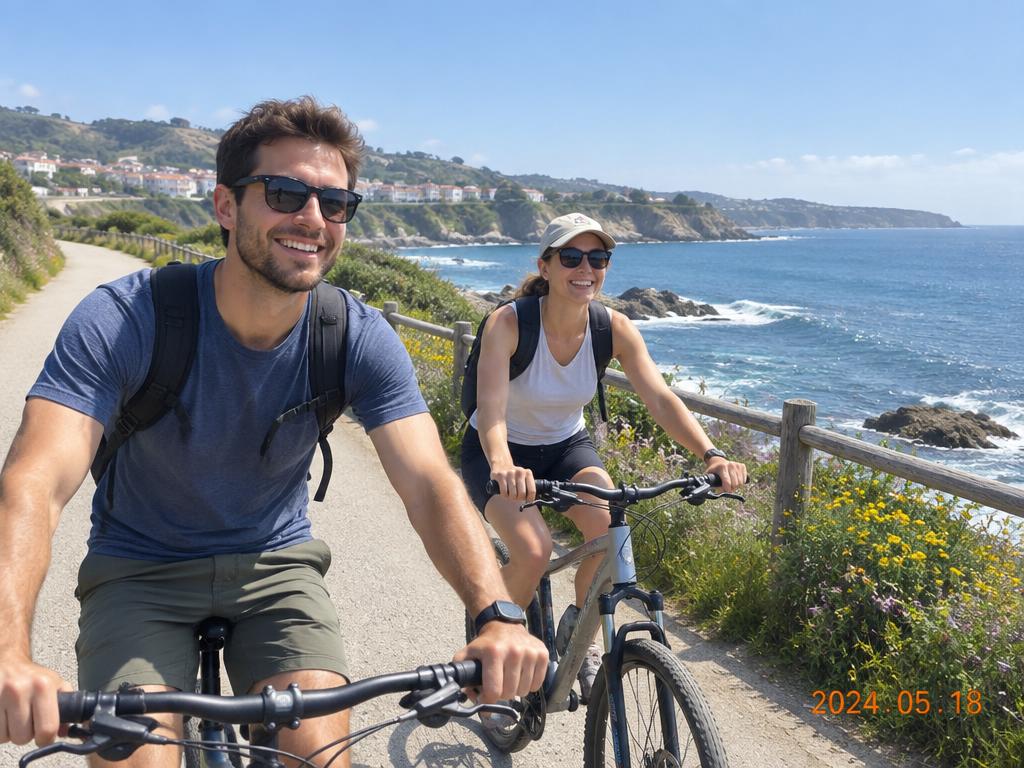
The orange 2024.05.18 vanishes from the corner, path untouched.
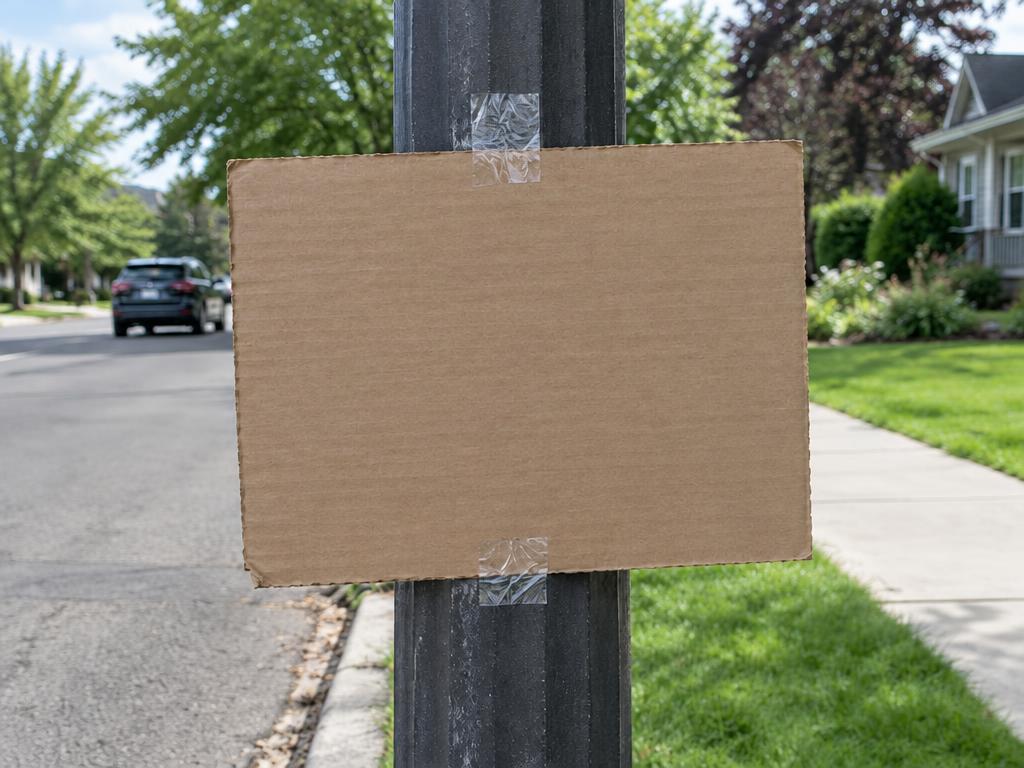
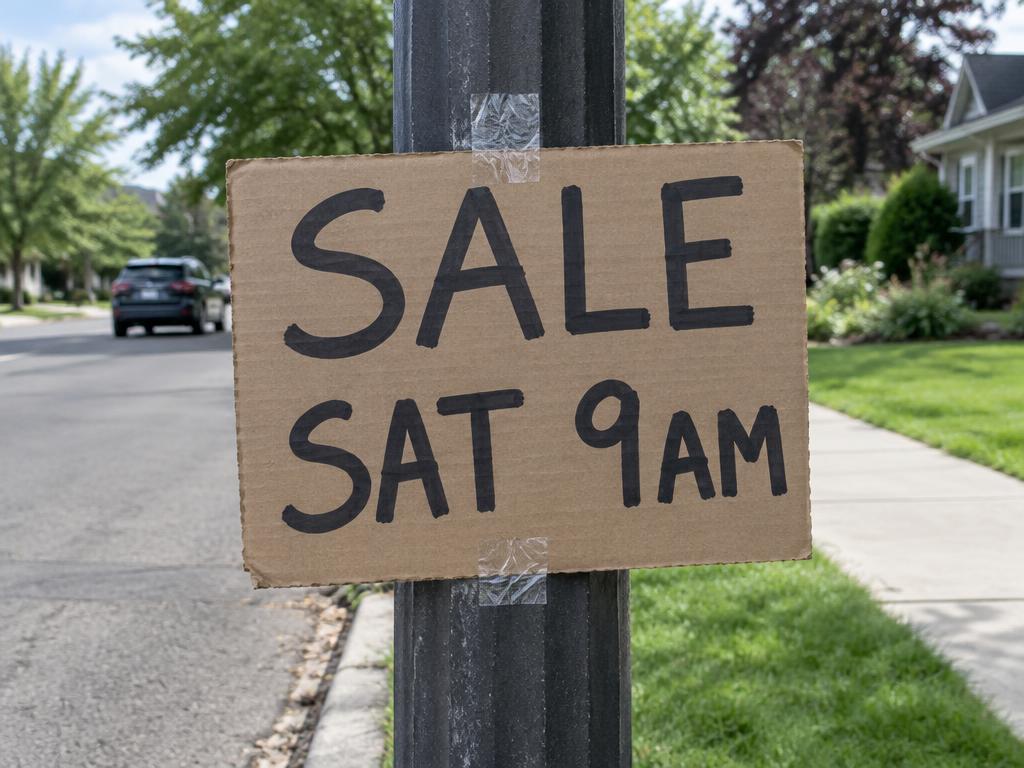
Marker lettering wipes off the cardboard, corrugation intact.
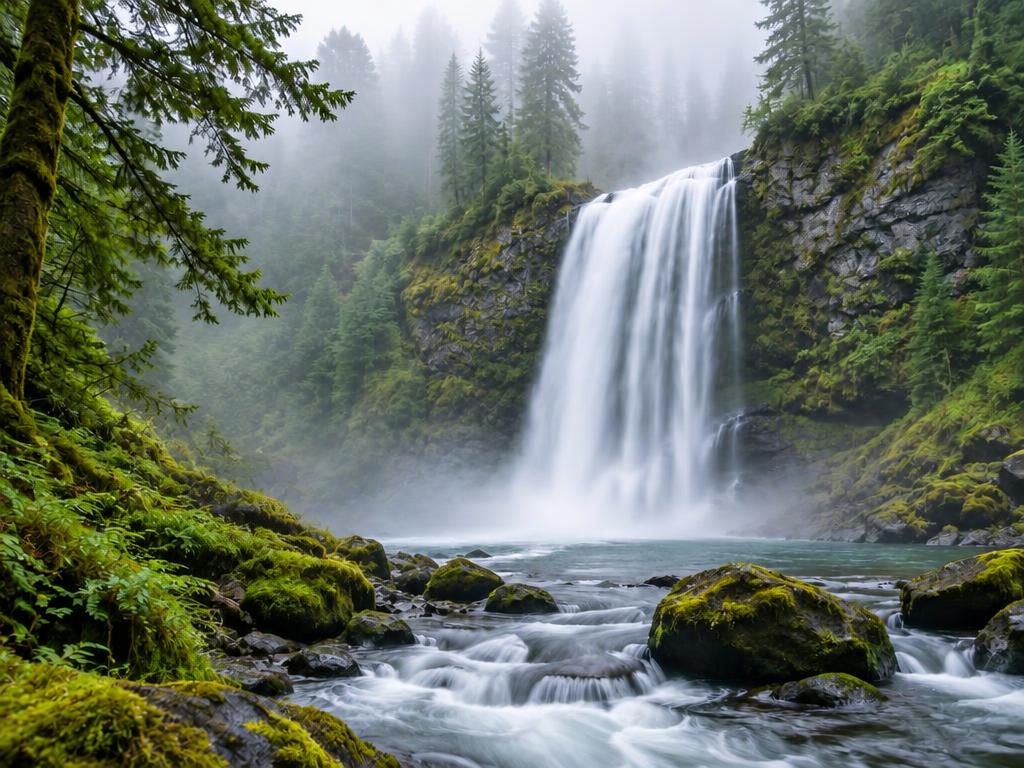
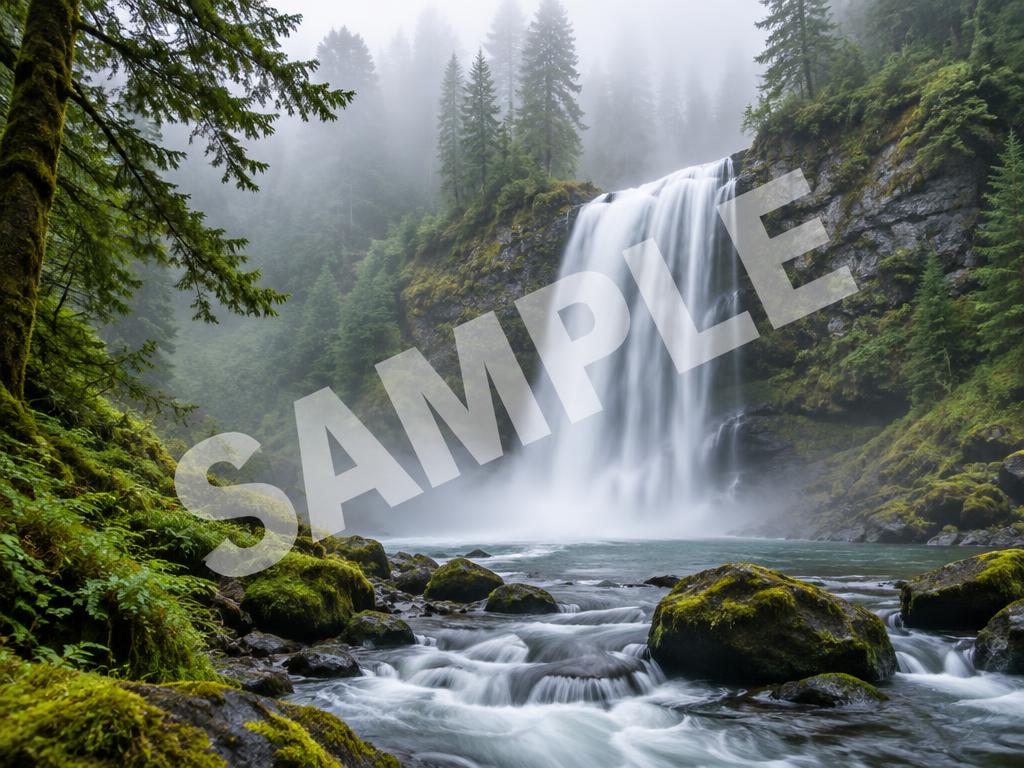
The SAMPLE overlay lifts and the waterfall flows through.
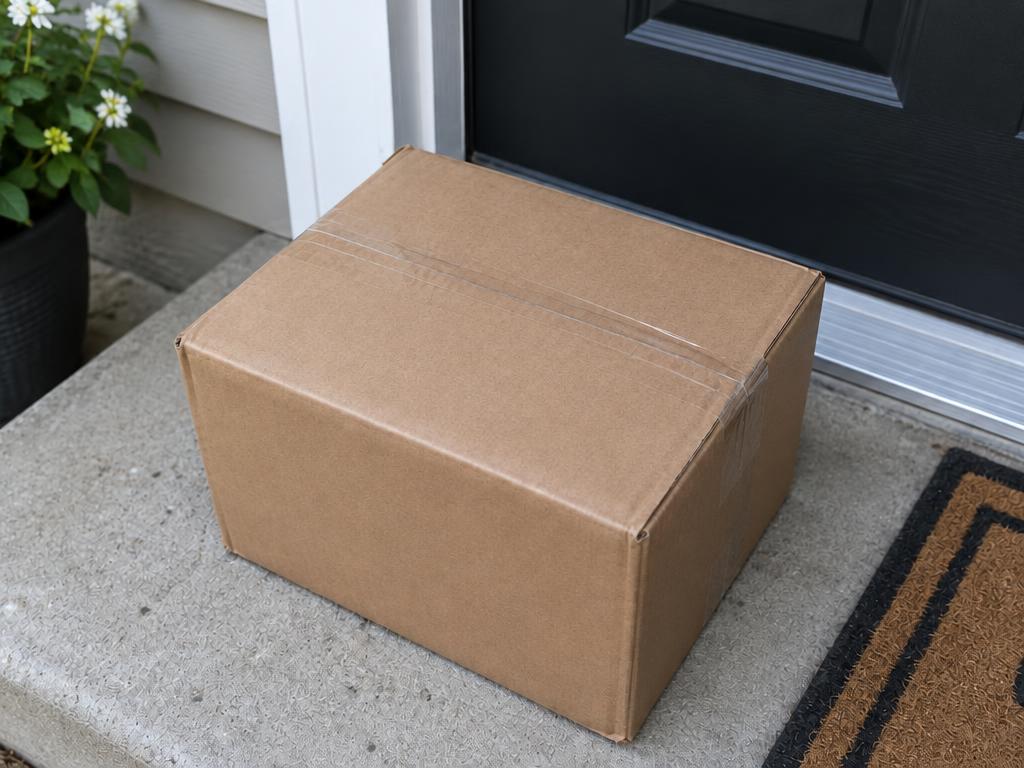
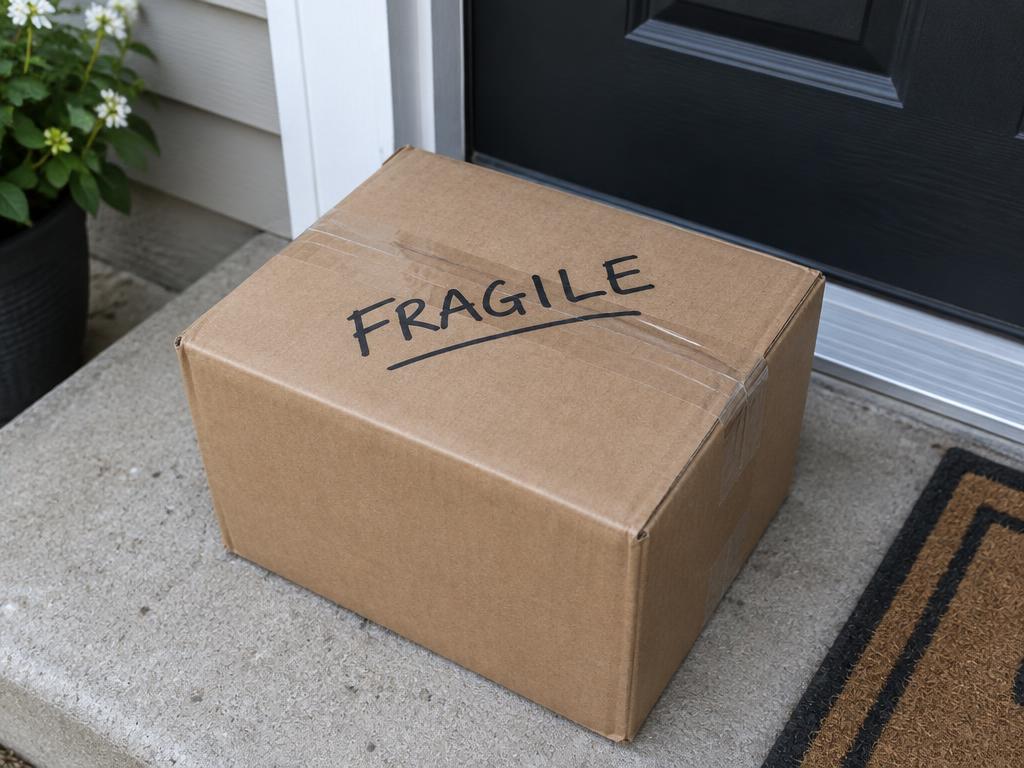
FRAGILE comes off the box; the tape and cardboard stay.
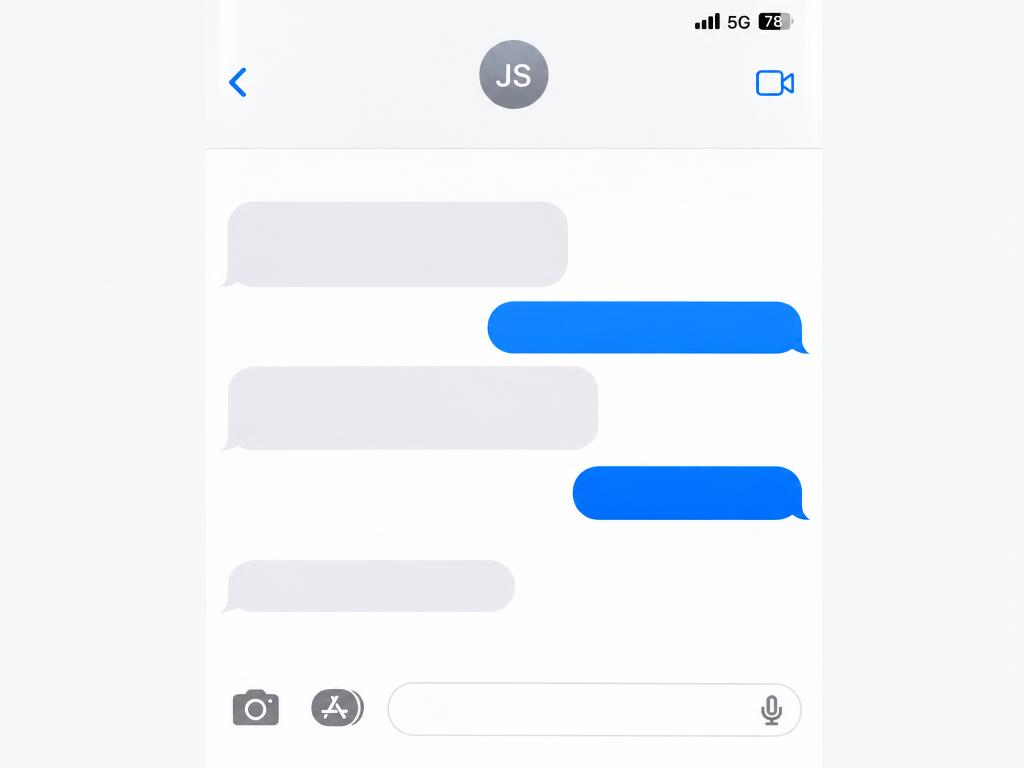
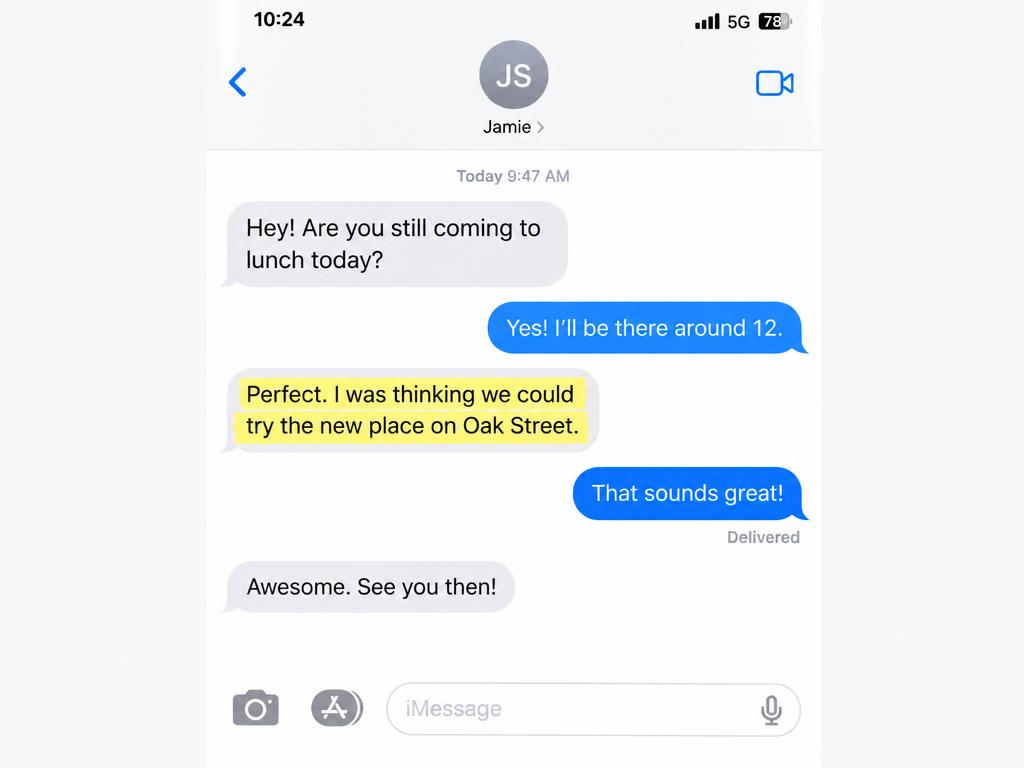
The yellow marker stripe and its words clear from the screenshot.
Three steps — and step two is optional.
Any picture with words on it — a photo, a poster, a screenshot, a scan. JPG, PNG and WebP from any phone or computer. Drag it in, tap to browse, or paste it straight from the clipboard.
Drop a marker on one caption to keep the rest, name it in the guidance box — or leave both empty and every word on the image disappears at once.
About ten seconds later the text is gone and the surface behind it is rebuilt with matching texture and light. Up to 4K, watermark-free.
Huge text blocks across busy backgrounds come cleanest in two passes — clear half, then the rest.
Only remove marks you own or are allowed to edit — watermarks signal someone's copyright.
Rotated or perspective text works too; mark along its angle and add a short note.
If it's letters on a picture, it can leave the picture — captions, stamps, marks and all.
Bottom bars, speech captions and social overlays peel away cleanly.
The orange corner date from old cameras disappears from vacation photos.
Semi-transparent overlays lift off your own images — only remove marks you have rights to.
Brand marks, badges and sticker graphics erase without smearing the surface.
Stickers, price tags and printed labels come off product photos for a clean listing.
Marker scribbles, pen notes and tape labels vanish from packages and boards.
Clear one word or every word — the background takes care of itself.
No marking, no typing, no selections: upload and generate, and every word, number and watermark on the image is cleared in one pass.
Keep the title, drop the date: a marker or a short note targets exactly the words you choose, and everything else stays put.
The area behind the text is regenerated with matching texture, lighting and perspective — no smudge, no blur patch, no tell-tale rectangle where the words used to be.
Results come back sharp enough for listings, prints and portfolios — never capped, never watermarked, on every plan.
Six everyday cleanups this tool quietly finishes, from camera-roll clutter to catalog polish.
Price stickers and printed labels come off packaging for a clean listing shot.
Notifications, UI labels and highlighted chat text cleared before sharing.
Last campaign's offer text leaves the banner; the design lives on.
Date stamps and pen notes gone from scanned prints and albums.
Repurpose a graphic without last week's caption baked into it.
Clear stray marks and stamps from scans before archiving or sharing.
Please only clean up images you own or are allowed to edit. This tool is not for altering IDs, contracts, receipts or official records.
Upload the picture and the AI erases the words you mark — or every word on the image when nothing is marked — then regenerates the surface behind them with matching texture, lighting and perspective. The rest of the photo stays exactly as it was.
Yes — new accounts receive free credits on sign-up, and a 1K result costs 1 credit. Clean several images before deciding on a paid plan for 2K or 4K output. Failed generations refund automatically.
No. Only the text areas are regenerated; every other pixel keeps its original quality. Choose 2K or 4K output when the image is headed for print or a marketplace listing. Textures like fabric weave and film grain are rebuilt along the way.
Yes — that is the default. Upload the image, change nothing, and generate: every caption, date stamp, label and watermark is cleared in one pass. To keep some words, mark or describe the ones that should go instead.
Technically yes — but watermarks usually mark someone's copyright. Only remove them from images you own or are licensed to edit. Clearing attribution from other people's work is not OK, and often not legal.
Upload JPG, PNG or WebP from any device, phone or desktop. Downloads are high-quality images that print shops, marketplaces and social platforms all accept. Most people go from upload to download in under a minute.
Yes — that is a different tool on this site: Edit Text in Image replaces the wording in the original font and style. Remove first, or go straight to replacement when the words just need changing.
Yes. Your images are used only to produce your result and are never used to train AI models. You can delete your uploads and generations from your account at any time. We treat family photos and work files with the same care.
Upload a picture and watch the text disappear — mark one caption or clear them all. Free credits are waiting on sign-up.