



OriginalUpscaled
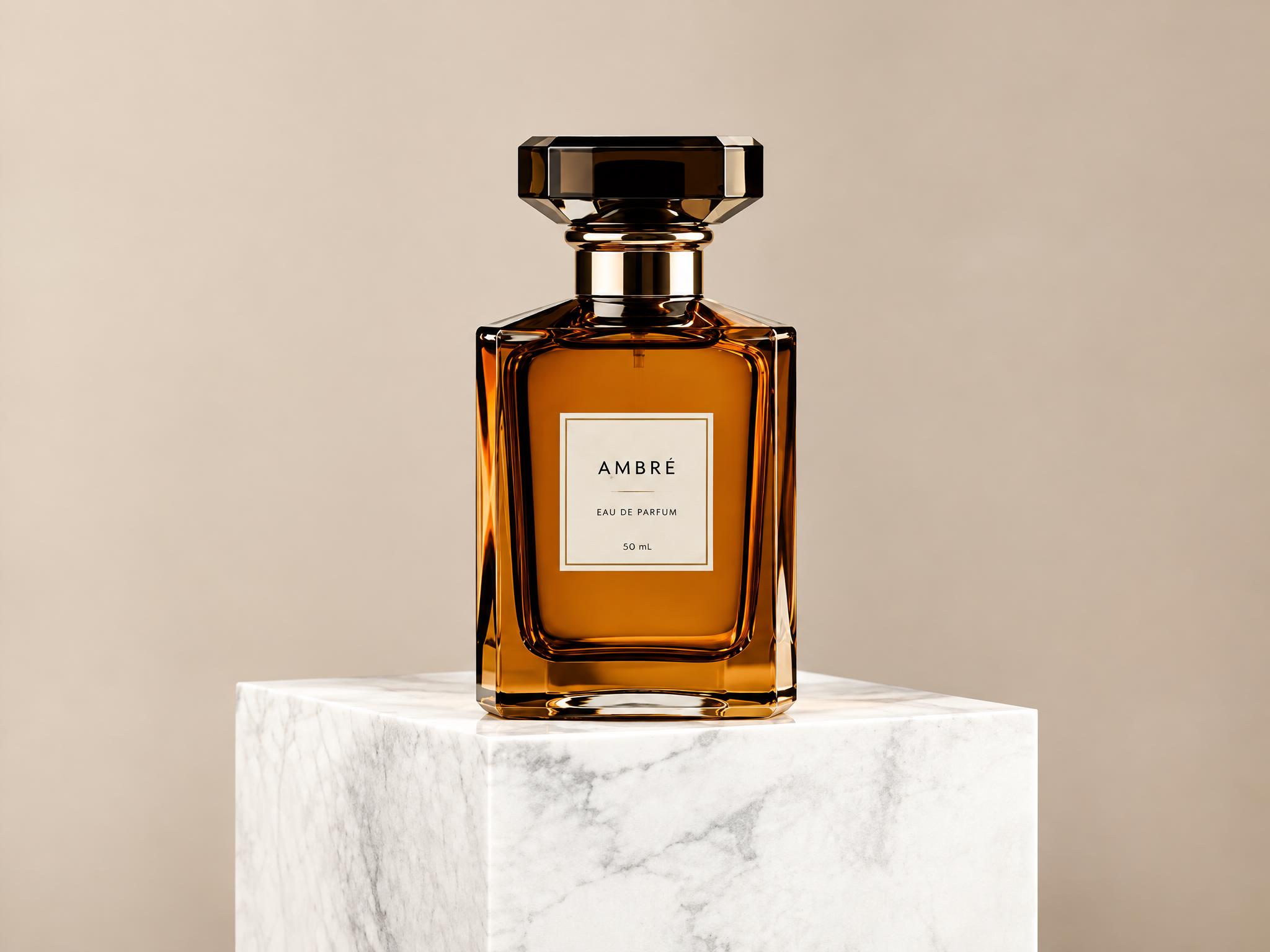
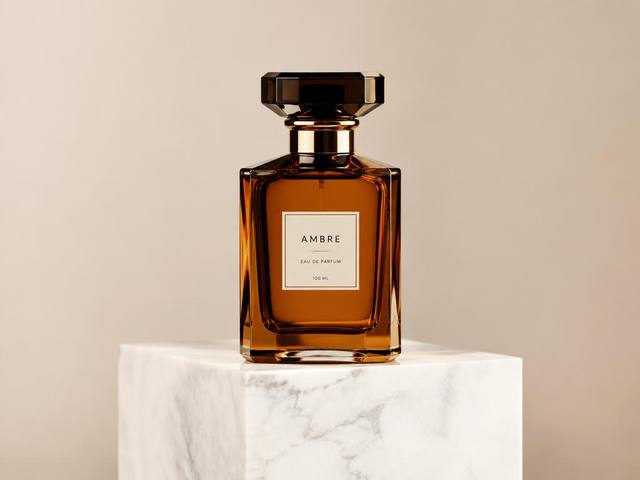
E-commerce product shots
A 640px supplier photo becomes a crisp 2K listing image with clean edges.
Upload any low-resolution photo and our AI image upscaler rebuilds crisp, natural detail in about ten seconds. No editing skills, no software to install — just a sharper, cleaner picture ready for listings, prints and feeds. Works on phone and desktop alike.
Free credits on sign-up · JPG, PNG, WebP · No watermark added by ZingPix
Your next image starts here
Browse promptsEvery pair below came out of this page's own pipeline: a small, soft 640px source photo goes in, a sharper high-resolution version comes out. Drag the slider on any card to compare the recovered detail for yourself — no stock demos, every AI image upscale shown here ran on the same model your uploads will use.
A 640px supplier photo becomes a crisp 2K listing image with clean edges.
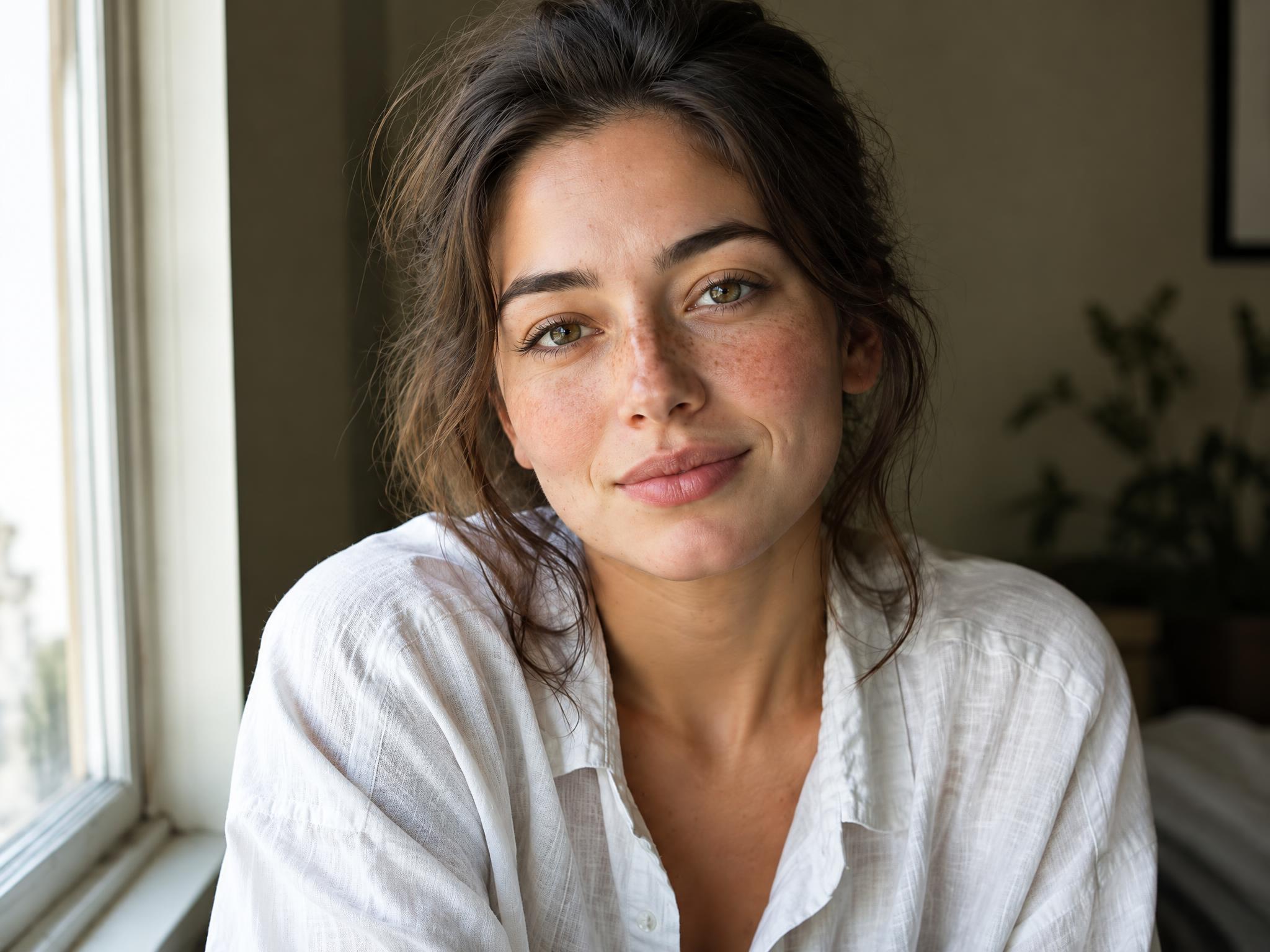

Skin texture and hair strands rebuilt without the plastic look.
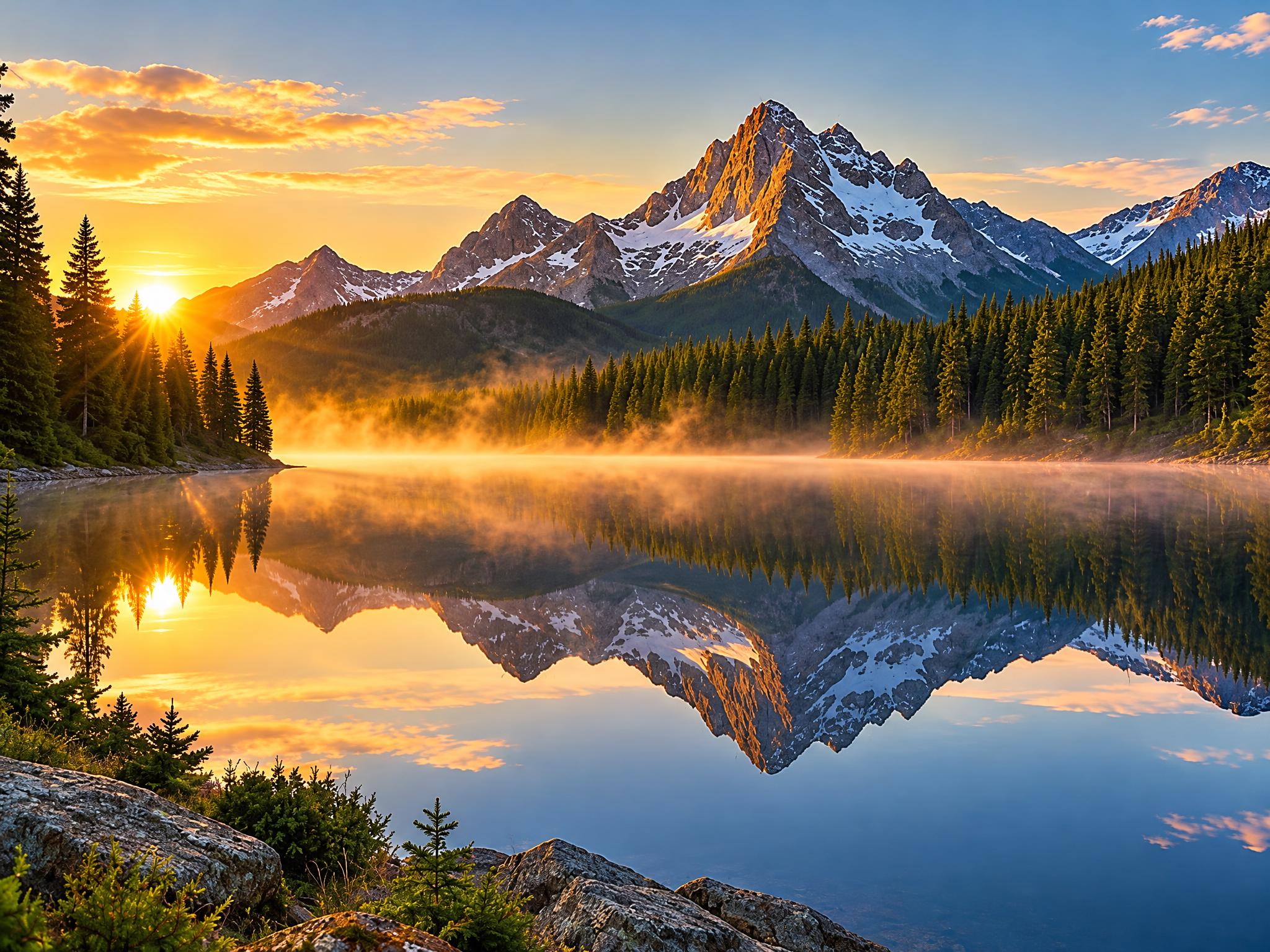
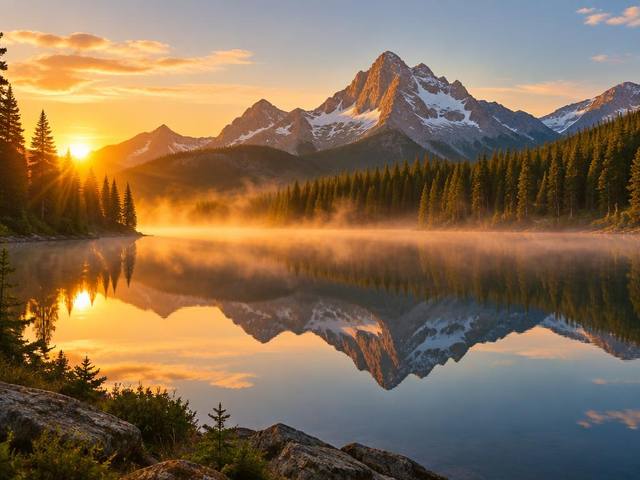
Mist, water and distant ridges gain their definition back.
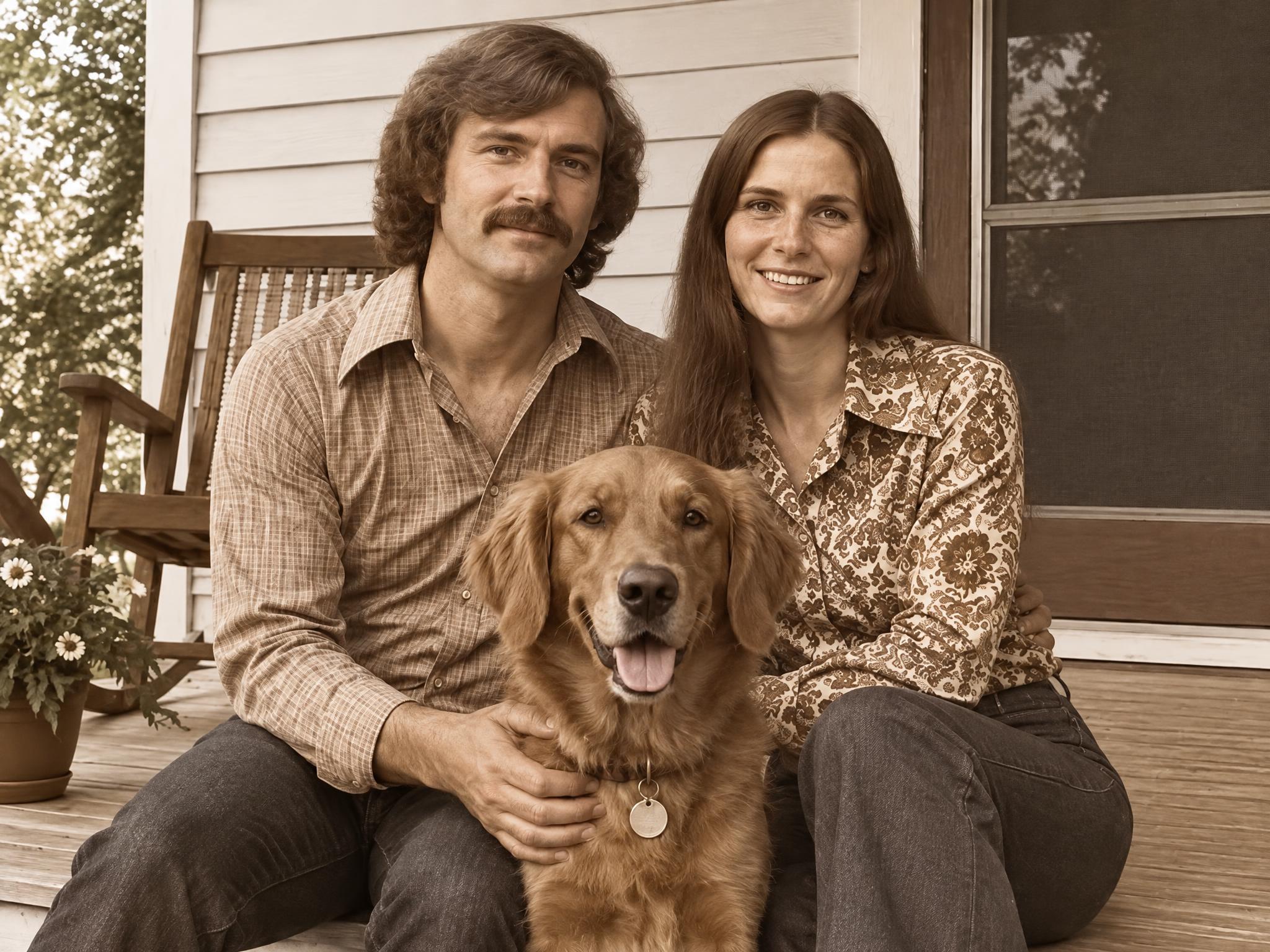
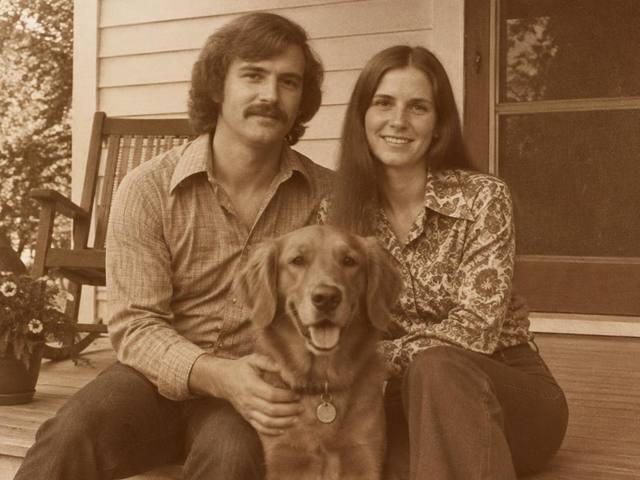
Faded prints get cleaner edges, richer tone and steadier color.
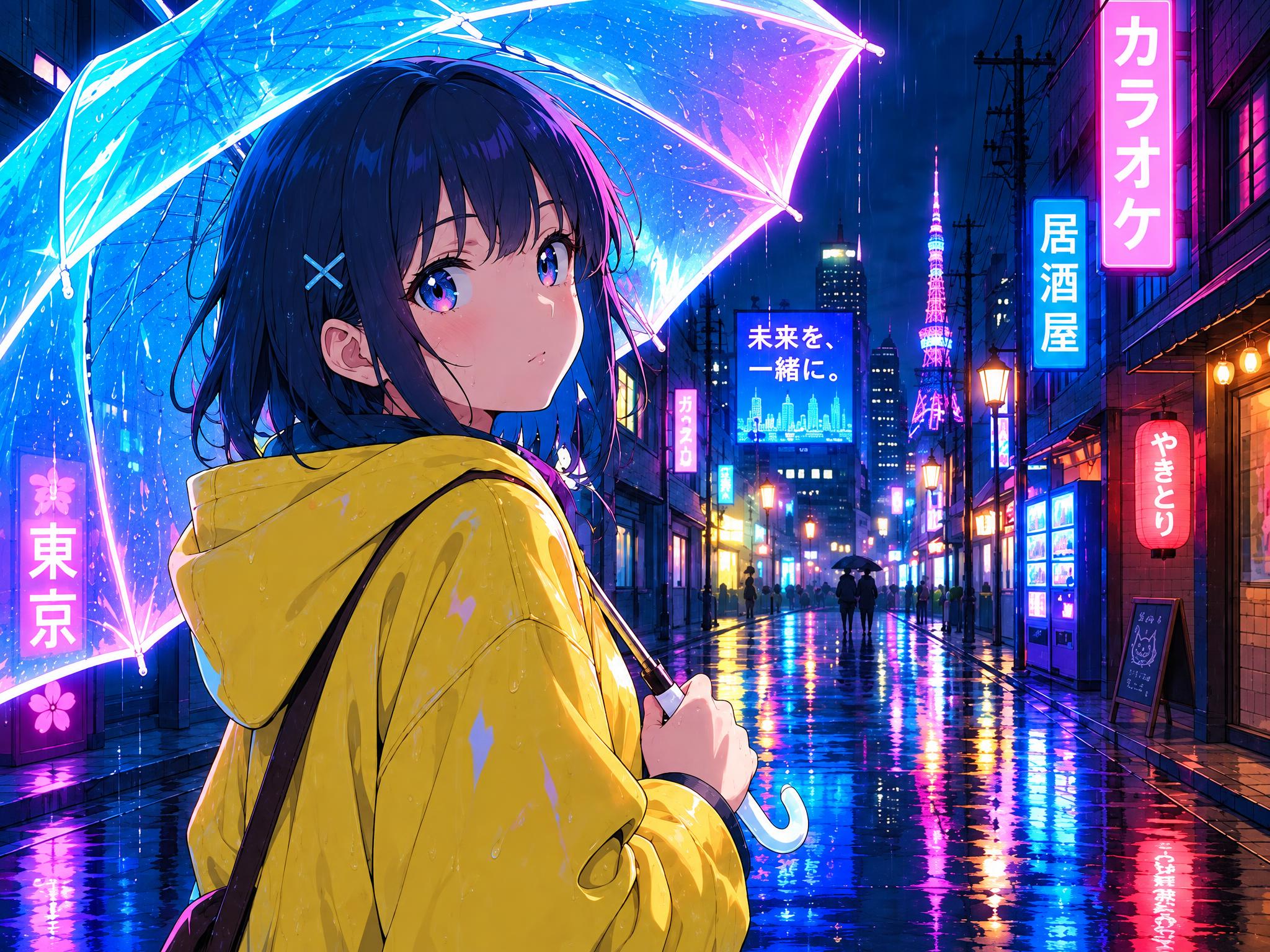
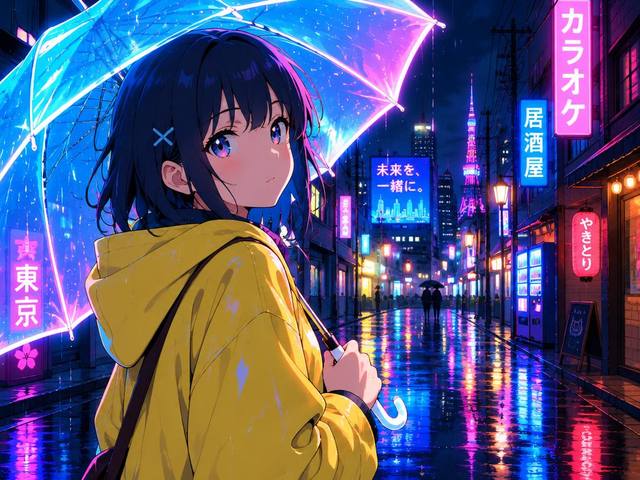
Line art stays sharp while cel shading stays flat and clean.
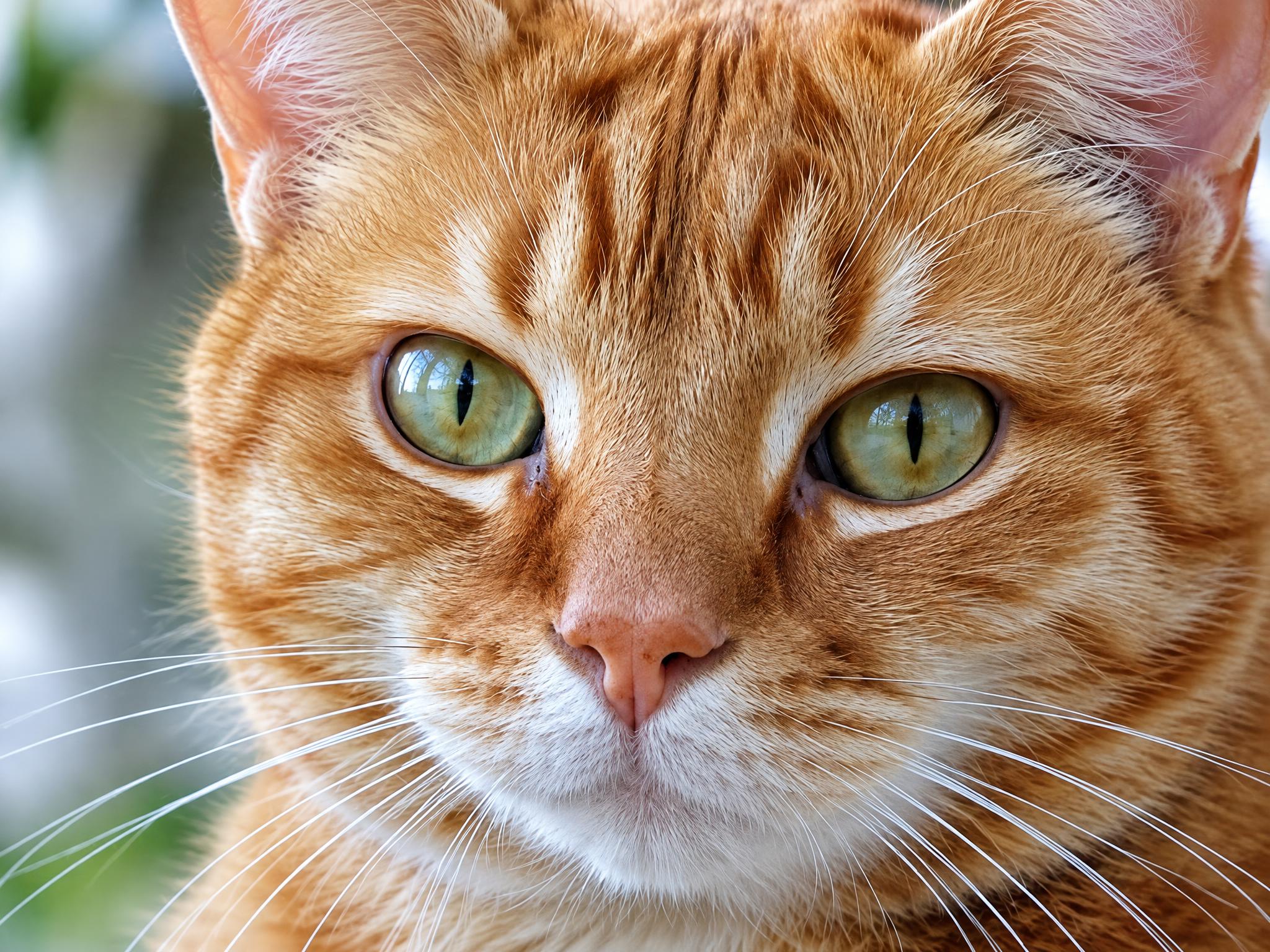
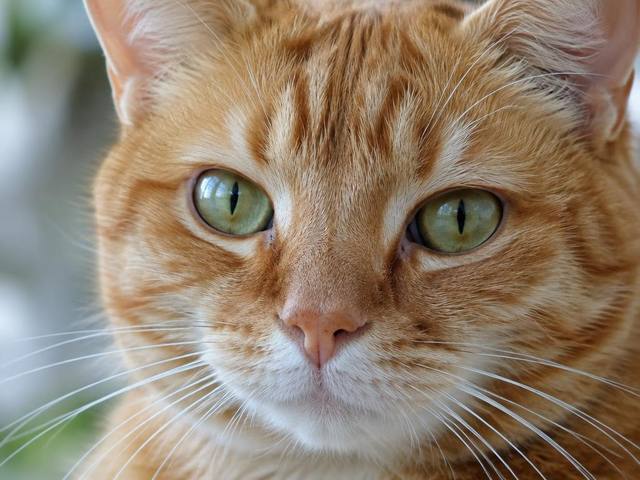
Fur and whisker detail survives the jump to high resolution.
Three steps, no learning curve — from soft source to sharp output.
Drop in the picture you want to improve. JPG, PNG and WebP files are supported, straight from your phone, camera roll or computer — one image per upscale, nothing to configure.
Choose the output size that fits the job. The AI image upscaler shows the fixed credit cost of each resolution before you generate — 1 credit at 1K, 4 at 2K, or 6 at 4K. These rates apply to Flare and Sunburst; Seedream costs 2 credits per image and supports up to 2K.
About ten seconds later, your enhanced image is ready to compare against the original, save and use anywhere — no watermark added by ZingPix, with full commercial rights on every plan.
Start from the least compressed source you have. The tool rebuilds detail either way, but a cleaner original gives the model more to work with.
Pick 2K for screens, listings and social posts; reserve a 4K upscale for print, large displays or heavy cropping.
Faces, product edges, fabric texture and illustration line art benefit the most from AI reconstruction.
Most tools stretch pixels. Ours reasons about what the missing detail should have been.
Classic upscalers interpolate — they guess between neighboring pixels, and the blur grows with every percent of enlargement. This AI image upscaler regenerates textures, edges and fine structures instead, so the result looks re-photographed, not stretched.
Compression noise, mosquito artifacts and jagged edges get removed rather than amplified, and faces keep their natural skin texture — never crunchy, never airbrushed into plastic.
The GPT Image 2.5 Flare model powers each AI image upscale in about ten seconds — even a full 4K upscale — so a whole product set, gallery or family archive can still be enhanced in an afternoon, not a week.
The model aims to preserve composition, colors and proportions while rebuilding detail. Generated textures or fine features may differ from the source; compare important details before use.
What actually happens when you enlarge a photo, three different ways.
Stretches the existing pixels over a larger canvas. It is instant and free, but softness and blur grow with every percent you enlarge.
Adds edge contrast, not new detail. Noise, halos and compression blocks get sharpened right along with the subject.
Rebuilds plausible fine detail with a generative model — fur strands, fabric weave, eyelashes, printed texture and clean, stable edges.
If the photo matters — a product listing, a print, a family memory — reconstruction beats stretching every single time.
Six everyday jobs that a fast AI image upscale handles in seconds.
Marketplaces reward sharp images. Upscale supplier photos to 2K so zoomed views and gallery carousels stay clean.
Turn screen-resolution graphics into a 4K upscale that survives posters, packaging, apparel and trade-show banners.
Repurpose older posts, screenshots and memes at modern resolutions instead of reposting blurry crops.
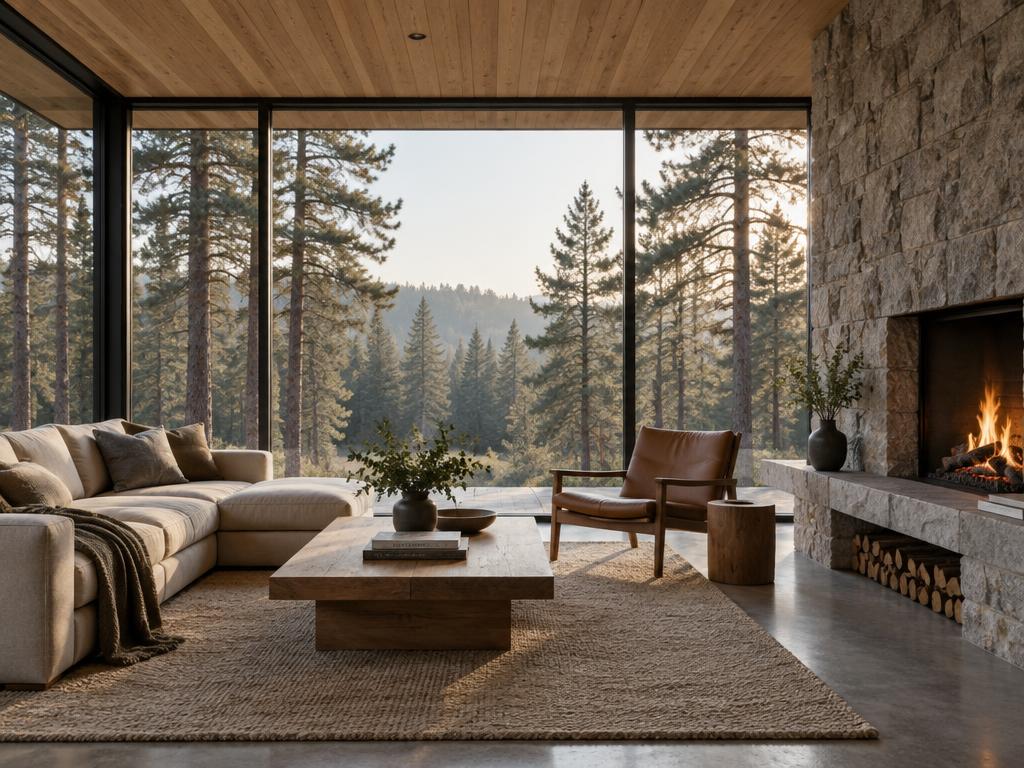
Enlarge listing photos shot on older phones, so rooms look crisp on property portals and printed brochures.
Give scanned prints and early digital photos a second life in modern frames, albums and slideshows.
Clean up saved illustrations for wallpapers, avatars, mood boards and design reference sets.
An AI image upscaler enlarges a photo while rebuilding the detail that a simple resize would smear away. Ours runs on the GPT Image 2.5 Flare model: it analyzes your picture, then regenerates it at the target resolution with reconstructed texture, edges and micro-contrast instead of interpolated blur. The subject, lighting and colors of your original stay intact — which is what separates an AI image upscale from a plain resize.
No. The model is explicitly instructed to stay anchored to your original — same composition, same colors, same proportions. It removes sensor noise and compression artifacts instead of amplifying them, so skin, fur, paper grain and fabric keep their natural character rather than turning crunchy.
Up to 4K, depending on your plan. Free accounts upscale to 1K, the Basic plan unlocks 2K, and Standard or Ultimate unlock the full 4K upscale. The tool always shows the fixed credit cost of each size — 1, 4 or 6 credits — before you generate. These rates apply to Flare and Sunburst; Seedream costs 2 credits per image and supports up to 2K.
You can upload JPG, PNG or WebP files from any device, phone or desktop. The enhanced result is delivered as a high-quality JPEG that print shops, marketplaces and social platforms all accept.
Yes. New accounts receive free credits on sign-up, and a 1K upscale costs 1 credit — enough to test several photos, compare them side by side, and decide whether 2K or 4K output is worth a plan. Failed generations are refunded automatically. These rates apply to Flare and Sunburst; Seedream costs 2 credits per image and supports up to 2K. Nano Banana 2.1 costs 3, 5 or 7 credits at 1K, 2K or 4K; the generator shows the total before submission.
Yes, within sensible limits. The AI rebuilds plausible detail even from soft, noisy or heavily compressed sources, which is why it works so well on scanned prints and old phone photos. Severe motion blur improves noticeably, but it will still look softer than a sharp original.
Upload a picture and watch the image upscaler rebuild it in seconds — free credits are waiting for new accounts.