
PhotoColoring Page
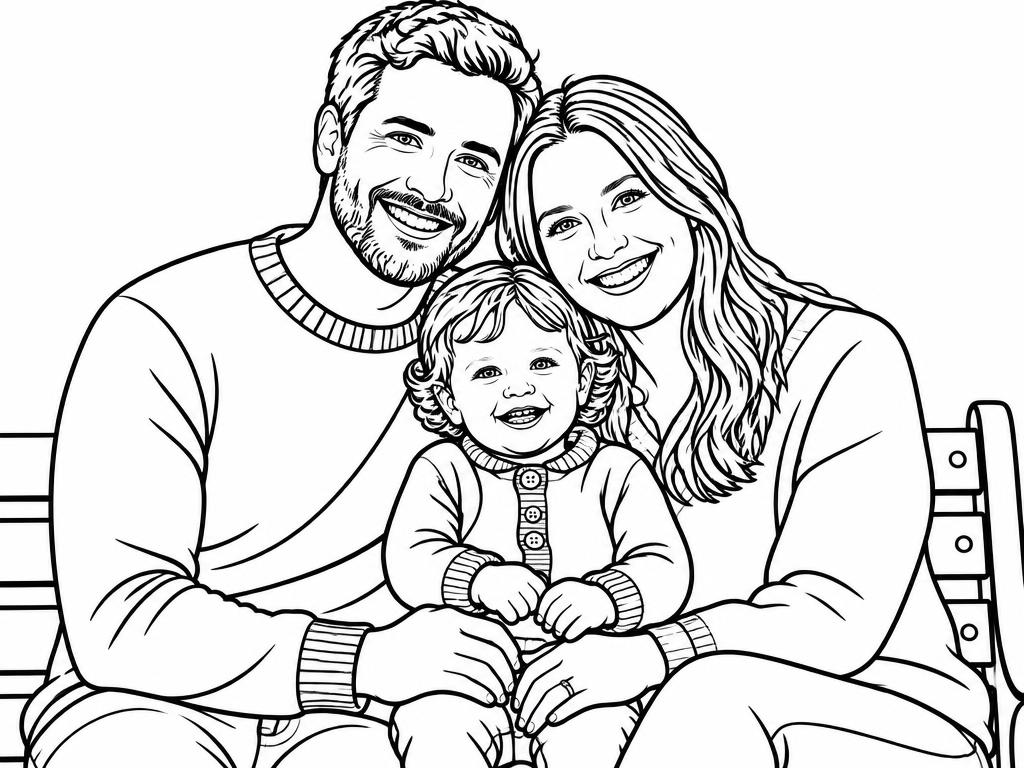
Family portraits
Turn a holiday snapshot into a page the kids can color together.
Turn a holiday snapshot into a page the kids can color together.
Your next image starts here
Browse promptsEach pair shows a source photo beside a line-art result created with this workflow. Drag a slider to see how that result interpreted the photo; your output may vary with the source image and guidance.
Turn a holiday snapshot into a page the kids can color together.
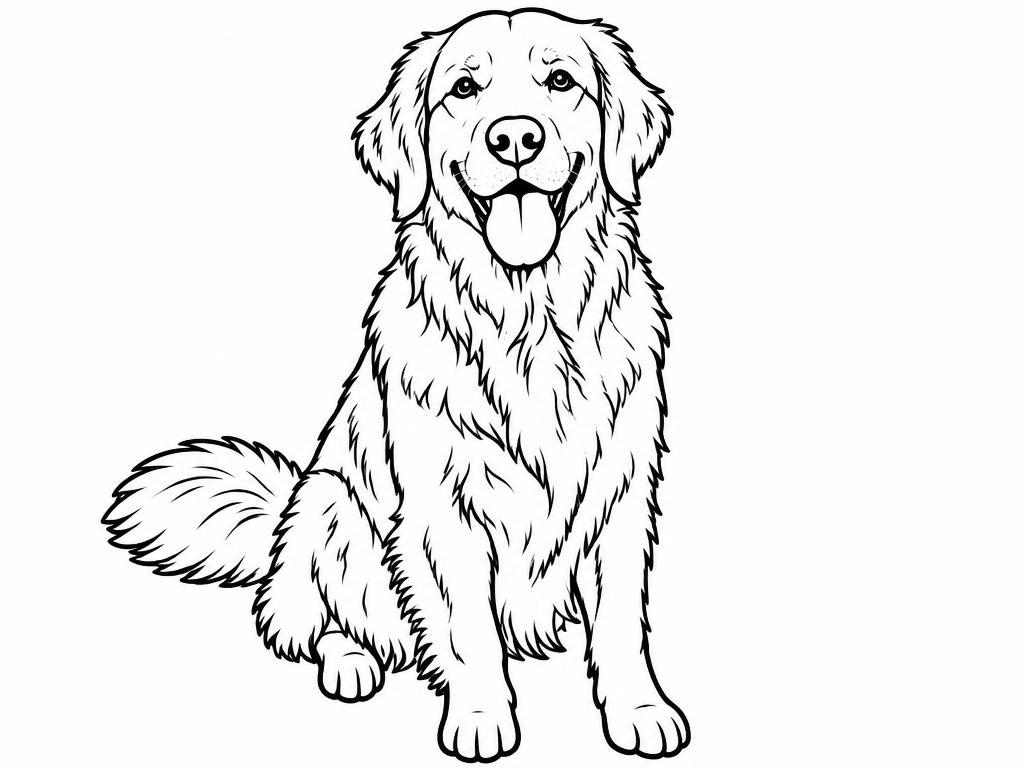
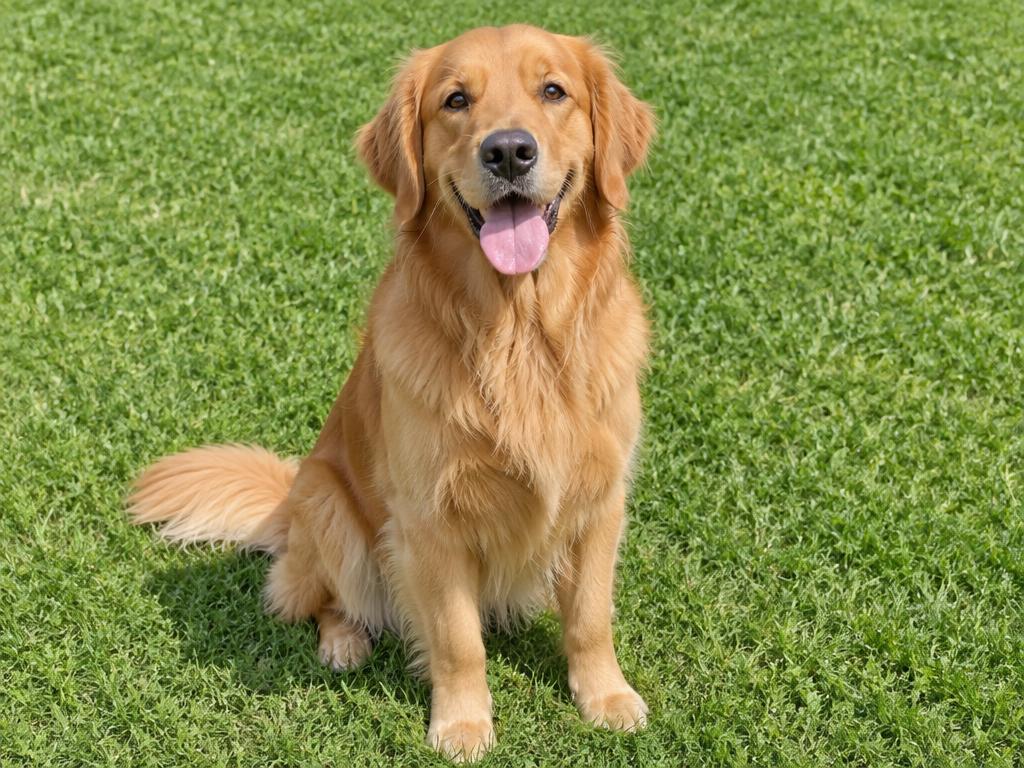
Fur becomes clean, fillable regions while the face stays unmistakable.
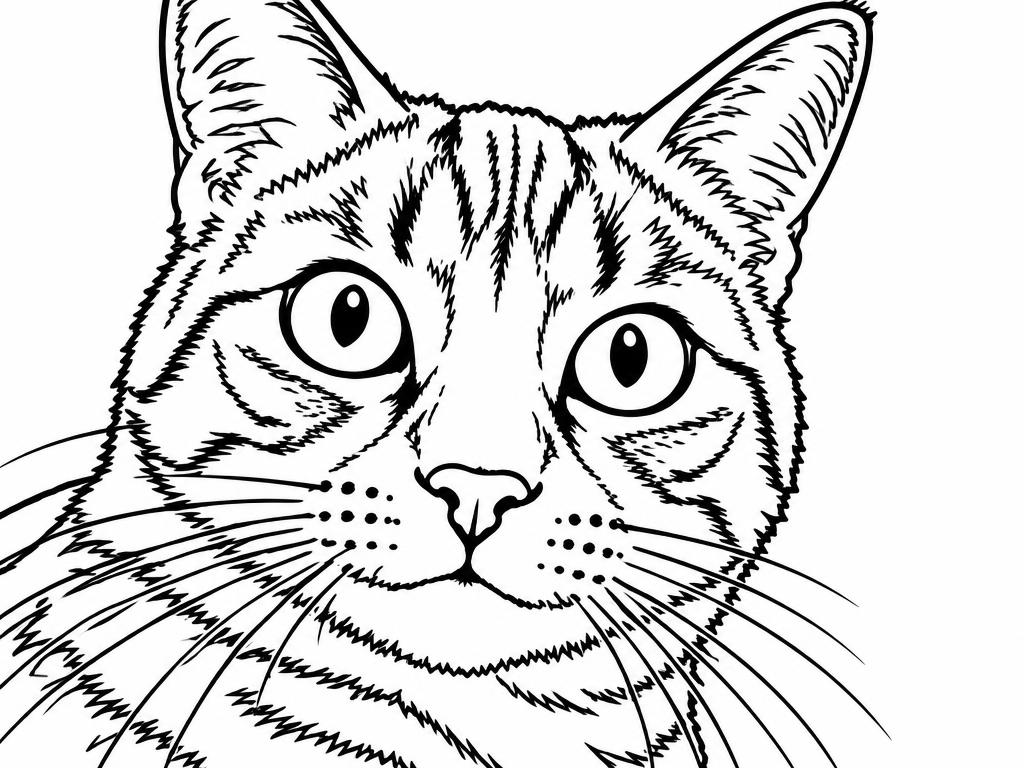
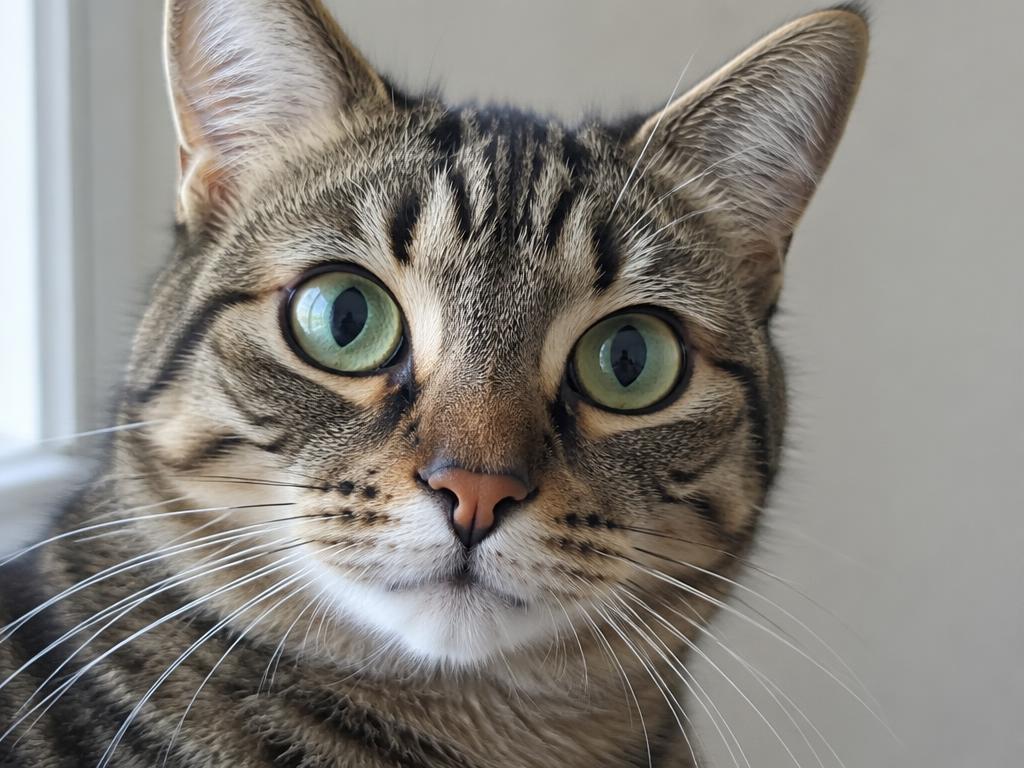
Whiskers, ears and bright eyes stay crisp in pure outline form.
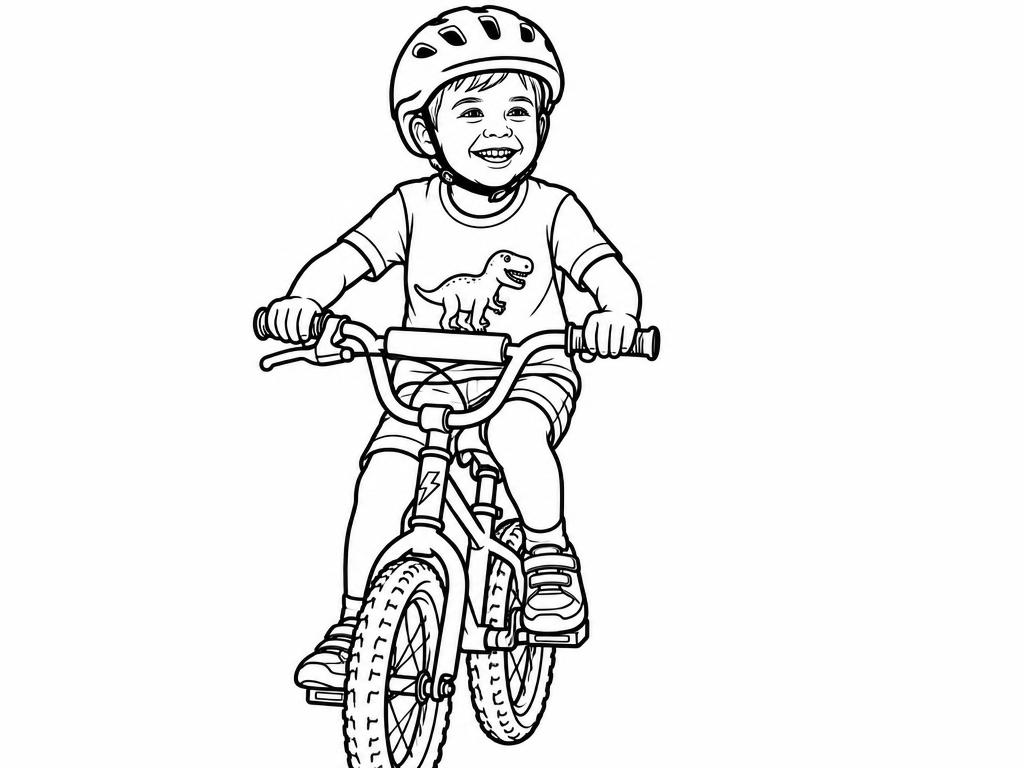
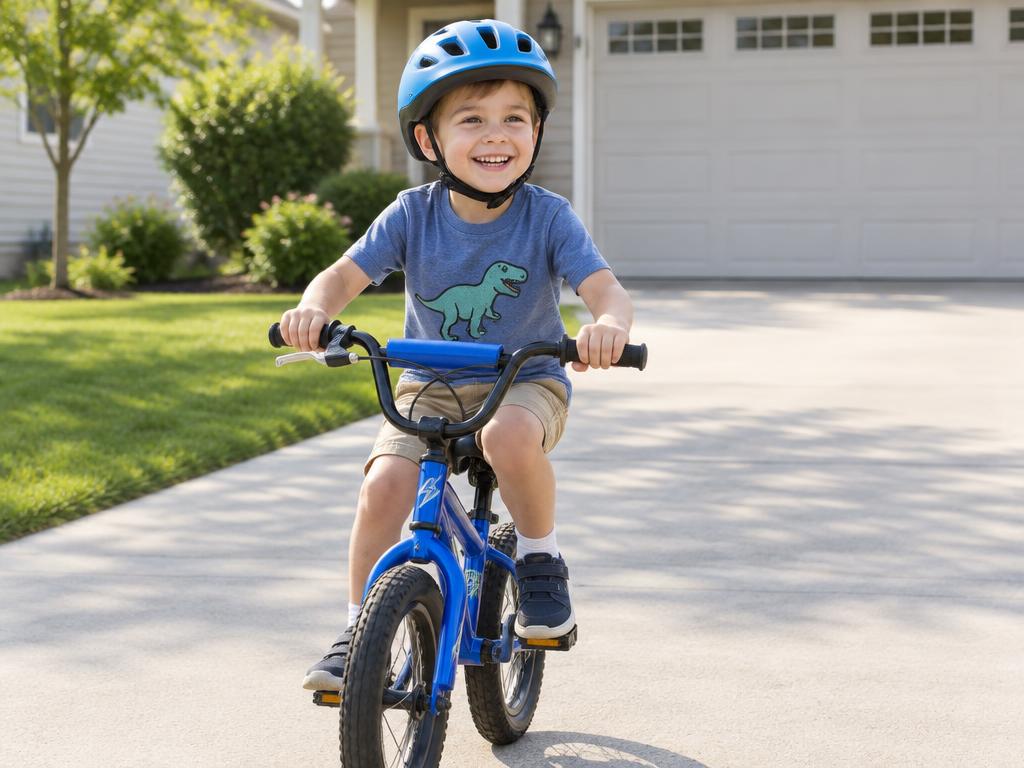
Action shots convert into lively scenes worth coloring in.
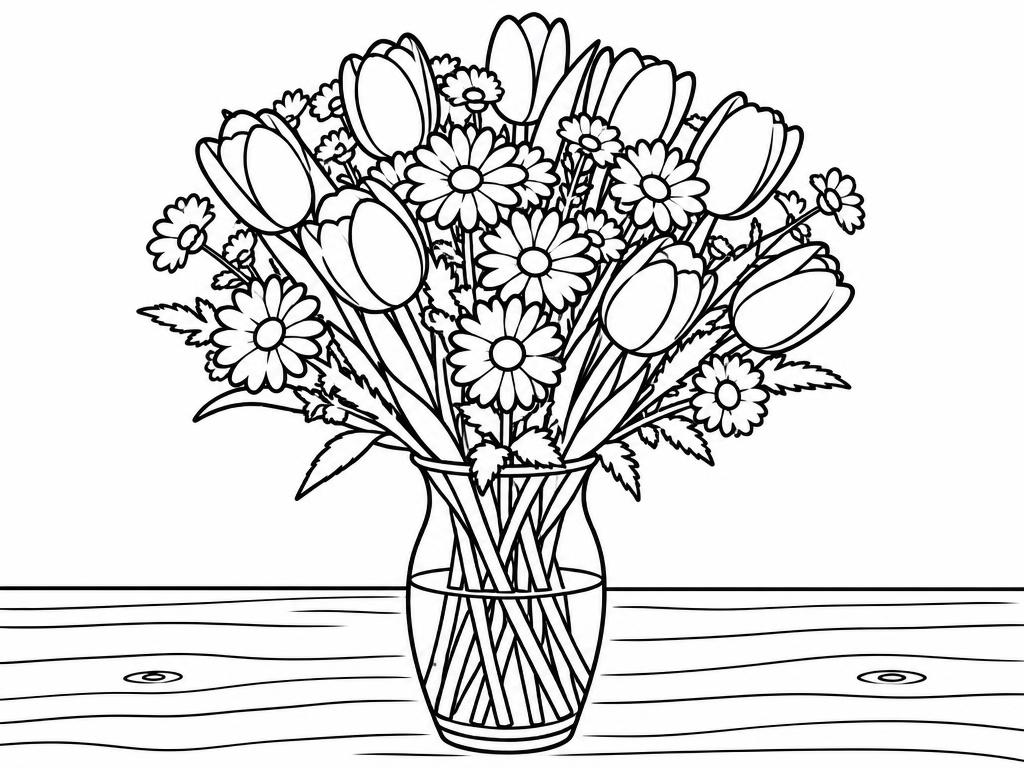
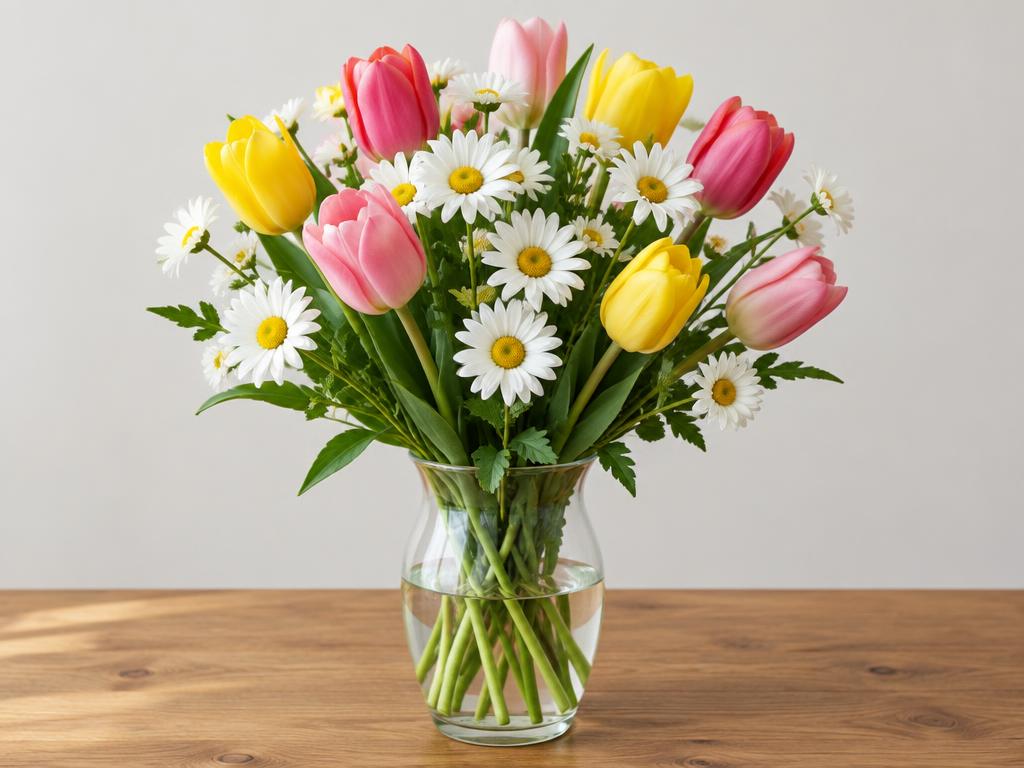
Petals and leaves translate into satisfying, calming shapes.
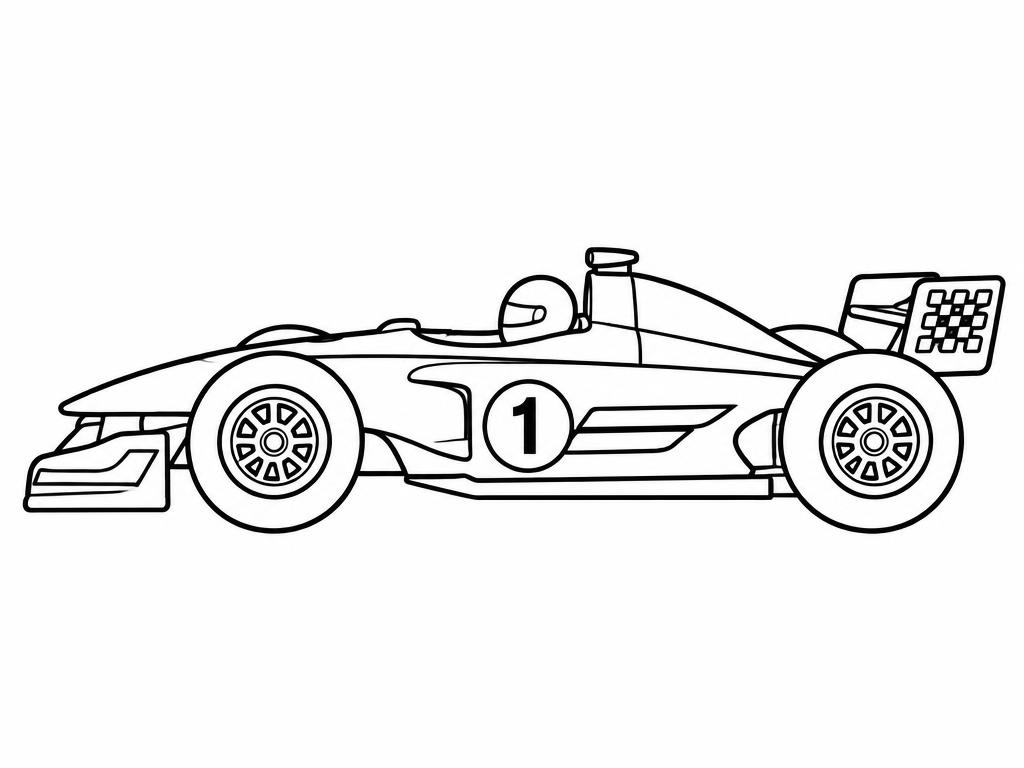
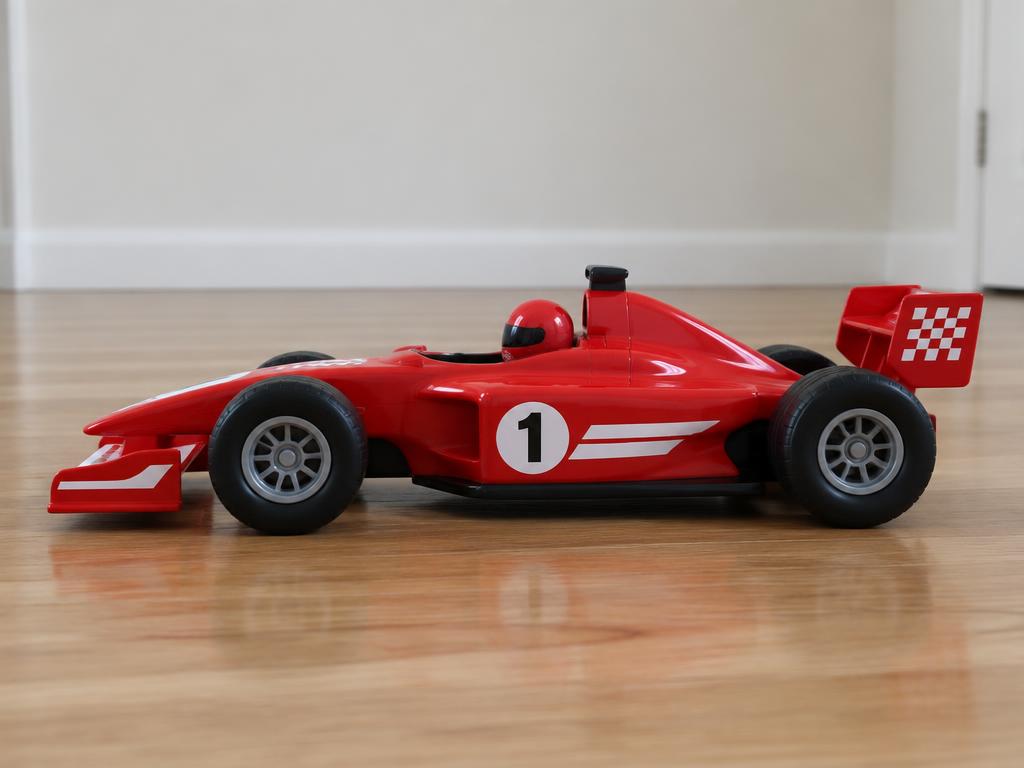
A favorite toy car becomes a custom printable in one pass.
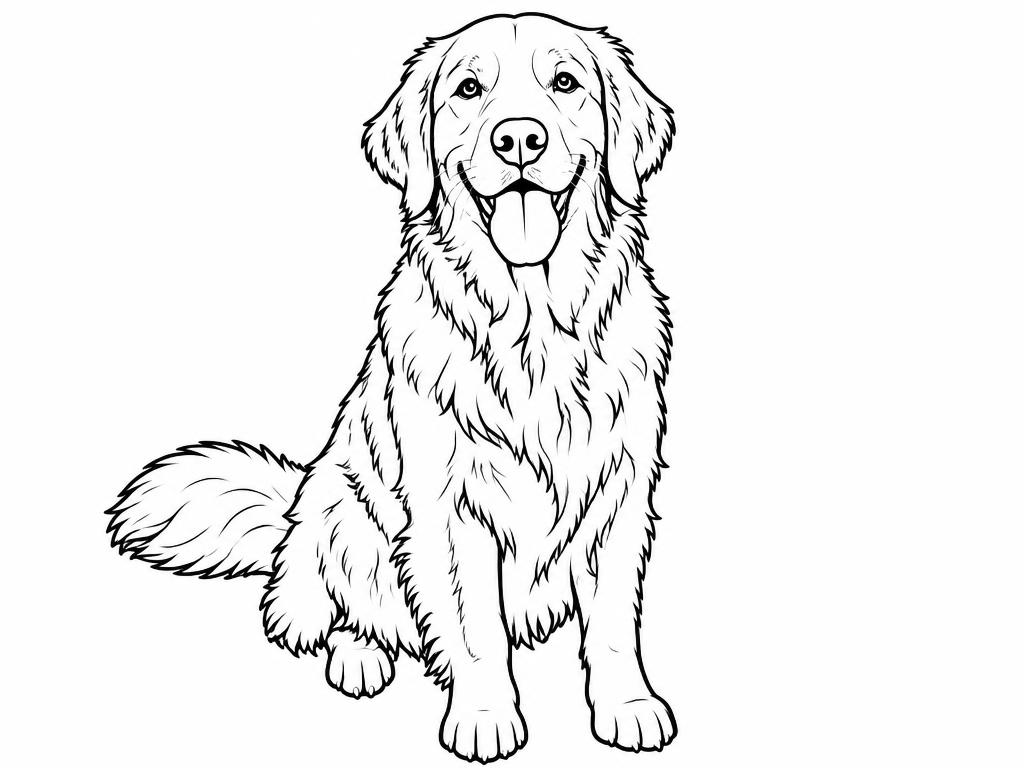
The same golden retriever, four different pages — pick the type that fits your colorist.
Every detail traced, background included
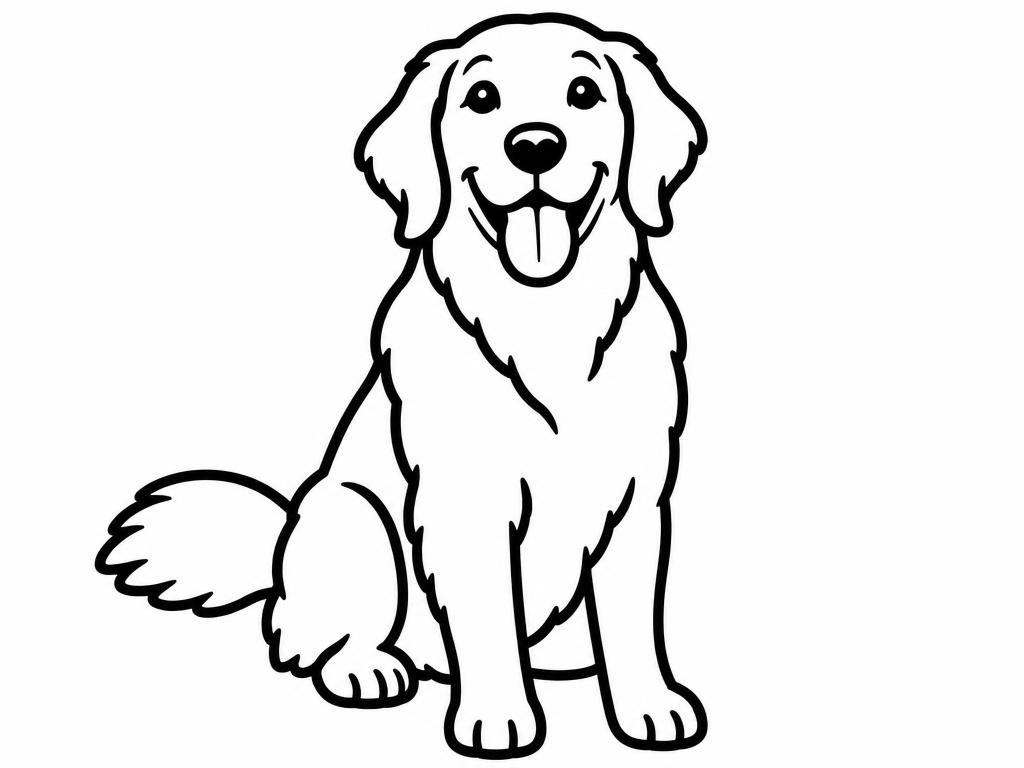
Thicker lines, fewer details — great for toddlers
Subject only, background removed
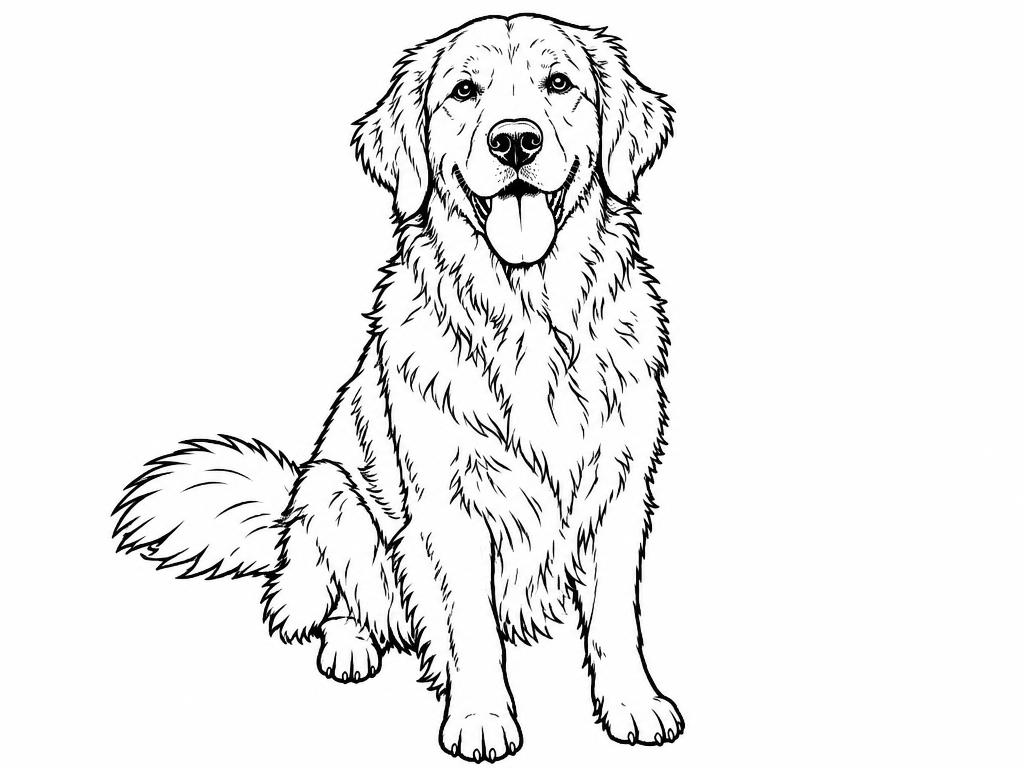
Classic hand-drawn coloring-book feel
Three steps from camera roll to crayon-ready — no design skills required at any point.
Choose a clear picture — faces, pets, flowers and toys all work well. JPG, PNG and WebP are supported from any phone or computer, and one photo makes one page.
Pick one of the four page types, choose an available aspect ratio, and set the highest resolution your plan allows if you need a larger output. The credit cost is shown before you generate.
Preview and download the image, then print it at home or at a copy shop. Check the page edges and details before printing multiple copies.
Portraits with a simple, uncluttered background convert best — the model can spend its outlines on the subject instead of the scenery.
If a page feels too busy for a young child, write “simpler, thicker lines” in the guidance box and regenerate once.
Choose a higher available resolution when you need a larger print, then check the print preview. 1K can be enough for quick screen tests.
Generative line art that actually understands what it is looking at — and leaves out what a coloring page doesn't need.
The selected page type asks for smooth black outlines and open white areas. Check for small gaps, dense details, or shapes that may be difficult to color before printing.
Choose among the resolutions available to your account. The generator shows the selected size and credit cost before you submit; higher resolution cannot restore detail missing from the source photo.
Portraits, pets, flowers, and toys can all be starting points. A clearly framed subject and a less crowded background may give the model fewer overlapping details to interpret.
Your photo is processed by our third-party AI and infrastructure providers to create and store the result. Read the Privacy Policy for processing and retention details.
Read the Privacy PolicyA little selection advice goes a long way toward cleaner pages that kids actually enjoy.
A clear main subject gives the model fewer overlapping shapes to interpret. Group photos can still work, but the page may be busier.
Plain walls, sky and grass become clean white space; clutter becomes extra lines.
Gentle daylight keeps facial features recognizable when they become outlines.
Too many details? Try Simplified Art or add guidance such as “thicker outlines, fewer small details.” Results vary, so review the page before printing.
Read the full guide: How to Turn a Photo into a Coloring Page
Six crowds, one converter.
Turn last weekend's snapshot into this afternoon's quiet-time activity, then make a fresh page whenever the fridge door fills up.
Custom pages for class topics, rewards and rainy-day corners.
Birthday-themed pages drawn from the guest of honor's own photos.
A small coloring book of family memories beats any generic card.
Prototype custom page sets for your shop in minutes, not weeks.
Coloring familiar faces and places is quiet, screen-free mindfulness.
The selected page type supplies instructions for turning your photo into black-and-white line art. The model may simplify or reinterpret details, so compare the result with your source photo before printing.
New accounts receive sign-up credits that you can use to try the tool. Each successful generation uses credits, and the current cost appears before you submit. Failed tasks return credits according to our service rules.
Start with a clear subject and a background that is not too busy. Portraits, pets, flowers, and toys are common choices. Soft, even light can make edges easier to interpret; overlapping or distant subjects may produce denser line art.
Try Simplified Art, add guidance such as “thicker outlines, fewer small details,” or crop closer to the subject. These choices can steer the result, but they do not guarantee a particular line pattern; review it before printing.
Download the result as an image and print it from a phone or computer. Choose an available aspect ratio close to your intended page, then check the print preview and use fit-to-page if needed. The tool does not provide a dedicated A4 or Letter PDF layout.
Upload JPG, PNG or WebP from any device, phone or desktop. Downloads are high-quality image files that any printer, tablet or coloring app accepts — most people print straight from their phone's gallery app with no extra steps.
To generate a page, your photo is processed by the third-party AI and infrastructure providers described in our Privacy Policy. Generated images and history remain in your account until you delete them; uploaded reference photos are kept while the associated project or history exists. Provider-side copies follow the provider's retention rules. Read the Privacy Policy for details.
Our current plans allow commercial use of generated outputs, subject to applicable law and the Terms of Service. You are responsible for having the rights and permissions needed for the source photo and any identifiable people shown in it.
Upload a photo, choose a page type, and review the generated line art. New accounts receive sign-up credits to try the tool.