
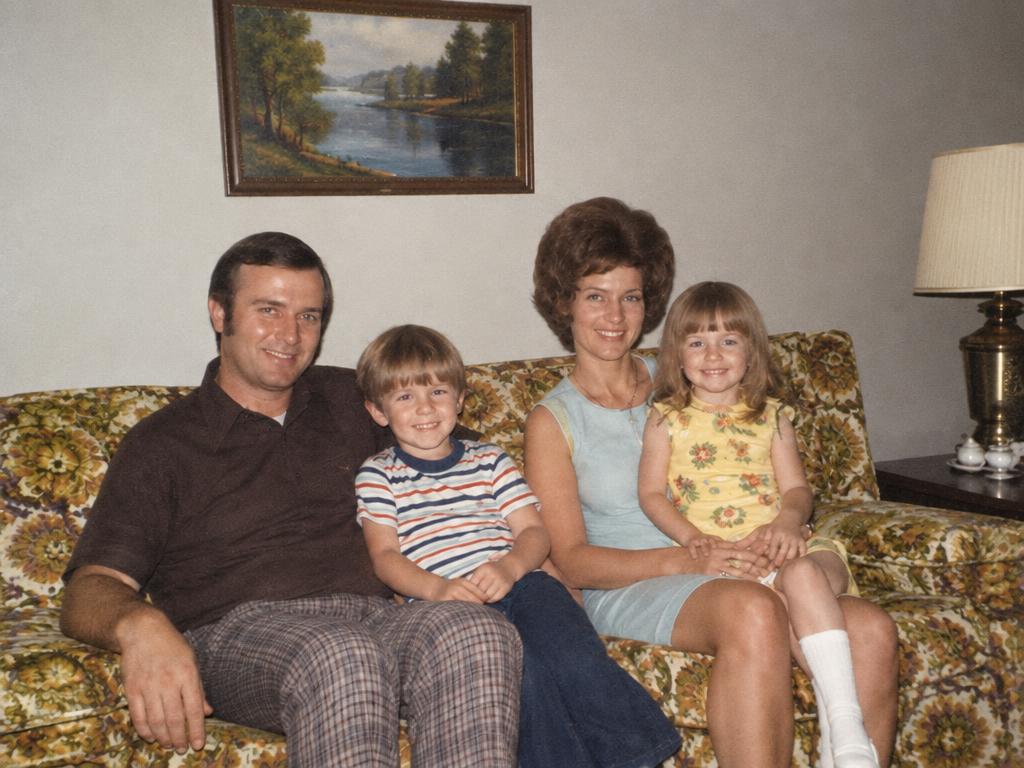
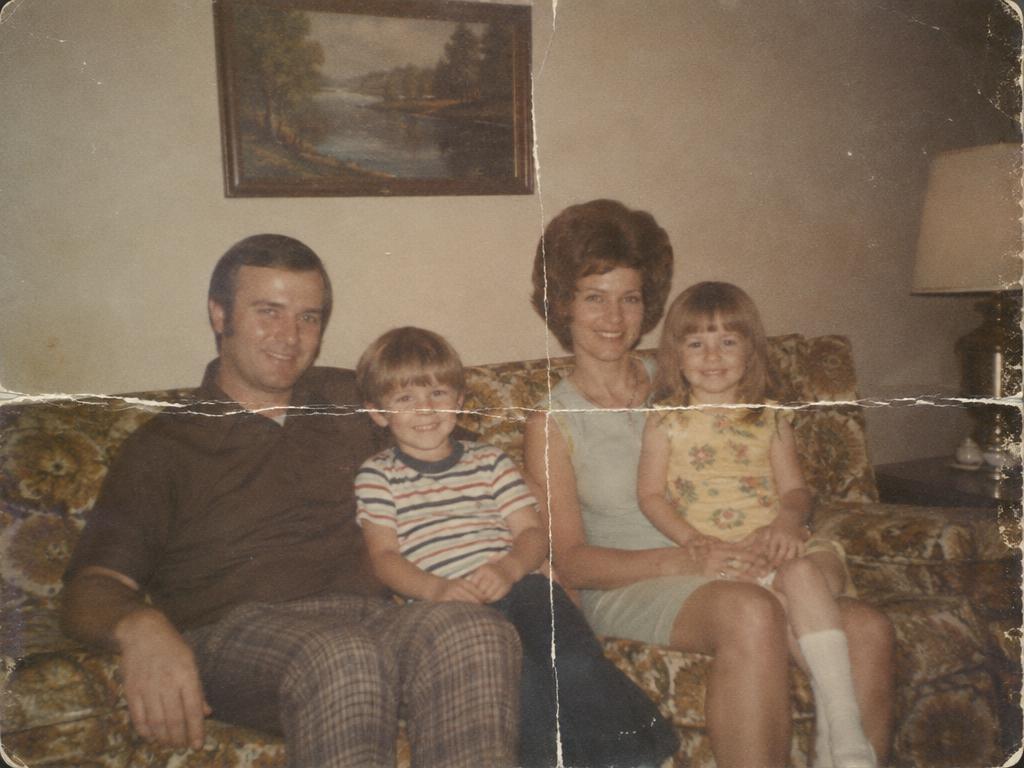
BeforeAfter
Creases and fold marks
The fold across the family portrait closes up — faces and the sofa pattern continue right through. AI photo restoration at its most satisfying.
Your next image starts here
Browse promptsEvery pair ran through this AI photo restoration pipeline — damaged left, repaired right. Drag any slider: faces and fabric carry on.
The fold across the family portrait closes up — faces and the sofa pattern continue right through. AI photo restoration at its most satisfying.
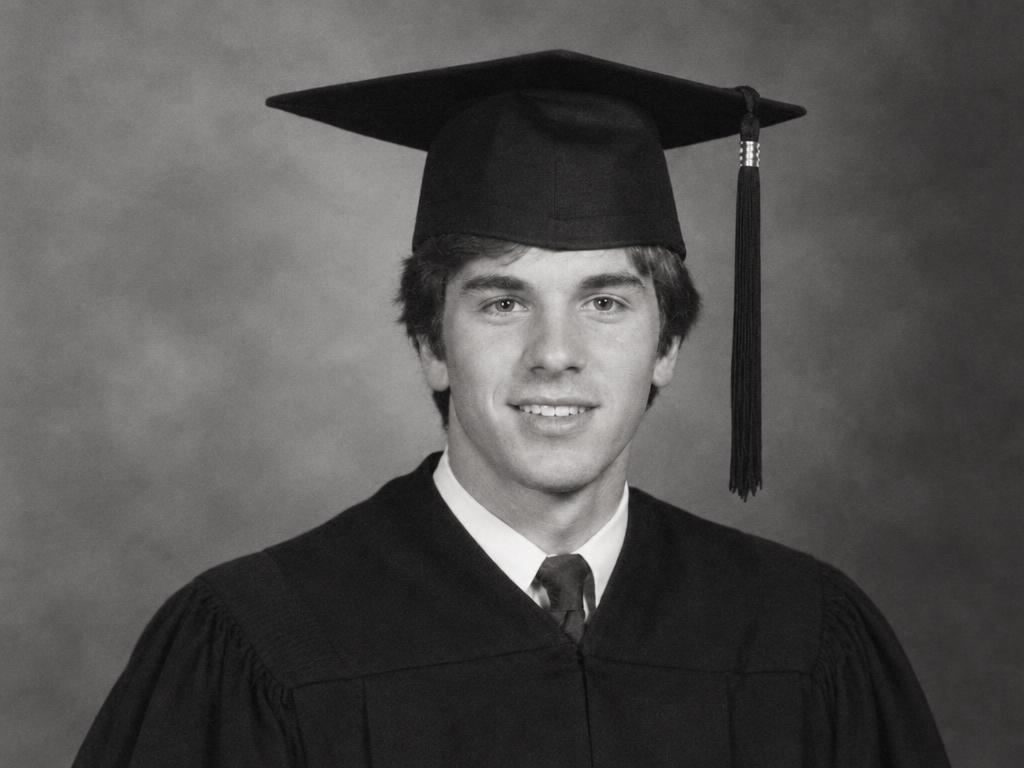
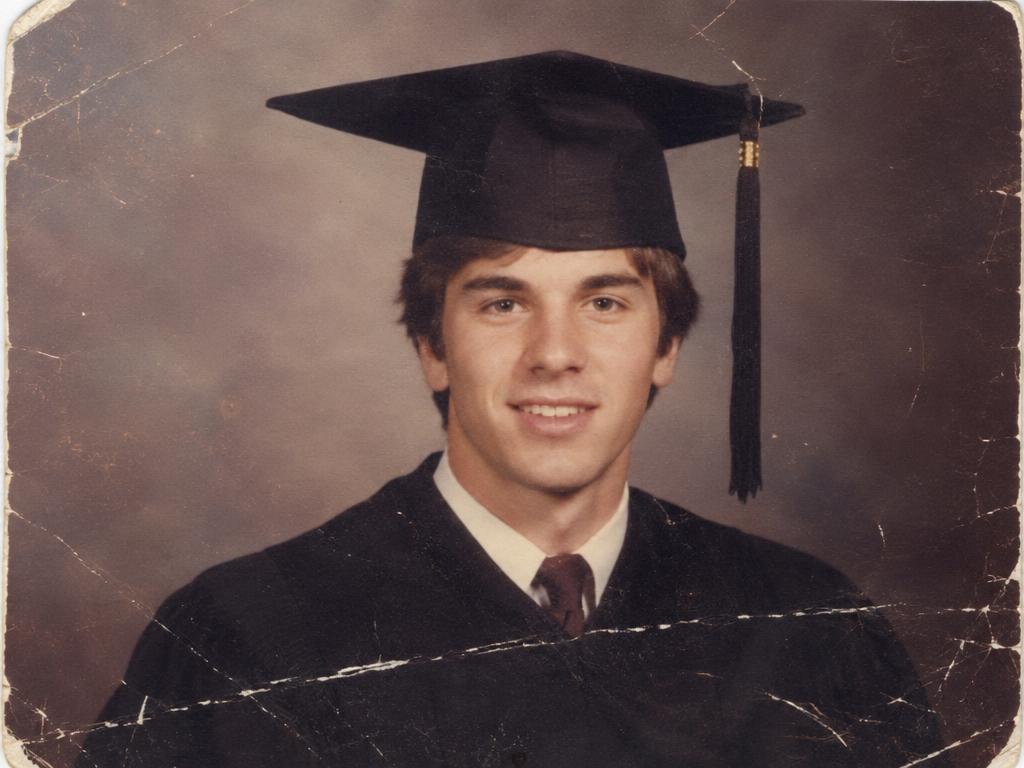
Hairline scratches lift off the graduation portrait; skin texture and backdrop stay untouched.
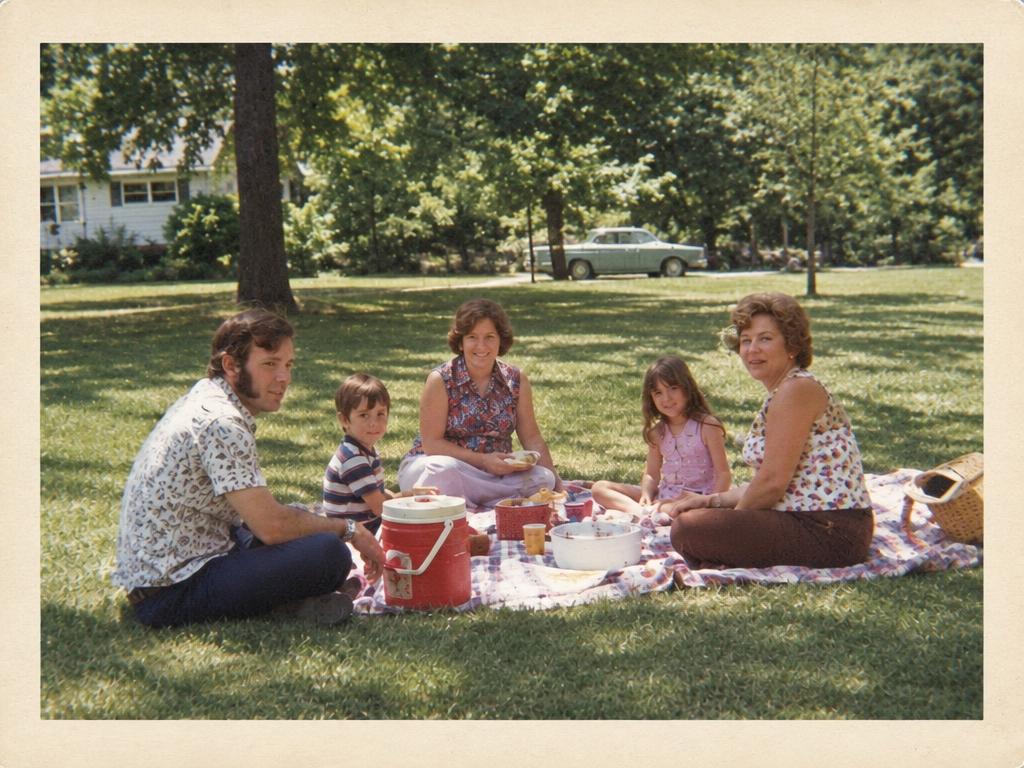
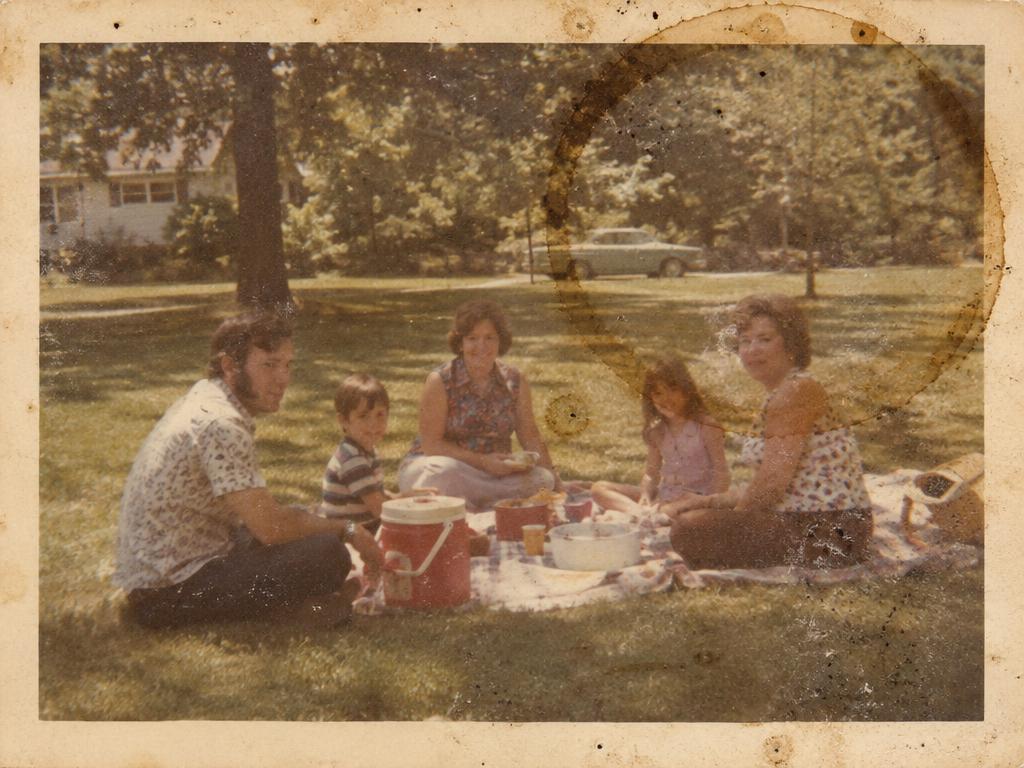
The brown water ring and dust spots leave the album page — the picnic reads clearly again.
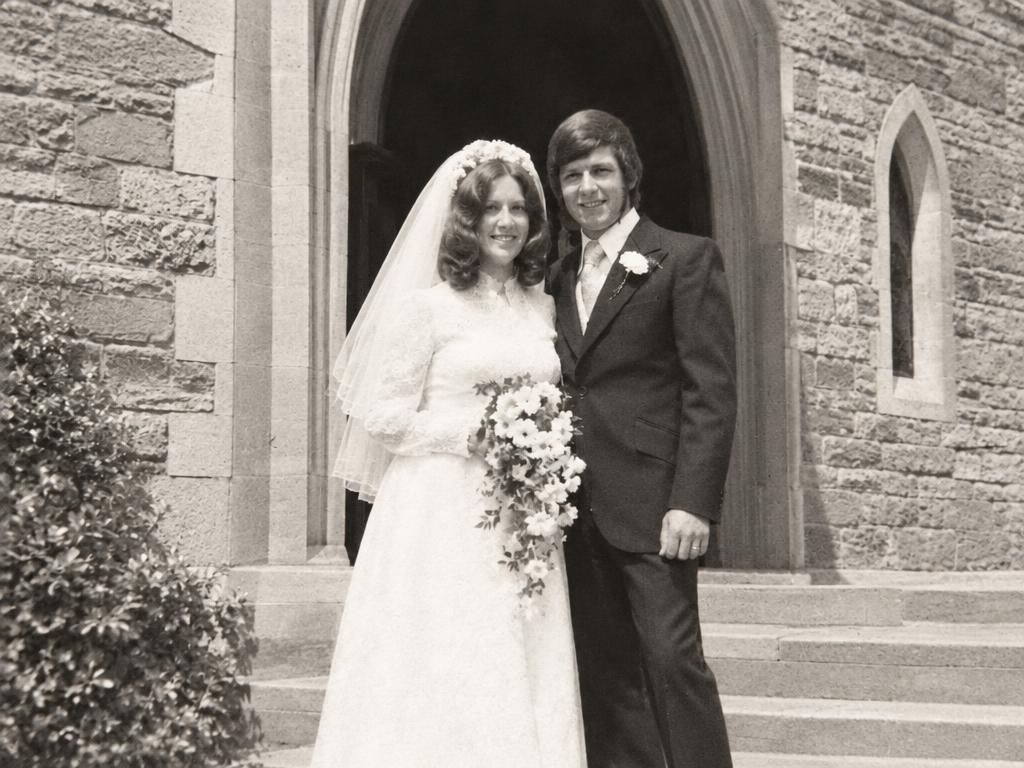
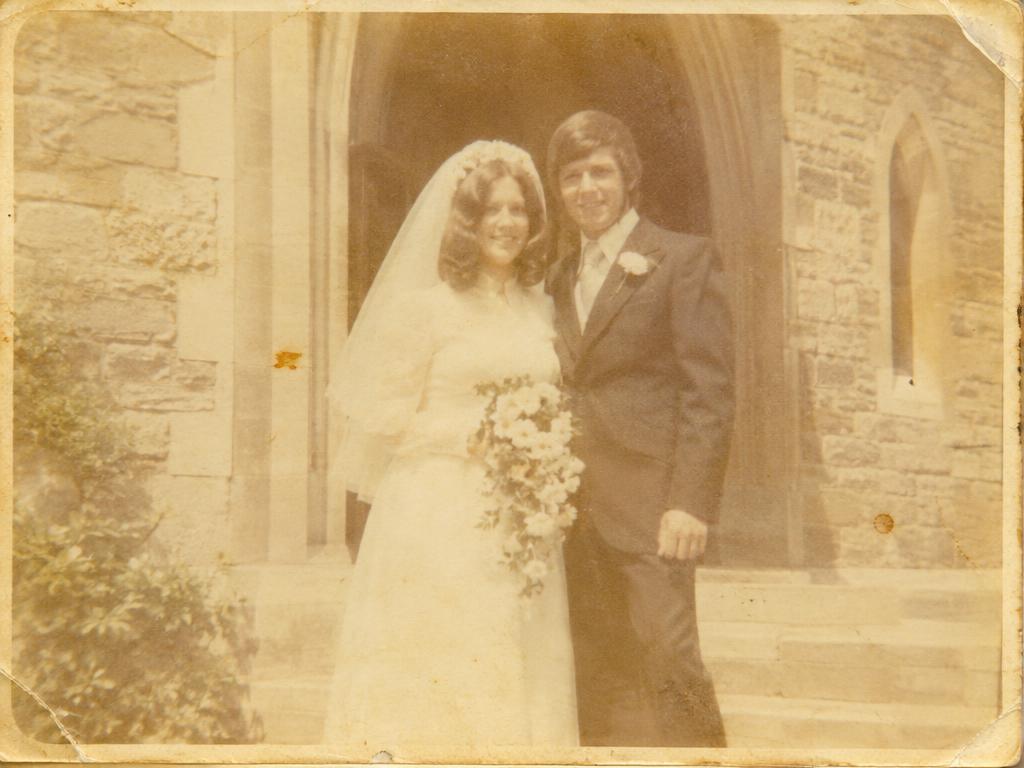
Decades of yellow wash lift from the wedding photo — whites are white, skin tones back to life.
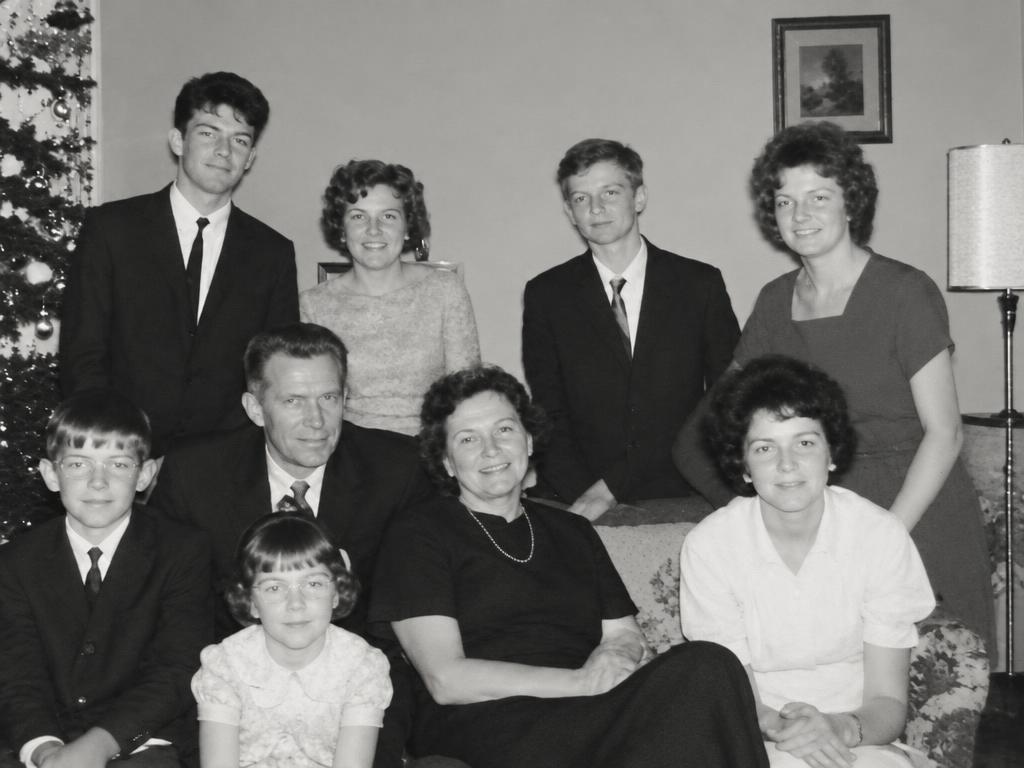
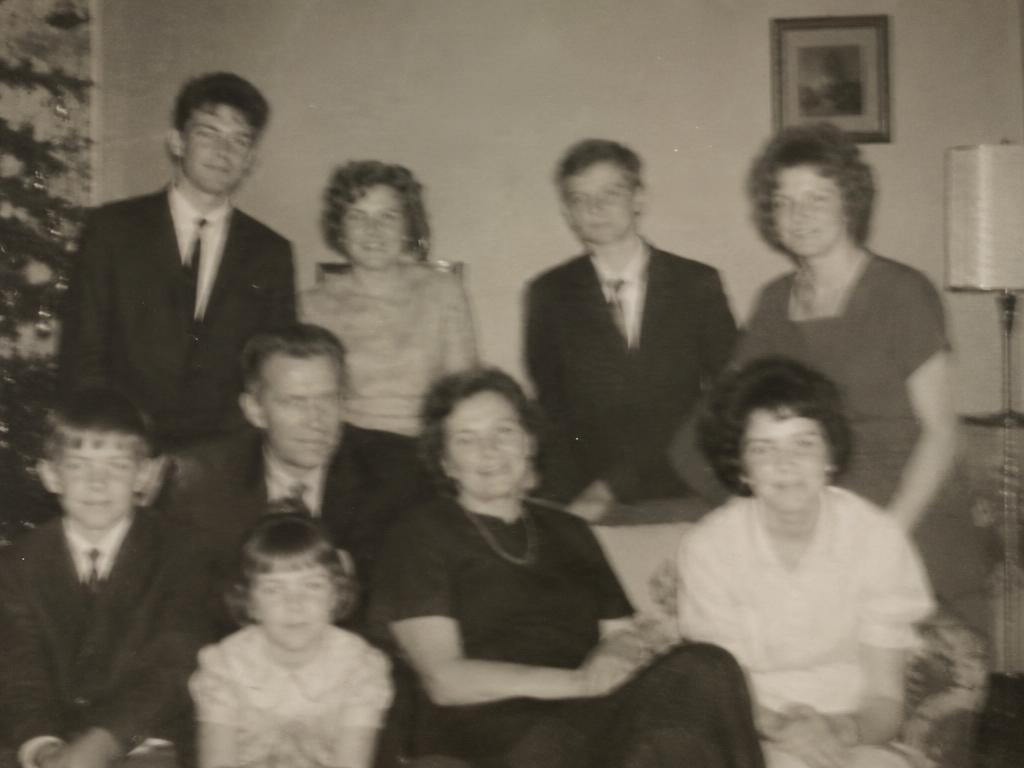
Eyes, hair and smiles sharpen across the group shot — without turning anyone into a stranger.
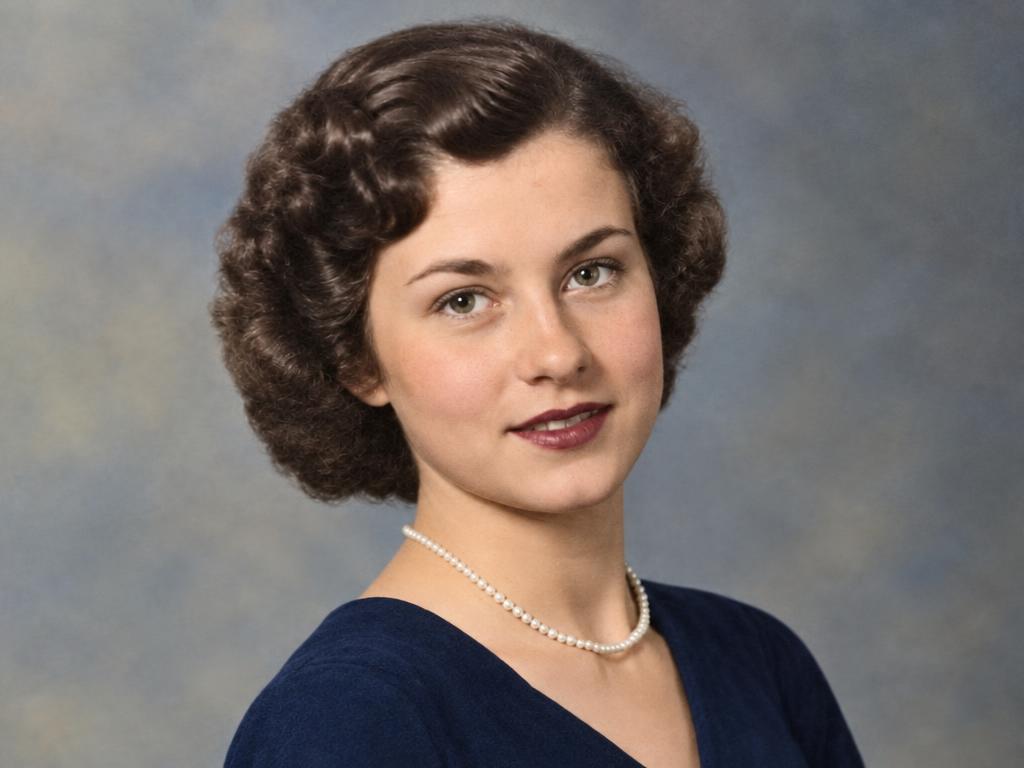
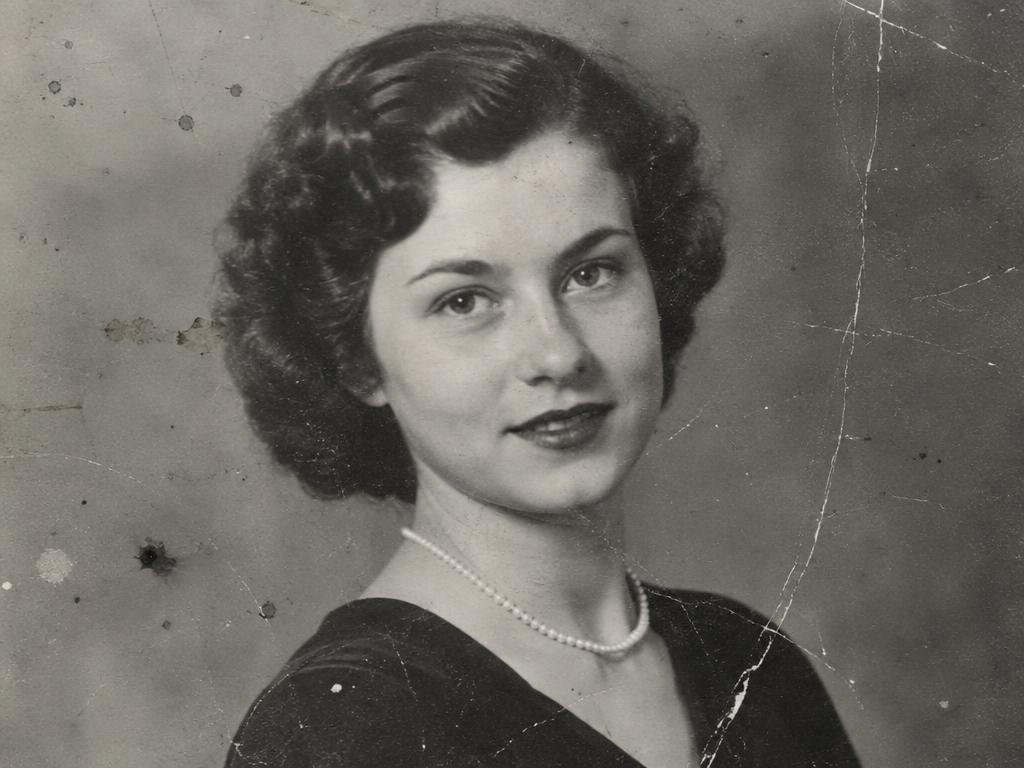
Damage repaired first; color added only because it was asked for — the default leaves photos as they were.
Three steps, and the second is optional — precision marking or full AI photo restoration, your call.
A scan or a phone shot of a print — how most people restore old photos: portraits, weddings, album pages. JPG, PNG and WebP from any device. Drag it in, tap to browse, or paste from the clipboard.
Pin one crease to repair just there, or name it in the guidance box — or leave both empty: every scratch, stain and faded patch repairs at once. The empty form is the AI photo restoration default.
About fifteen seconds later the damage is gone, the texture rebuilt. Download the AI photo restoration result at up to 4K — sharp enough for reprinting.
Scanning beats re-photographing: 600 dpi if you can, no glare. The better the input, the better AI photo restoration works.
Severe damage responds best to two passes — full restoration first, then marked touch-ups.
Faces stay recognizable by design; heavily damaged ones come back plausible, maybe not exact.
Colorization is opt-in: write "and colorize it naturally" in the guidance box for color on a black-and-white original.
Six kinds of age damage, one upload — restore old photos without a retoucher.
Fold lines, bent corners and torn edges close up — the scene continues through them.
Hairline scratches, dust trails and scuff marks lift off the surface — skin, sky and fabric stay continuous.
Water rings, mold spots, tape marks and brown stains clear — the photo reads through again.
Yellow casts, washed-out contrast and faded color come back to neutral — whites white, skin alive, blacks deep.
Faces, eyes and hair regain definition from soft focus and camera shake — sharpened, never plastic.
B&W photos restore as cleaner grayscale by default — color arrives only when you ask.
One crease or a whole album page — AI photo restoration here repairs damage, not repaints memories.
No marking, no typing: upload and generate — every crease, scratch, stain and faded area repairs in one pass. The fastest way to restore old photos on a damaged print.
Keep everything, fix one thing: a pin or short note targets exactly the crease or stain you choose — everything else stays put.
The rebuild keeps the period character — film grain, clothing texture, original color. A 1962 photo returns as a cleaner 1962 photo, not a remake.
Results come back sharp enough for reprinting and framing — choose 2K or 4K output. Never watermarked.
Two different jobs, kept separate — AI photo restoration repairs damage; it never repaints.
Creases, scratches, stains, fading and blur are fixed while everything else stays anchored — same subject, same composition, same color treatment. Black-and-white comes back cleaner: AI photo restoration here means repair, not repaint.
Want a monochrome memory in color? Say so in the guidance box — "restore and colorize naturally" — and the model adds plausible, period-aware color on top. Without the ask, nothing gets tinted.
Six rescues — the jobs people restore old photos for, from shoebox albums to archives.
Water-spotted, stuck-together pages come back readable — restore old photos from the shoebox and re-share with family.
Great-grandparents' portraits clean up for the family tree — the classic AI photo restoration job.
Faded seventies color returns to neutral — the dress white, the day looking like it felt.
The best photo of someone you miss, gently repaired for the service, the frame, or the family wall.
Dust, softness and scan noise clear from digitized collections — history made legible again.
Restored at up to 4K, old photos earn a second life on paper — gifts, books and frames.
Large missing areas — a torn-away face, a half-lost photo — come back plausible, not identical; no AI photo restoration recovers a face that isn't there.
Very severe damage responds best to two passes: one full restoration, then marked touch-ups.
Colorization reconstructs plausible color, not the "true" original — treat it as interpretation, and keep the original.
Restore photos you own or are allowed to edit. Restoration should preserve memories, not rewrite history — don't pass a rebuilt area off as untouched evidence.
Upload the photo; the model repairs marked damage — or the whole photo when nothing is marked — then rebuilds the texture underneath. The rest is untouched.
The AI photo restoration damage list: creases, folds, scratches, scuffs, stains, water rings, mold, fading, yellowing, blur, scan noise. Large missing areas come back plausible, not identical.
Only if you ask. AI photo restoration repairs B&W photos as cleaner grayscale by default. Write "colorize it naturally" in the guidance box for plausible color on top.
No — different jobs. Restoration repairs damage; upscaling raises resolution on intact images. Restore here first, then the Image Upscaler for print-size pixels.
Scanning wins when you can — 600 dpi, no glare. Phone shots work too: print flat, even light, no flash — better input means better AI photo restoration.
Yes for typical damage — the rebuild sharpens and repairs, never re-imagines. A mostly-missing face comes back plausible, maybe not exact: AI photo restoration is repair, not re-invention.
No — film grain, period color and composition stay anchored; only damaged regions regenerate. AI photo restoration here means a cleaner same photo, not a remake.
Yes to start — sign-up brings free credits; a 1K result costs 1. Paid plans unlock 2K and 4K for reprinting. Failed generations refund automatically.
Upload JPG, PNG or WebP from any device; downloads are high-quality images any print shop accepts. Most AI photo restoration edits finish in a minute.
Large missing pieces (torn-off faces, half the frame) return plausible reconstructions, not recovered reality. Black or thumbnail-sized photos carry too little signal.
Uploads and results stay until you delete them — we never train models on family photos. Delete anytime.
Yes. Photos are used only to produce your result — never for training or sharing. Delete anything anytime.
Restore old photos before the years take more of them — mark one crease or repair everything. Free AI photo restoration credits wait on sign-up.