
PhotoSketch
Portrait sketches
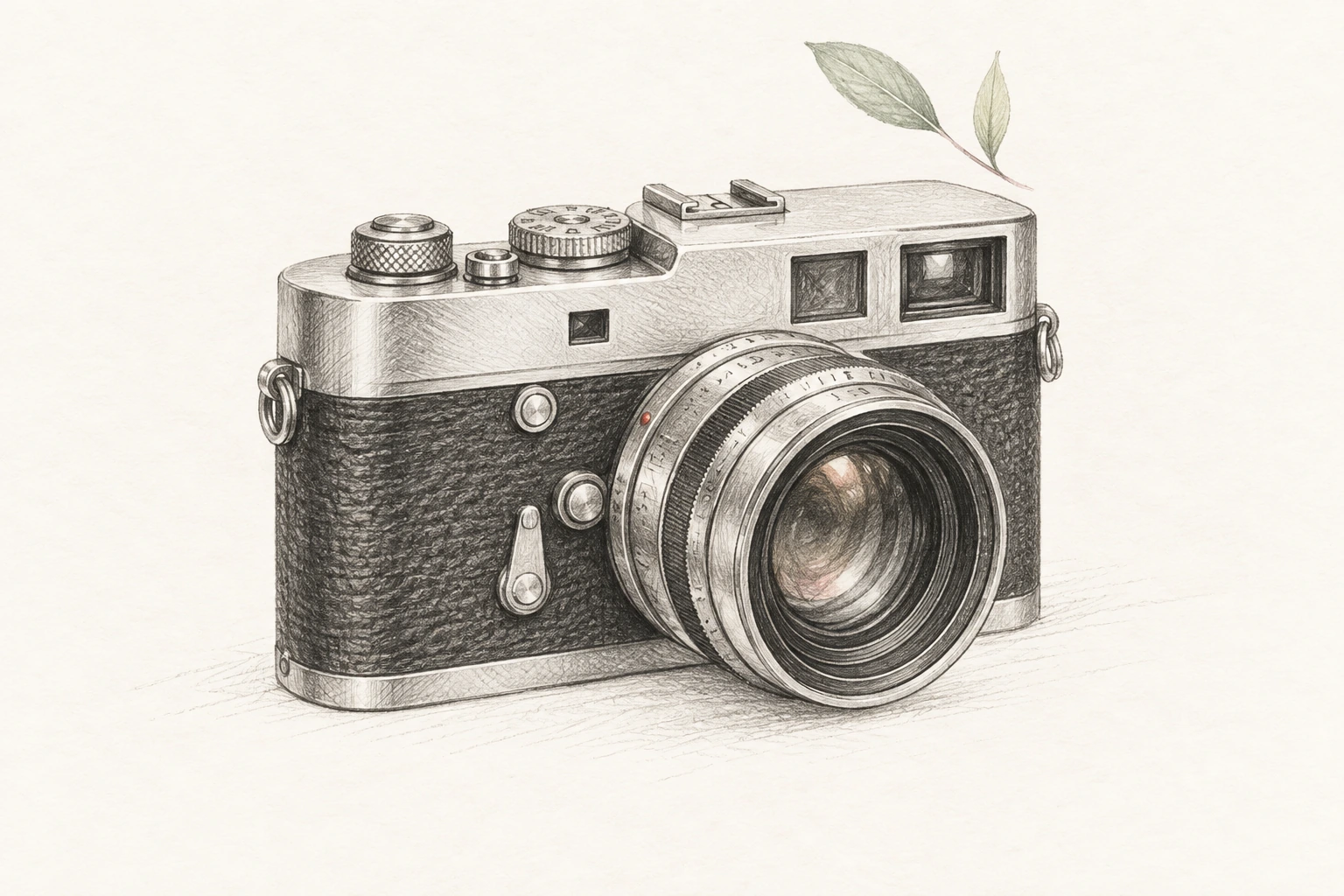
Turn a portrait photo into a graphite pencil sketch with real shading — the classic hand-drawn gift for birthdays, anniversaries, and memorials. Printed on textured paper, nobody guesses it started as a snapshot.
Powered by ChatGPT Images 2.5
Upload one picture, pick from 32 sketch styles — pencil, ink, watercolor, blueprint — and watch it redrawn with real linework in seconds. Compare every style on the same photo, keep the one that fits.
Free credits on sign-up · No credit card required · 32 styles on one upload
Your next image starts here
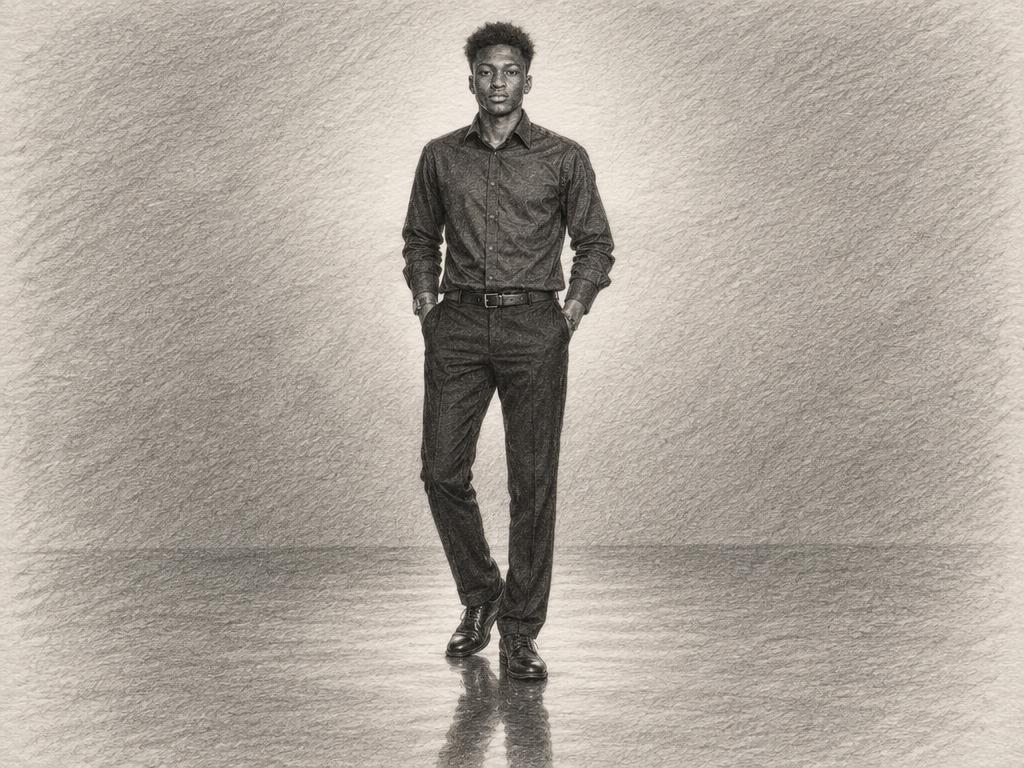
Browse promptsThis portrait went through all 32 styles on this site. Click a thumbnail — the result swaps instantly, so you can judge each style on the same subject before converting your own photo. Same input, thirty-two different hands. It is the fastest way to find the style that fits your photo before you spend a single credit.
The input photo
The style outputPencil Sketch
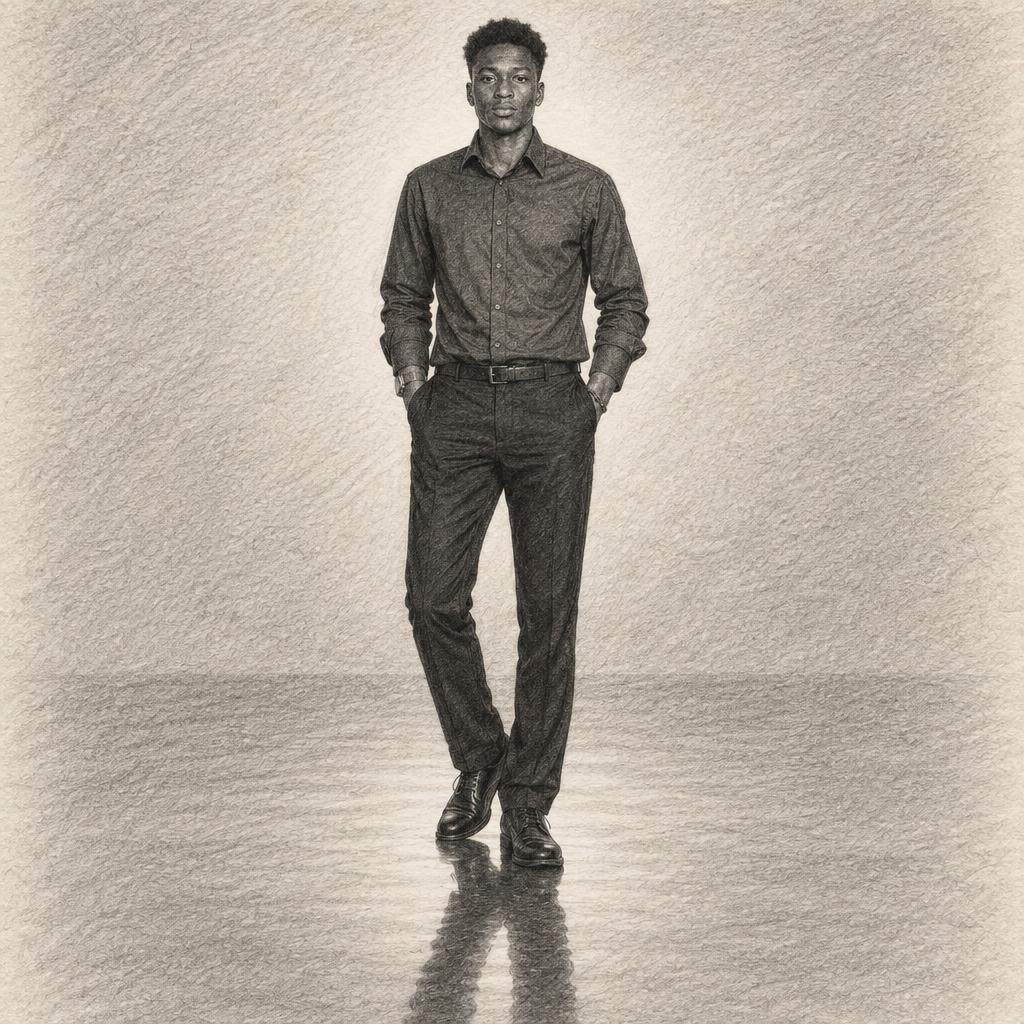
Drag the handle on each card to compare the original photo with its sketch — every pair below was produced by the generator above, with no retouching.
Turn a portrait photo into a graphite pencil sketch with real shading — the classic hand-drawn gift for birthdays, anniversaries, and memorials. Printed on textured paper, nobody guesses it started as a snapshot.
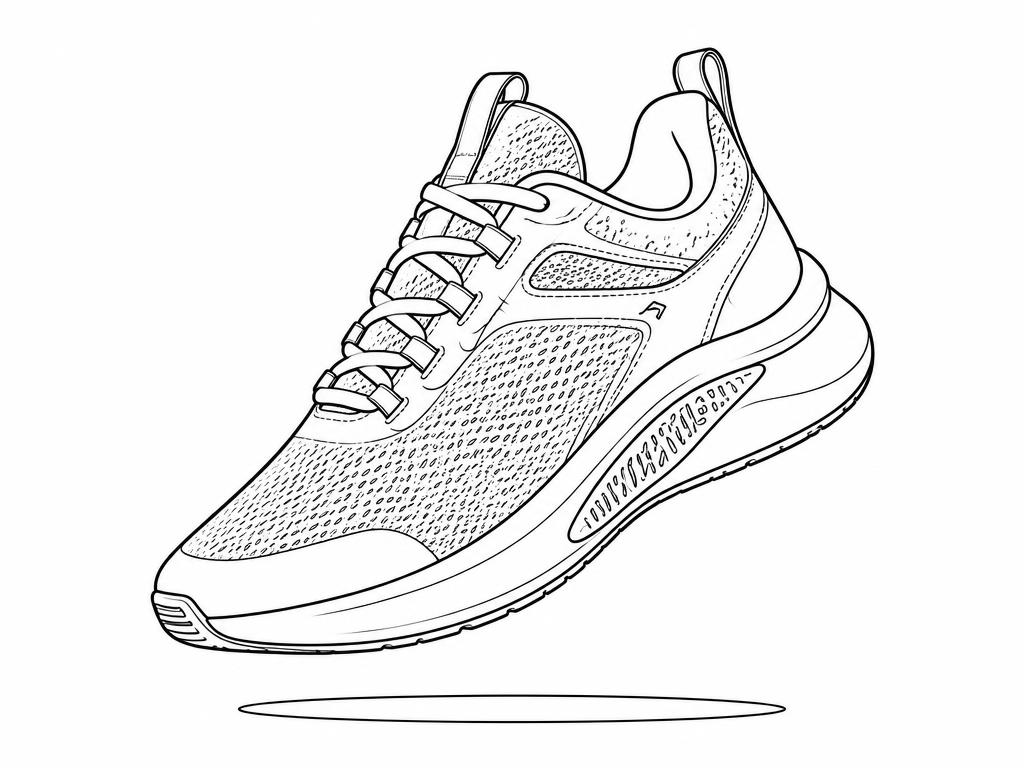

E-commerce teams convert product photos into clean line art for instruction sheets, packaging, and listings that need a uniform illustrated look. The same pass produces icon-ready silhouettes for manuals.
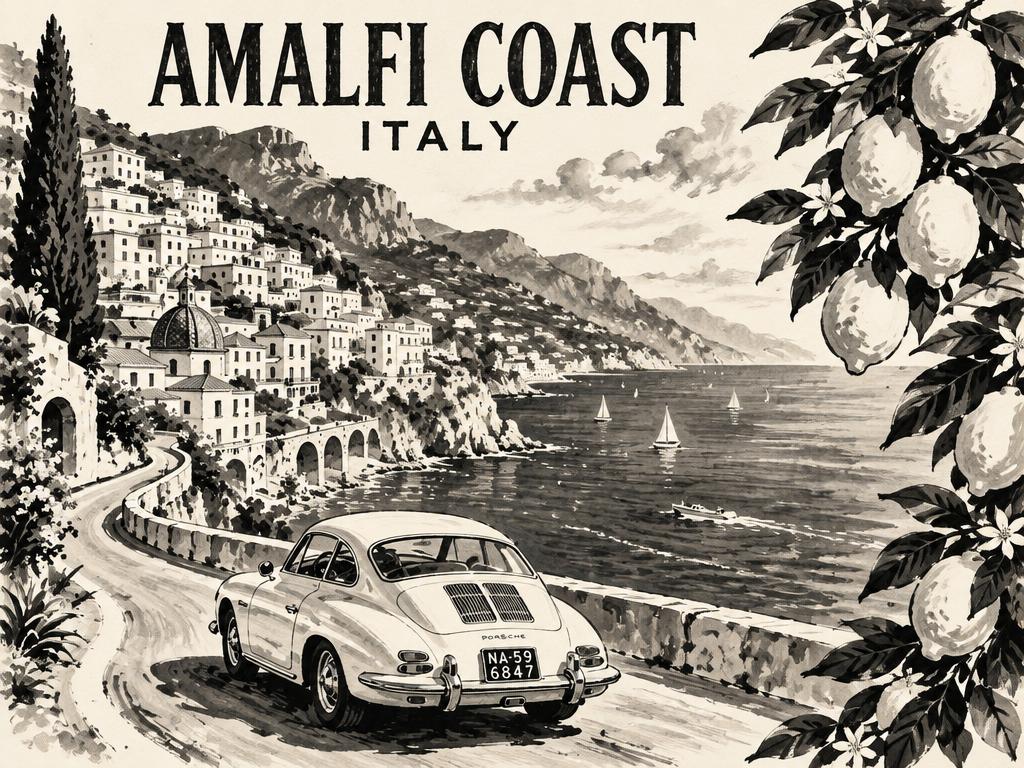

Vacation photos become ink drawings worth framing — bold strokes and wash accents give landmarks a travel-journal feel. Printed on matte paper, they read like urban-sketching originals.
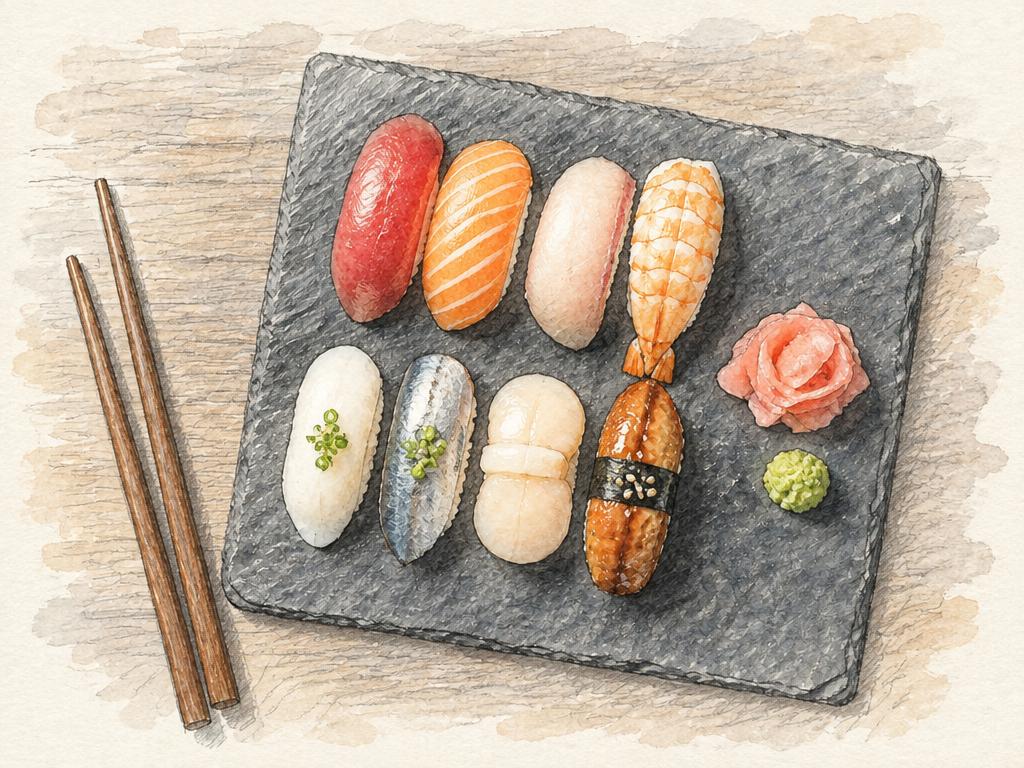

Food photography redrawn as watercolor sketches for menus, cookbooks, and cafe wall art. Restaurants use them for seasonal menu illustrations without commissioning an artist per dish.
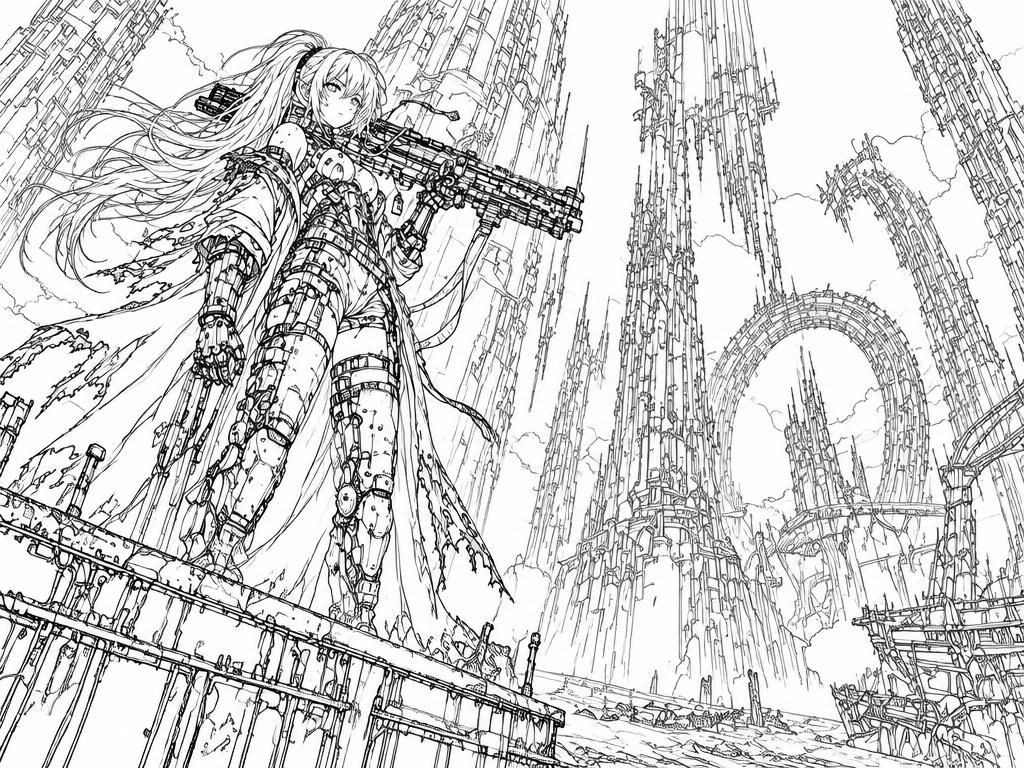

Illustrators use the conversion as a clean lineart base, then flat and shade on top — hours of inking skipped. The pose and proportions come from the photo, so anatomy stays honest.
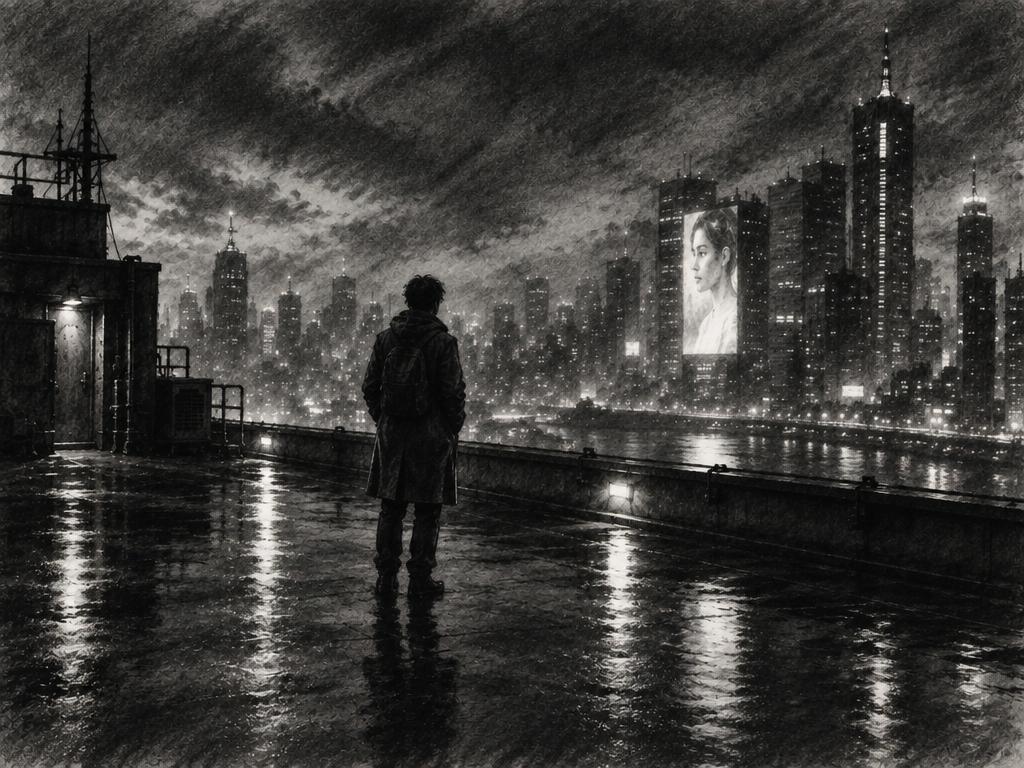
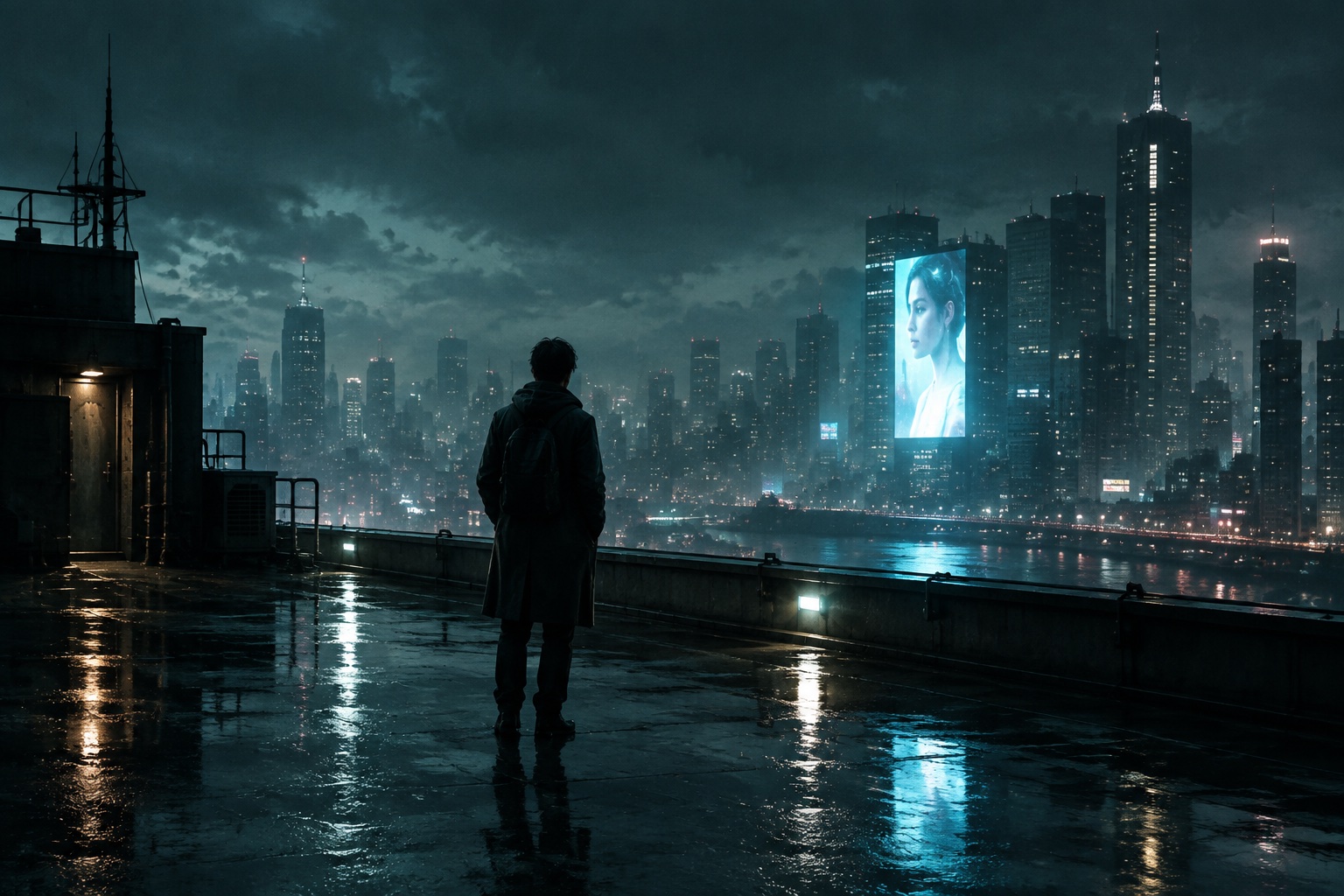
Photographers and directors preview dramatic lighting as charcoal sketches before committing to a print or a shoot. Mood reads instantly in charcoal, long before the full-res render exists — it is the cheapest storyboard you will ever commission.
Three steps, no drawing skills required.
Drop in a portrait, pet, product, or landscape — PNG, JPG, or WebP. One image per conversion keeps the result focused, and a clear subject gives the cleanest lines.
Choose from 32 sketch styles and add an optional note like “emphasize the eyes” or “keep the background minimal”. Sensible defaults are prefilled, and you can switch styles without uploading again. Each new generation uses credits; the cost is shown before you generate.
Watch the preview, compare against the original with the slider, then download or iterate. Every version is kept in your assets, and any result can go back in as a reference for the next pass — convert, compare, and only pay for the style you actually keep.
Start with a clear subject. One face, one product, one building. Busy group shots still convert, but simple compositions produce the strongest line work — the model spends its detail budget on what matters.
Match the style to the purpose. Coloring pages want Clean Line Art or Outline Drawing; gifts want Pencil Sketch or Watercolor Sketch; documentation wants Blueprint Sketch or Technical Drawing.
Use the prompt for emphasis, not description. The model already sees the photo — a short note like “emphasize the eyes” or “no background” shapes the result more than re-describing the scene. Keep it under fifteen words.
It uses AI to redraw a photograph as a drawing — pencil, ink, charcoal, watercolor, and more. Unlike edge-detection filters, ChatGPT Images 2.5 understands the photo’s content first, then renders linework that fits the chosen style. That is why edges look intentional instead of filtered.
New accounts get free credits — enough to try several styles on your own photos. A 1K conversion costs 1 credit, 2K costs 4 credits, and 4K costs 6 credits. You can switch styles without uploading again; each new generation uses credits, and the cost is shown before you generate. Paid plans add more credits and unlock higher resolutions for print. Failed renders refund automatically. These rates apply to Flare and Sunburst; Seedream costs 2 credits per image and supports up to 2K. Nano Banana 2.1 costs 3, 5 or 7 credits at 1K, 2K or 4K; the generator shows the total before submission.
Clear subjects with good contrast: portraits, pets, products, architecture. Blurry or very dark photos still convert, but strong light and a defined subject give the cleanest lines. If the subject fills a third of the frame or more, every style reads better. Group shots convert too — the model just spends its detail on the biggest faces first.
Line-only styles like Clean Line Art and Outline Drawing suit coloring pages and stencils. Shaded styles like Pencil Sketch and Charcoal Sketch suit gifts and prints. Colored Pencil and Watercolor Sketch keep color. Blueprint Sketch and Technical Drawing suit documentation. The gallery above shows all of them on one photo — when in doubt, Pencil Sketch is the safest first try.
Yes — the style sets the technique, and your note steers the details. “Pencil sketch, emphasize the eyes, keep the background minimal” is a complete instruction. The prompt is optional emphasis on top of the style, never a replacement for the photo itself. Many users convert once with defaults, then steer the second pass with a short note.
Yes. Every plan, including free credits, allows commercial use of your conversions — merchandise, prints, client work. You must own the rights to the photo you upload, and you keep ownership of the sketch it becomes. Keep the conversion in your assets as proof of origin.
Your images are processed to create your result and manage your saved assets. Prompts and reference images are sent to third-party AI providers; their processing, training, retention and deletion policies apply to provider-side copies. See our Privacy Policy for details.
Free credits on sign-up. No credit card required. Thirty-two styles, one upload.