BeforeAfter
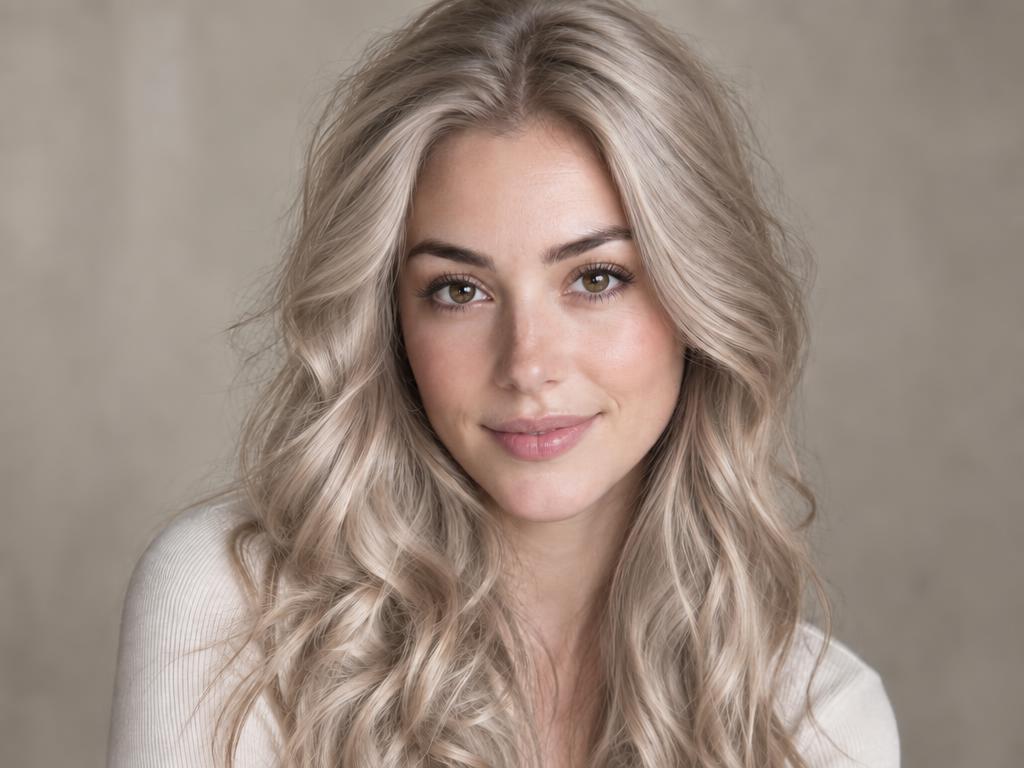
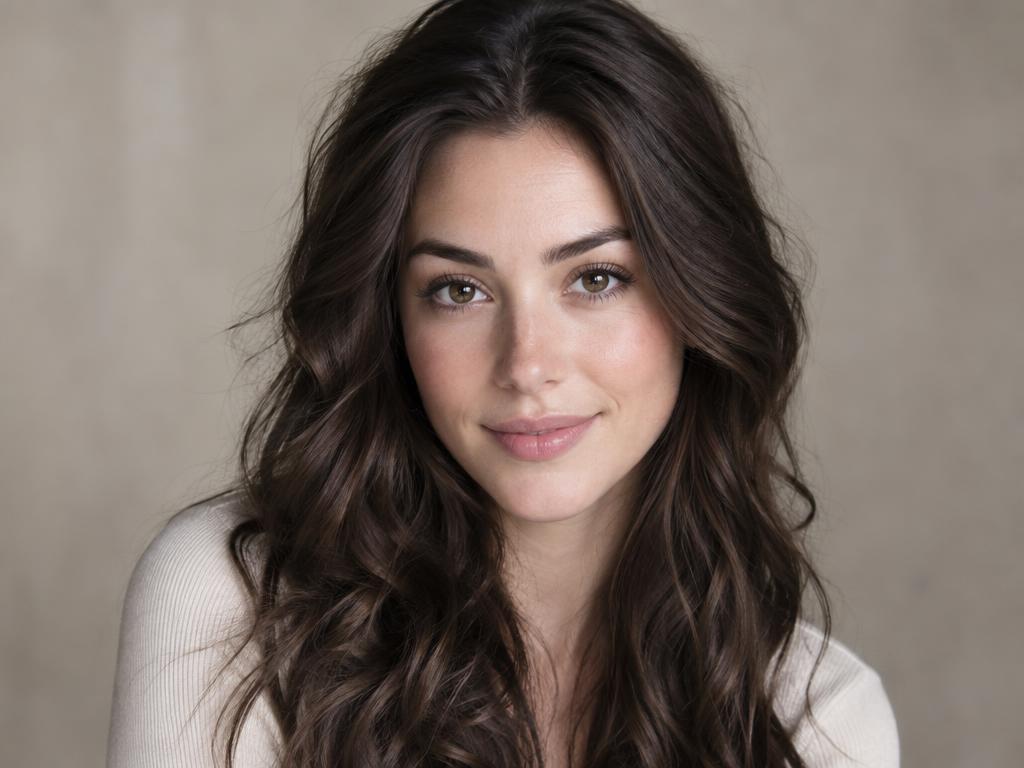
Brunette to ice beige blonde
A full head goes ice beige blonde — wave pattern, flyaways and studio light untouched. The AI hair color changer at its most convincing.
9 preset shades, a color copied from any reference photo, or your own description — mark one person's hair or let this AI hair color changer recolor everyone, texture intact.
Free credits on sign-up · JPG, PNG, WebP · No watermark
Your next image starts here
Browse promptsEvery pair ran through this AI hair color changer — original left, recolored right. Drag a slider: strands and shine stay; only color moves.
A full head goes ice beige blonde — wave pattern, flyaways and studio light untouched. The AI hair color changer at its most convincing.
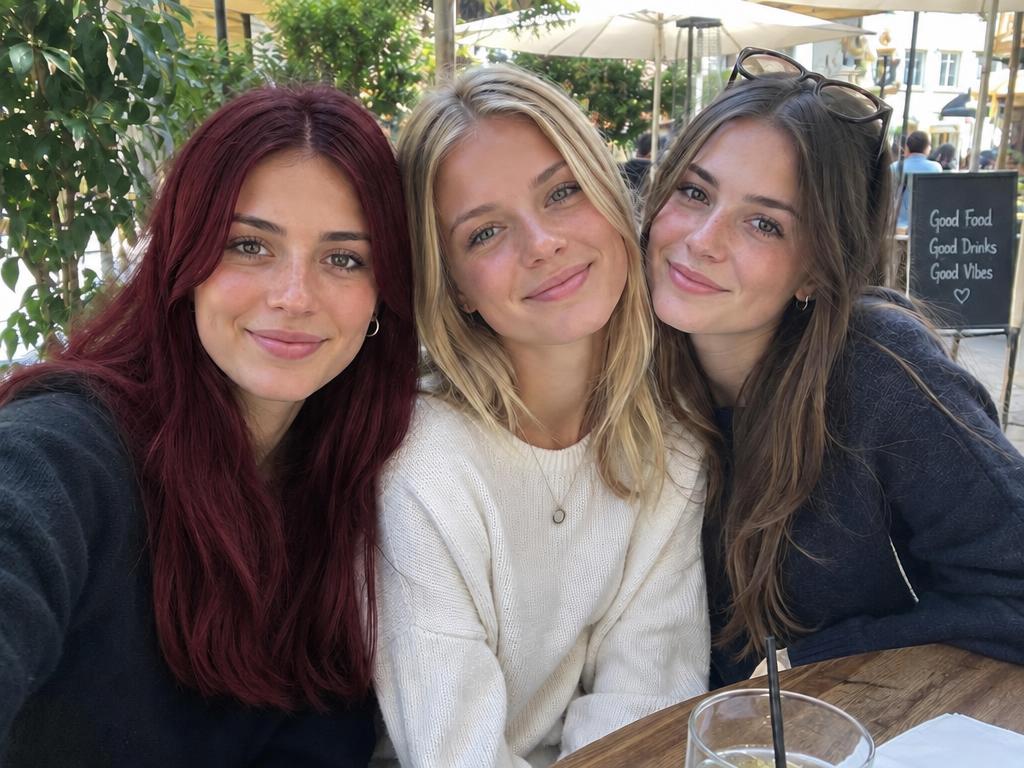
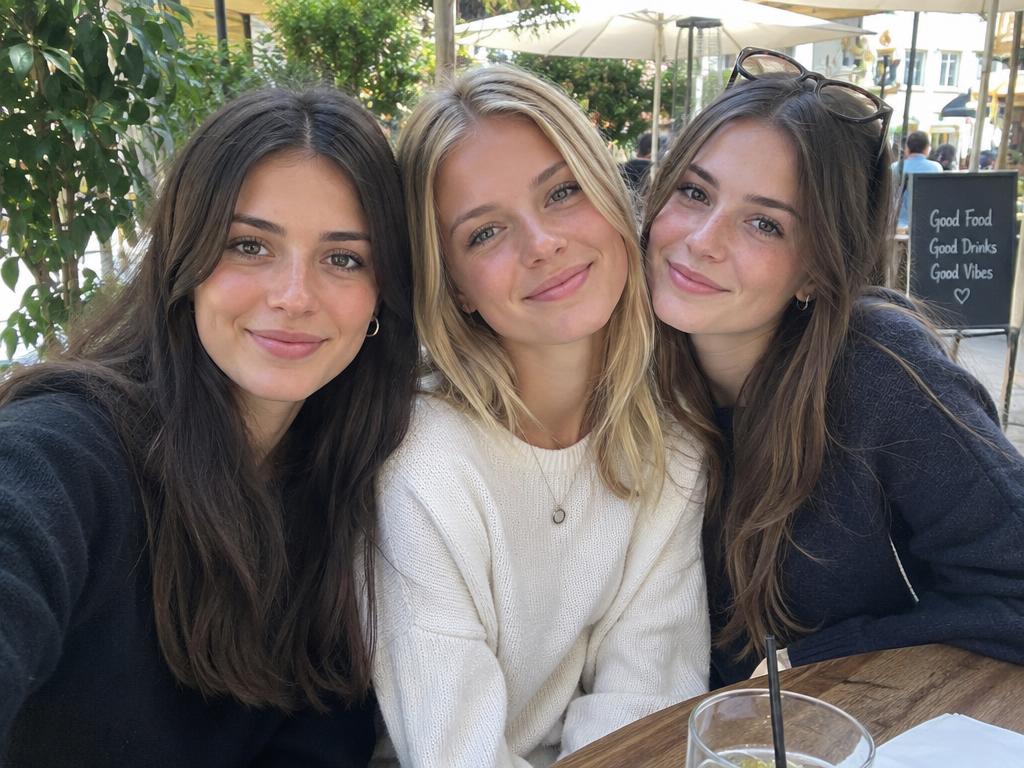
Only the marked friend goes red velvet; everyone else keeps their natural color.
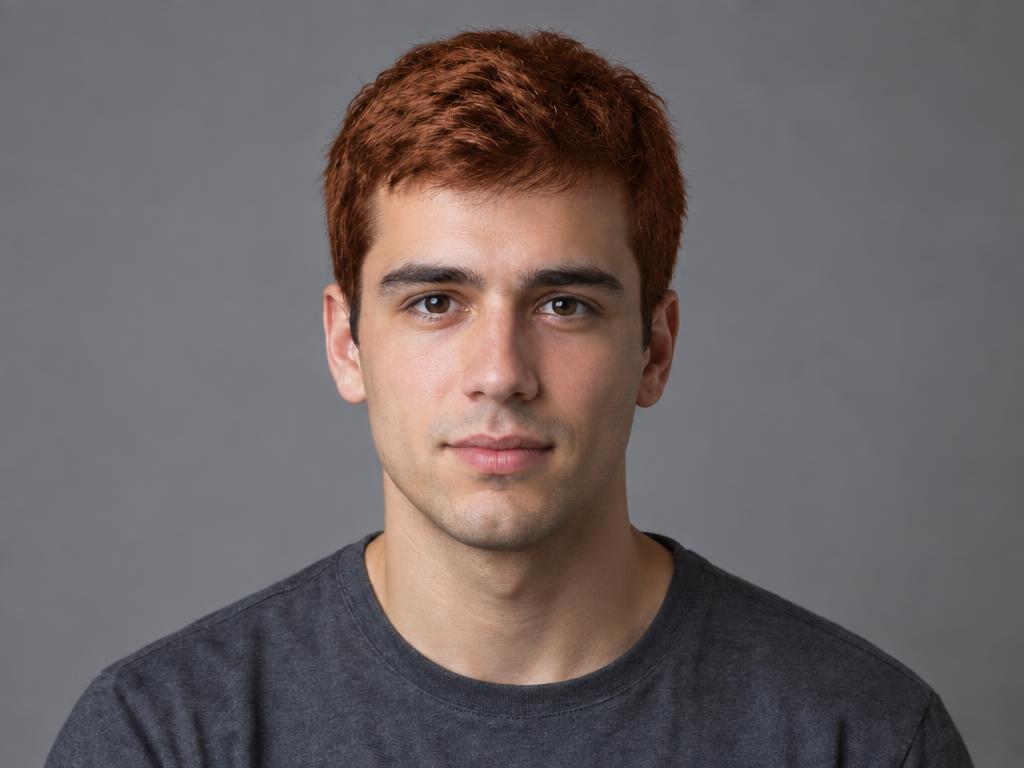
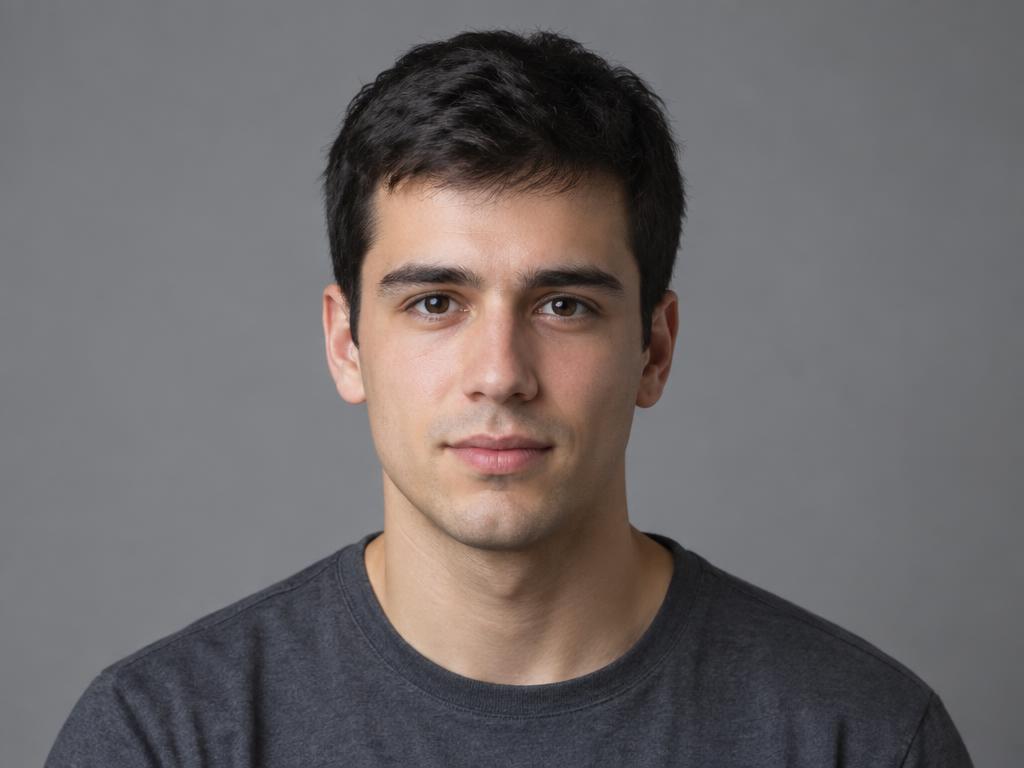
A vivid burnt copper try-on — the commitment-free way to audition a loud shade.
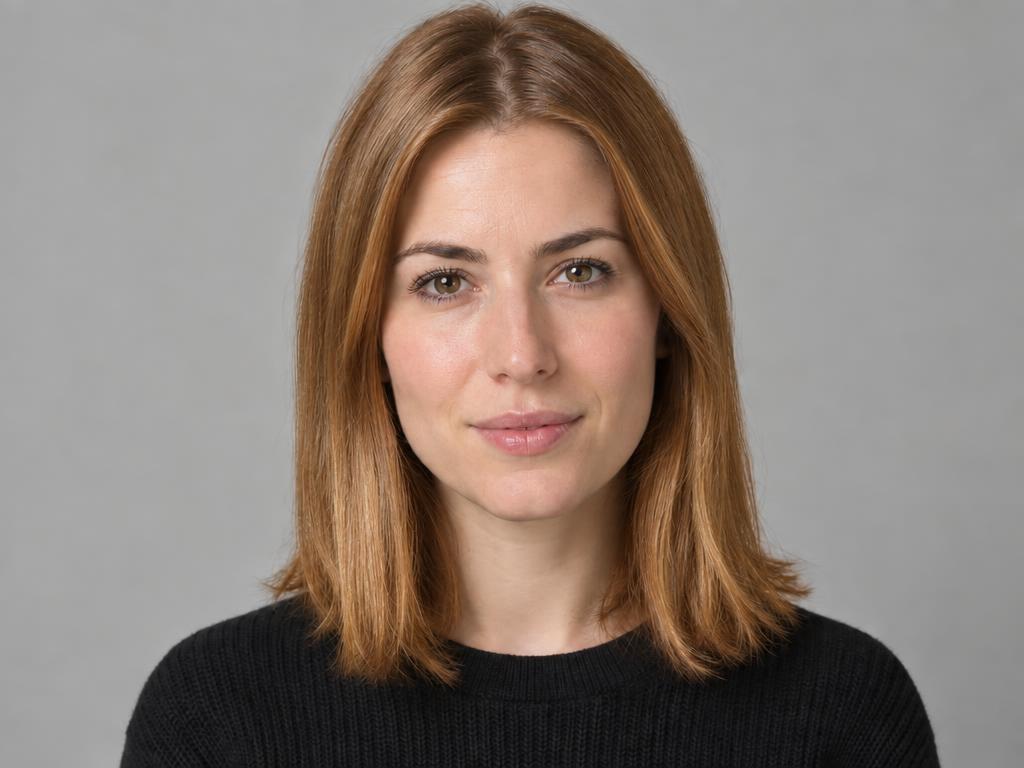
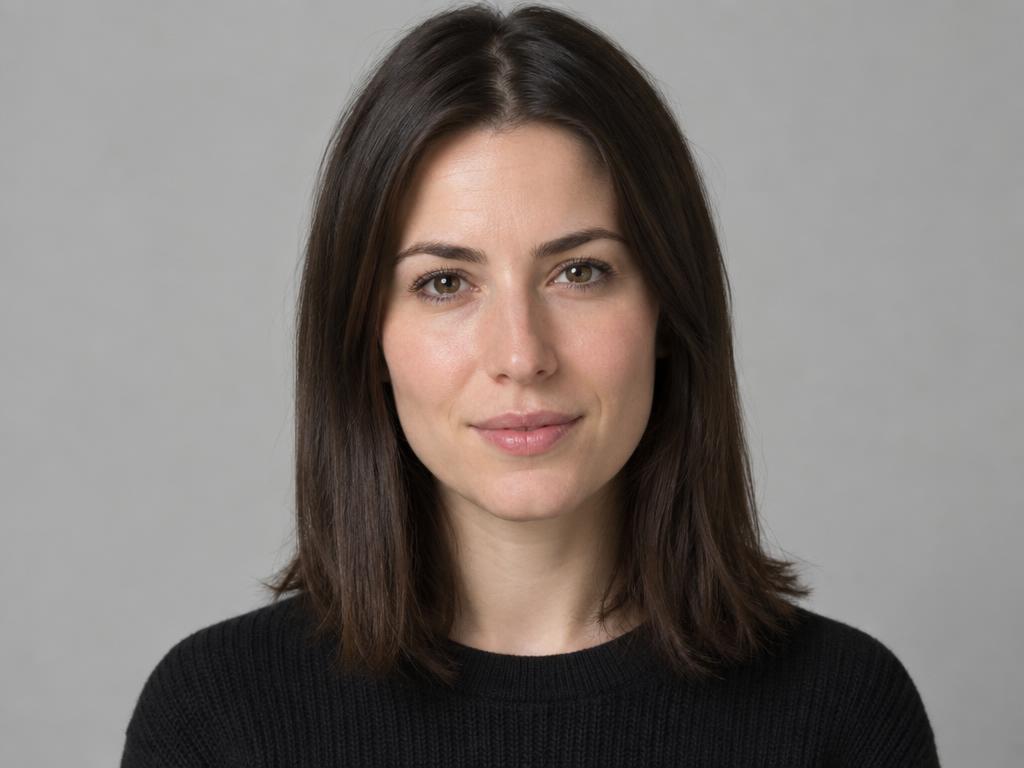
The exact shade lifted from a reference photo and applied to new hair — no guessing at names.
Every preset in this AI hair color changer, on the same model and hairstyle — the only variable is color.
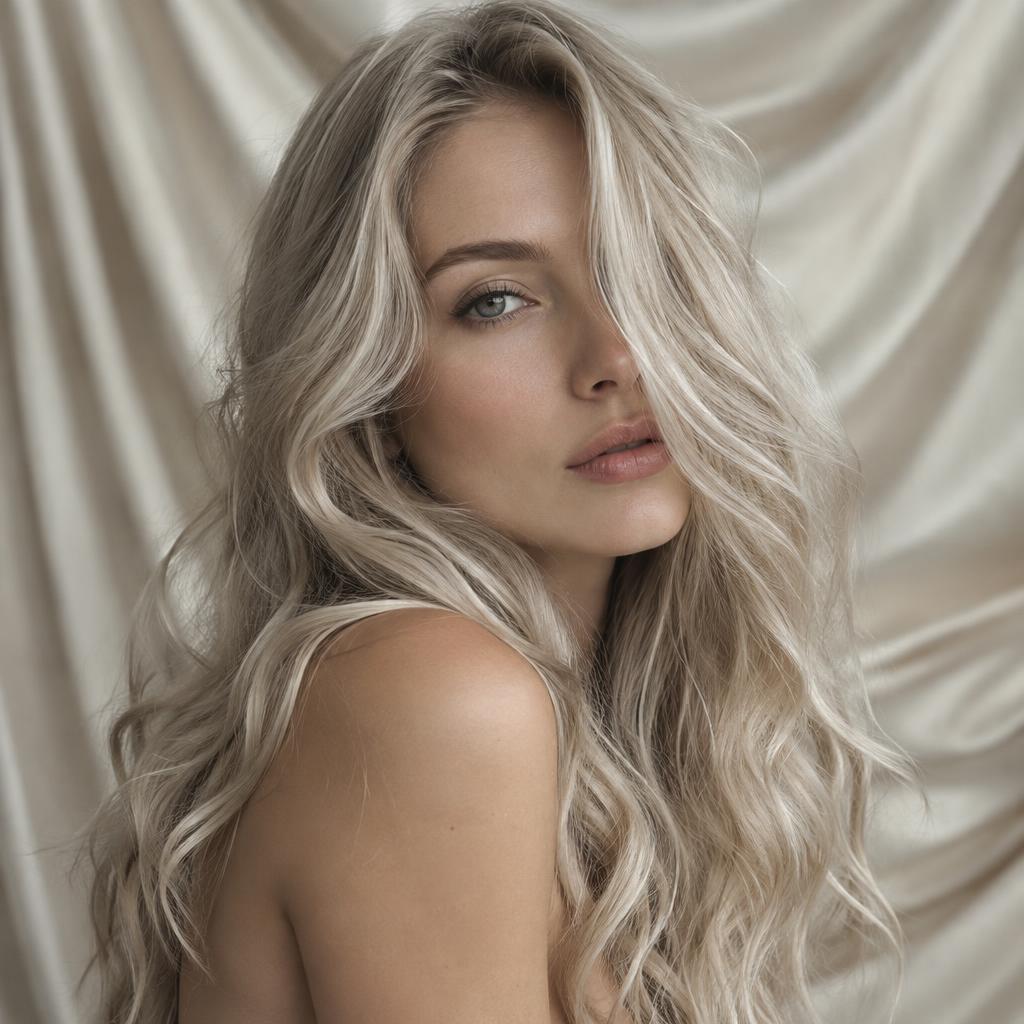
Cool, creamy blonde with a beige cast — the safe first jump from brunette.
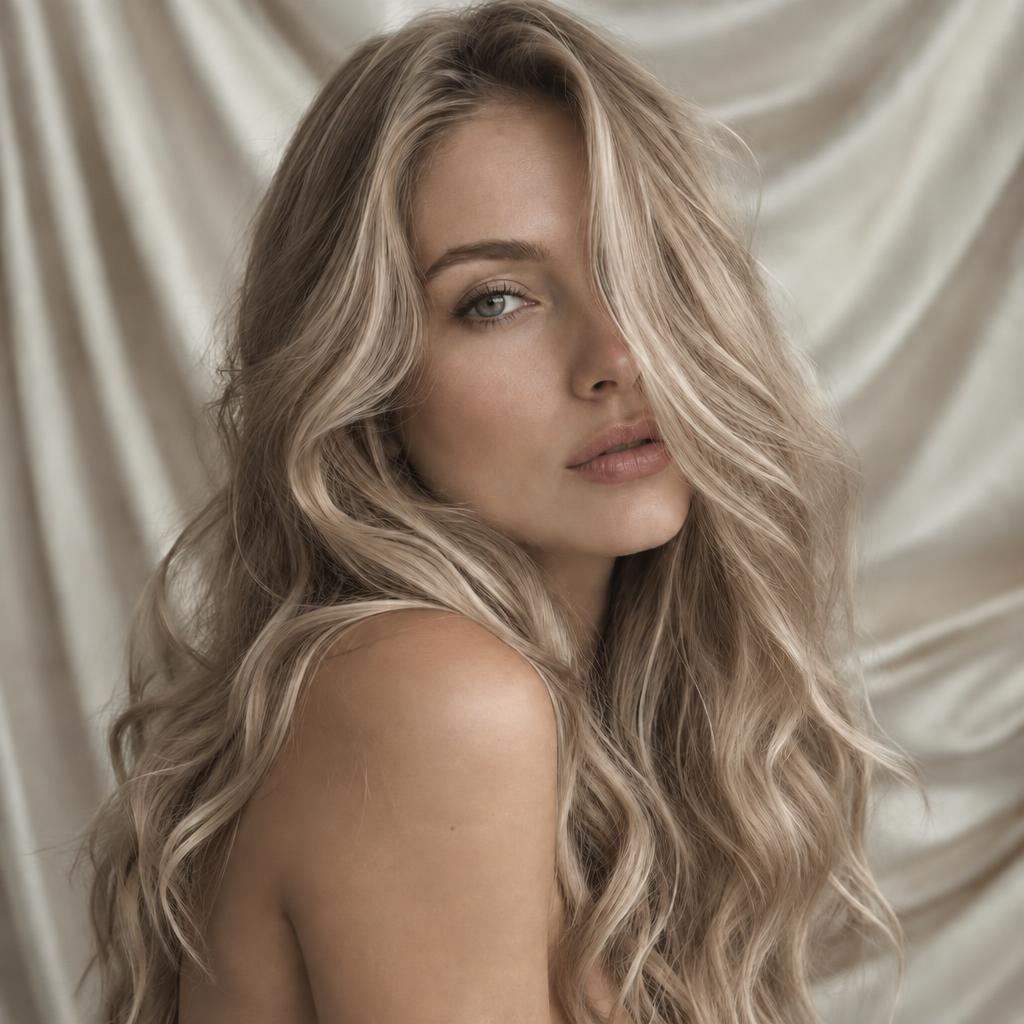
The blonde-brown midpoint with a champagne shimmer — soft, expensive, low-risk.
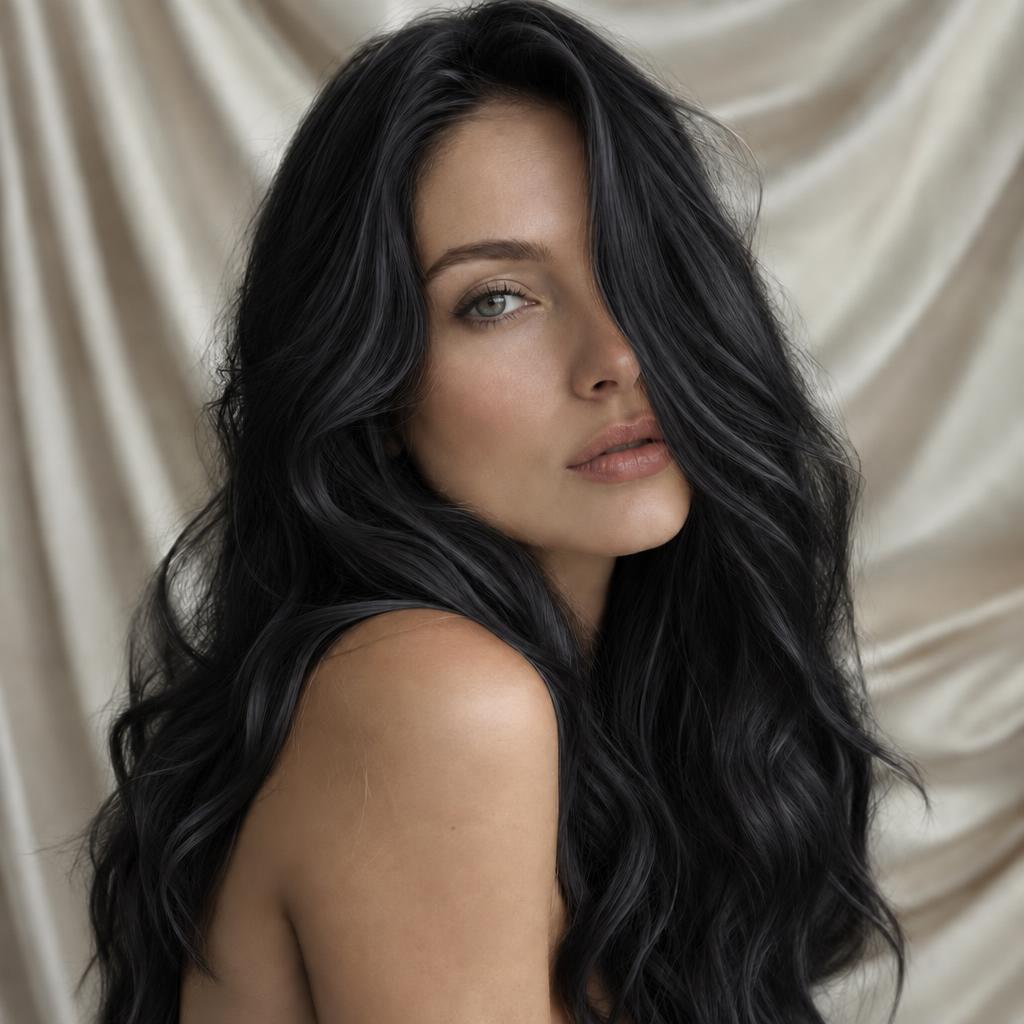
Deep ink black with a blue sheen — maximum drama, zero bleach required to preview.
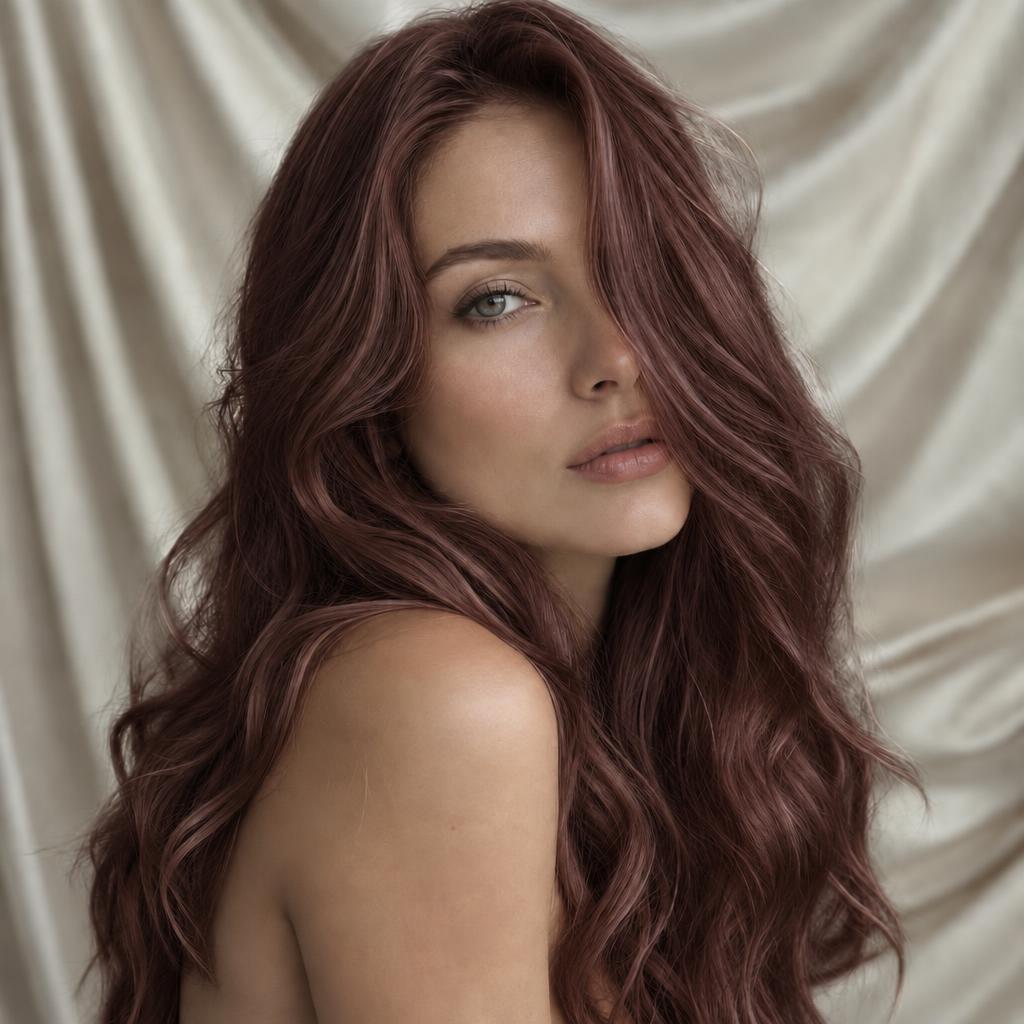
Dark mocha warmed with cherry — a red you can wear to the office.
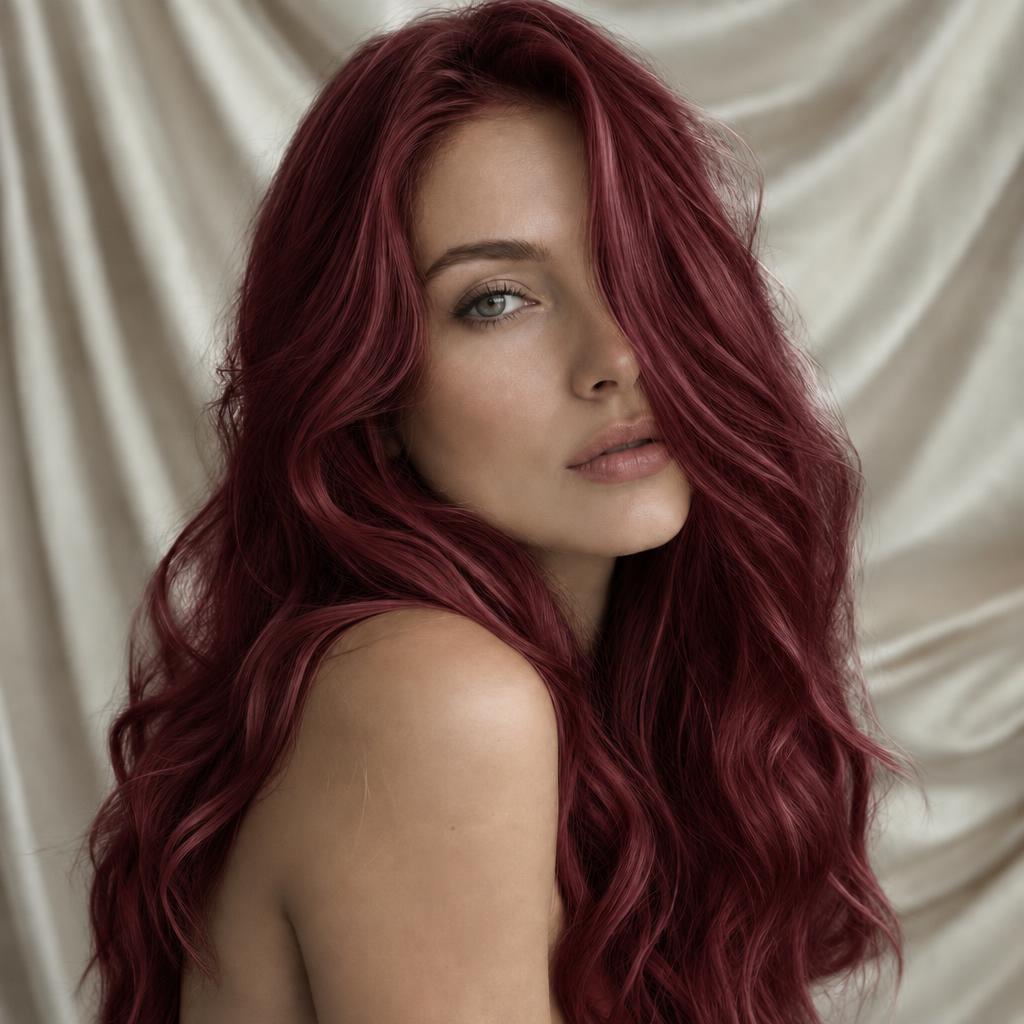
Rich burgundy red — the head-turner of the library, best auditioned here first.
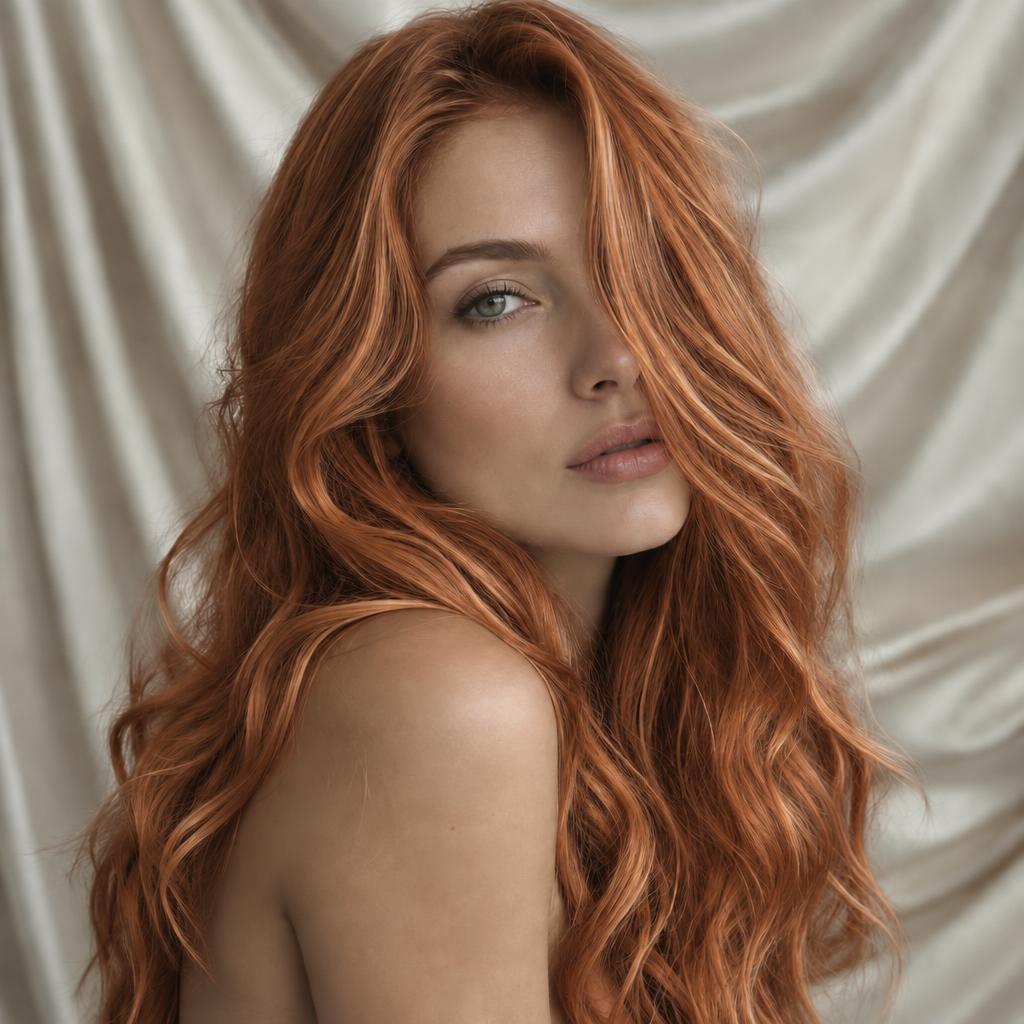
Hot orange-copper with a toasted edge — vivid, warm, and very photographable.
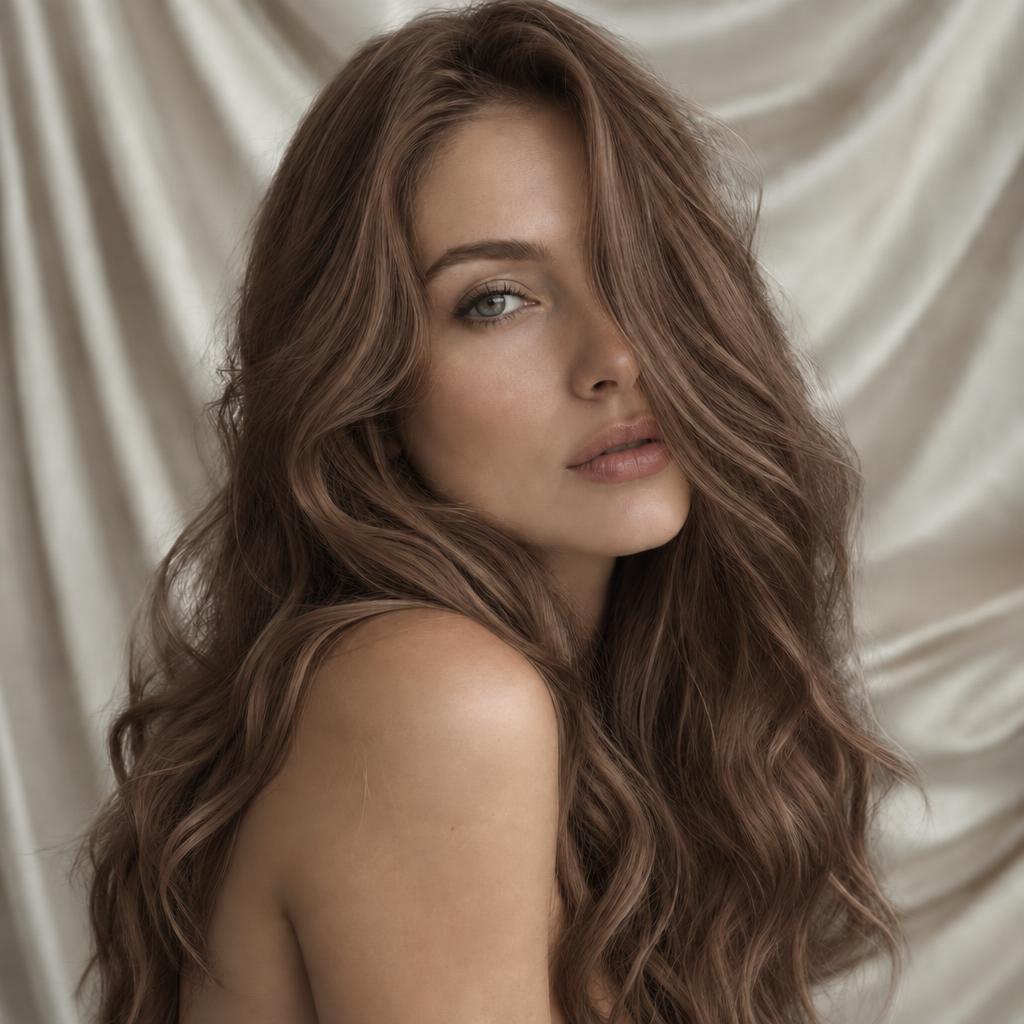
Warm mid-brown like worn leather — the natural shade that reads expensive.
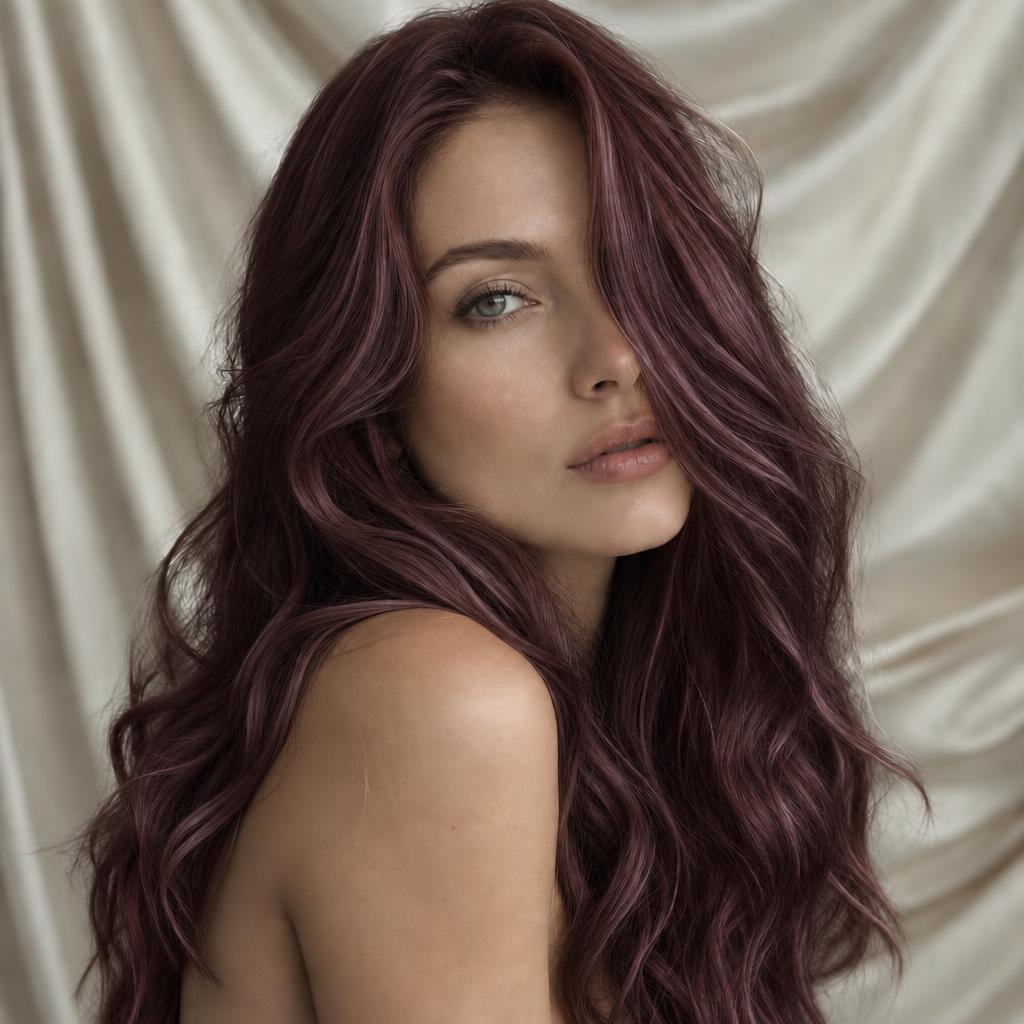
Deep brown with a wine tint — subtle indoors, glowing in the sun.
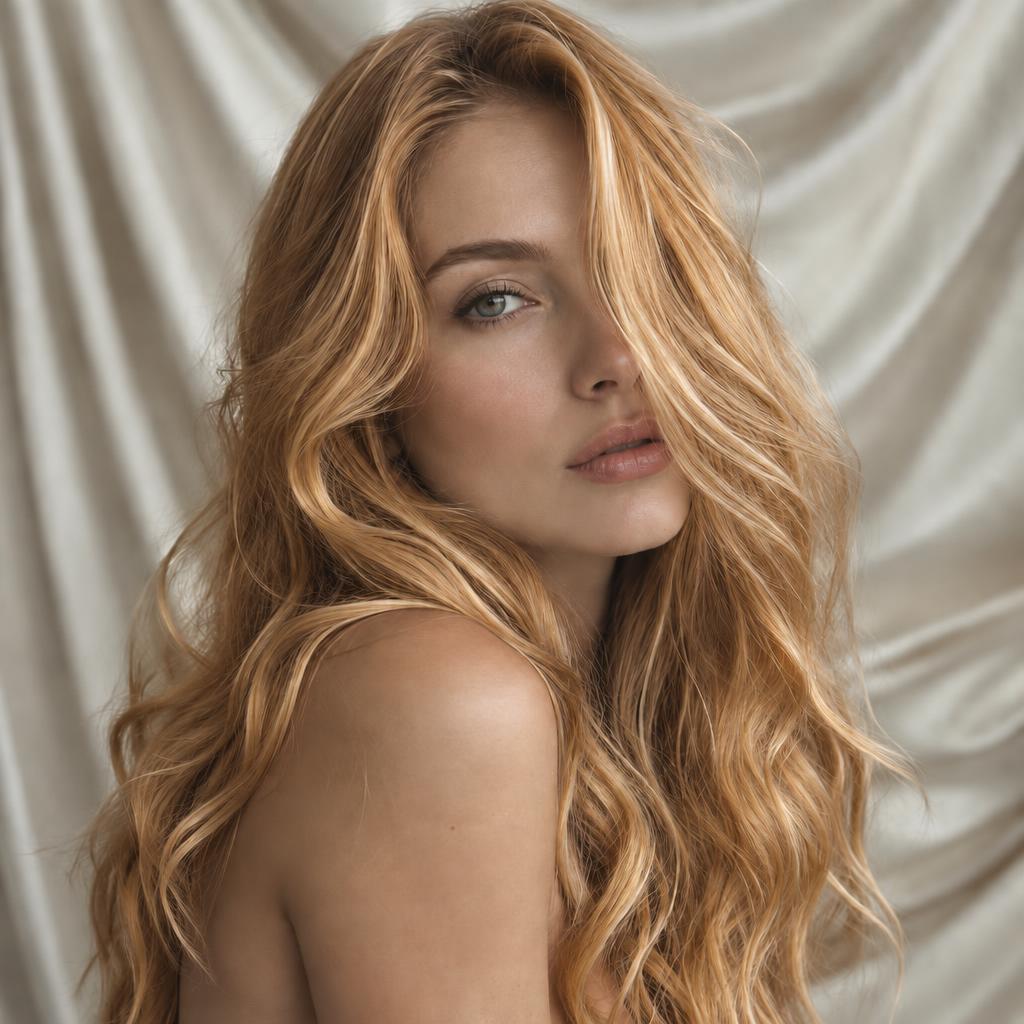
Golden amber that lights up warm skin tones — summer in a bottle.
Three steps — and how you pick the color is up to you: swatch, reference photo, or prompt. This AI hair color changer handles all three.
A clear, front-facing photo with hair visible and evenly lit — selfies work great. JPG, PNG and WebP from any device. Mark hair to choose exactly whose color changes.
Tap a preset shade, upload a color reference to copy its exact color, or write it — "ash blonde with caramel highlights". Reference wins over swatch; a prompt color wins over both.
Fifteen seconds later the new color is on — strands, shine and hairstyle untouched. Download the AI hair color changer result at up to 4K for your colorist.
Face the camera, hair down, evenly lit — shadows read as darker hair and shift the result.
In group photos, mark each person separately — recolor one friend at a time and compare.
Mark a small margin past the hairline; tight crops leave a rim of old color.
Very dark hair going platinum previews as a direction, not a promise — bleaching decides the real lift.
Six ways to use the AI hair color changer — from a cautious natural shift to copying a stranger's shade.
Blondes, brunettes and blacks that could pass for genetics — the low-risk first try.
Red velvet, burnt copper and beyond — loud shades to audition without committing to bleach.
Ask for highlights, balayage or ombré in the prompt — the instruction carries the technique, not just the color.
Mark one friend's hair in a group photo and recolor only them — everyone else stays put.
Saw a shade you loved? Upload it as the reference and that exact color transfers to your hair.
See grays covered back to your old color — or preview going silver.
Three ways to name a color, two ways to choose a head — one AI hair color changer that never touches your texture.
The feature no swatch library matches: upload any photo with the color you want and its exact shade applies to your hair.
Pin one person's hair to change only them, or leave the form empty and every head recolors in one pass.
Curl pattern, flyaways, shine and the way light sits on your hair all stay — the AI hair color changer moves color only, never structure.
Download at up to 4K and bring the try-on to your salon — a precise reference beats a dozen shade names.
Six everyday auditions — the jobs this AI hair color changer de-risks.
See the shade on your own face before the salon commits you — the reason AI hair color changer tools exist.
Show your colorist the exact target instead of describing it — a picture ends the "warmer, no, warmer" loop.
A new color for the feed without the grow-out — test which shade earns the saves.
Compare covered vs. silver on the same photo before choosing a maintenance routine.
Festival copper one week, wine brunette the next — the AI hair color changer keeps up with your mood.
Recolor just yourself in the group shot — or give everyone matching colors.
Very dark hair going very light previews as a believable direction, not a guarantee — real lift depends on bleach sessions no AI hair color changer replaces.
Hats, headbands and heavy shadows can leak into the mask — hair fully visible recolors cleanest.
A reference copies the shade, not the lighting — the result follows your photo's own light, which keeps it believable.
Recolor photos you own or are allowed to edit. A hair color preview is a direction for your next salon visit — real results still depend on your colorist and your hair.
Upload a photo, choose a color source — swatch, reference, or prompt — and generate. The model recolors the hair you marked (or everyone's) while keeping texture, shine, face and background unchanged.
Yes to start — sign-up brings free credits; a 1K result costs 1. Paid plans unlock 2K and 4K. Failed generations refund automatically.
Yes. The AI hair color changer alters color only: curls, waves, flyaways and shine are preserved — all hair types work.
It previews convincingly — a direction, not a promise. Real lift takes bleach; the AI hair color changer shows whether it's worth it.
Yes — pin that person's hair and only they change. Everyone else stays anchored to the original.
Yes — write it in the guidance box ("caramel balayage", "ash ombré"). Presets cover solid colors; prompts unlock the techniques.
Upload a photo with the color you want — it overrides the swatch, and that shade transfers to your hair. The feature no color library offers.
Yes — write it in the guidance box: "honey blonde with highlights", "smoky gray-brown". A prompt color wins over the preset; only a reference photo outranks it.
No. Face, skin, hairstyle, clothing and background stay anchored — the AI hair color changer is a colorist, not a stylist. Want a new cut? That's the editor's job.
Yes. Photos are used only to produce your result — never for training or sharing. Delete anything anytime.
Front-facing, evenly lit, hair down and visible. Hats and heavy shadows can leak into the mask — clean inputs recolor cleanest.
Upload a photo and try the color — mark one head or recolor them all. Free AI hair color changer credits wait on sign-up.